Skip to content

June 2026#

Host Your Own Secure Video Calls at Home: A Private Server for Family and Friends
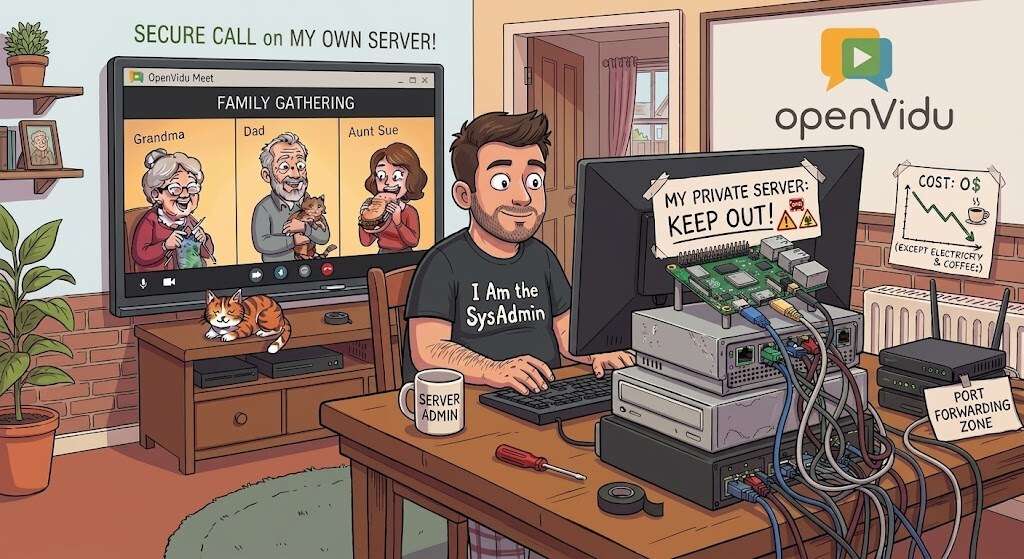
A secure family video call running on your own home server

We're all used to reaching for a third-party app to call friends and family: Google Meet, Zoom, Microsoft Teams, etc. Almost nobody wants to complicate their life by running their own server, and if you mention "spinning up a WebRTC media server" to an experienced sysadmin, they'll probably put their head in their hands thinking about how complicated it must be.

In reality, it's much easier than you might think. At OpenVidu we've worked hard to make a self-hosted video conferencing service as easy to install and run as possible, and hosting it yourself comes with some genuine advantages. It's completely free, there are no 40-minute timers or participant limits, your guests join straight from a browser with no account and no app, and every call stays on hardware that lives in your own home.

With a tiny computer like a Raspberry Pi, an old laptop or a mini-PC, you can have your own private video conferencing server running in a matter of minutes. This guide walks you through it in three simple steps using OpenVidu Meet.

5 conversational AI app ideas you can build this weekend

Conversational AI app ideas for 2026 — real-time voice and vision agents you can build this weekend Conversational AI app ideas for 2026 — real-time voice and vision agents you can build this weekend

AI is moving faster than any of us can comfortably keep up with. Every week brings a new model, a new demo, or a viral thread claiming that everything has changed again. Keeping up feels almost impossible.

As AI becomes mainstream, the noise grows even louder. Social feeds are packed with promises of overnight success: build a startup with vibe coding, replace entire teams with a handful of prompts, make money while you sleep.

This post isn't another one of those promises.

Instead, you'll find five conversational AI app ideas you can realistically build over a weekend. Some are practical, some are a little unconventional, but all of them will teach you something valuable about how modern AI systems actually work.

More importantly, these aren't just toy projects. They can help you develop real AI skills, build a portfolio, test business ideas, and maybe even create something people are willing to pay for.

Choosing the right level of abstraction in self-hosted WebRTC solutions in 2026: OpenVidu Meet vs OpenVidu Platform

OpenVidu Meet vs OpenVidu Platform

In this blog post we explore how different levels of abstraction are needed in the WebRTC arena, and which choices do you have when using the OpenVidu WebRTC ecosystem.

Why Abstraction Matters

People are diverse, and that’s what makes life interesting. In the world of real-time communications (RTC), diversity means that different users require entirely different levels of abstraction to get the job done, from a "batteries included" scalable meeting application, to an extremely customizable media processing pipeline with access to low-level media SDKs and APIs.

The Architecture of Scale: How to Scale Video Conferencing from a Single Server to a High-Availability System

WebRTC connectivity paths

Introduction: The Success Trap

Launch week often feels perfect. You ship an MVP, users join calls quickly, and early feedback is strong. Then growth arrives faster than expected.

One customer schedules a company-wide meeting. Hundreds of people join. Your best demo becomes your first major incident: CPU climbs, bandwidth saturates, audio breaks, video freezes. The product didn't fail because the team lacked talent. It failed because real-time media scales very differently from traditional web applications.

Stateless APIs can usually absorb demand with more replicas and a load balancer. Video conferencing can't. Each participant holds a long-lived, stateful connection, and every audio and video packet has to be encrypted and routed with very low latency. A database query can afford to wait 200 ms. A conversation can't — your users notice jitter, gaps, and packet loss the instant they happen.

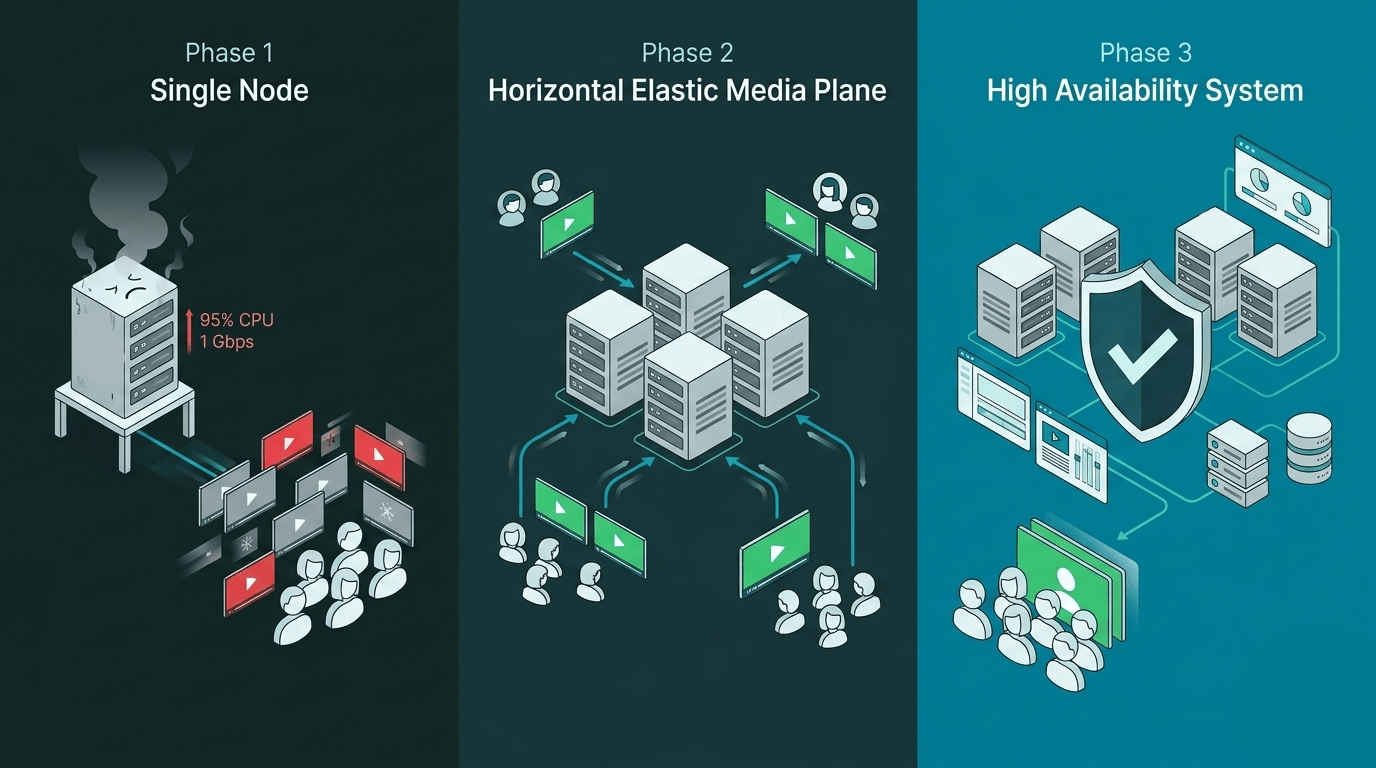
That's what makes scaling video a genuinely hard problem. It's not a hardware question you solve by adding RAM. You need an architecture that grows with you. This guide walks through a three-phase roadmap:

  1. Single Node — where almost every successful product starts.
  2. Horizontal Elastic Media Plane — how to scale the part of the system that actually processes calls.
  3. High-Availability Control Plane — how to stop a single failure from taking down the entire platform.

Along the way, you'll also learn how to build an autoscaling loop that reacts before saturation hits, and how admission rules can protect call quality even when traffic bursts unexpectedly.