Creation & Management#
Only admin users can manage other users — from the "Users" page of the OpenVidu Meet app or programmatically through the REST API. Any user can change their own password from their profile.
Create a user#
From the "Users" page, click "Create User" and provide a userId, a name and a role (admin, room_manager or room_member). For the temporary password, you can either specify one or auto-generate one and then copy it.
Info
The userId must be between 5 and 20 characters and contain only lowercase letters, numbers and underscores.
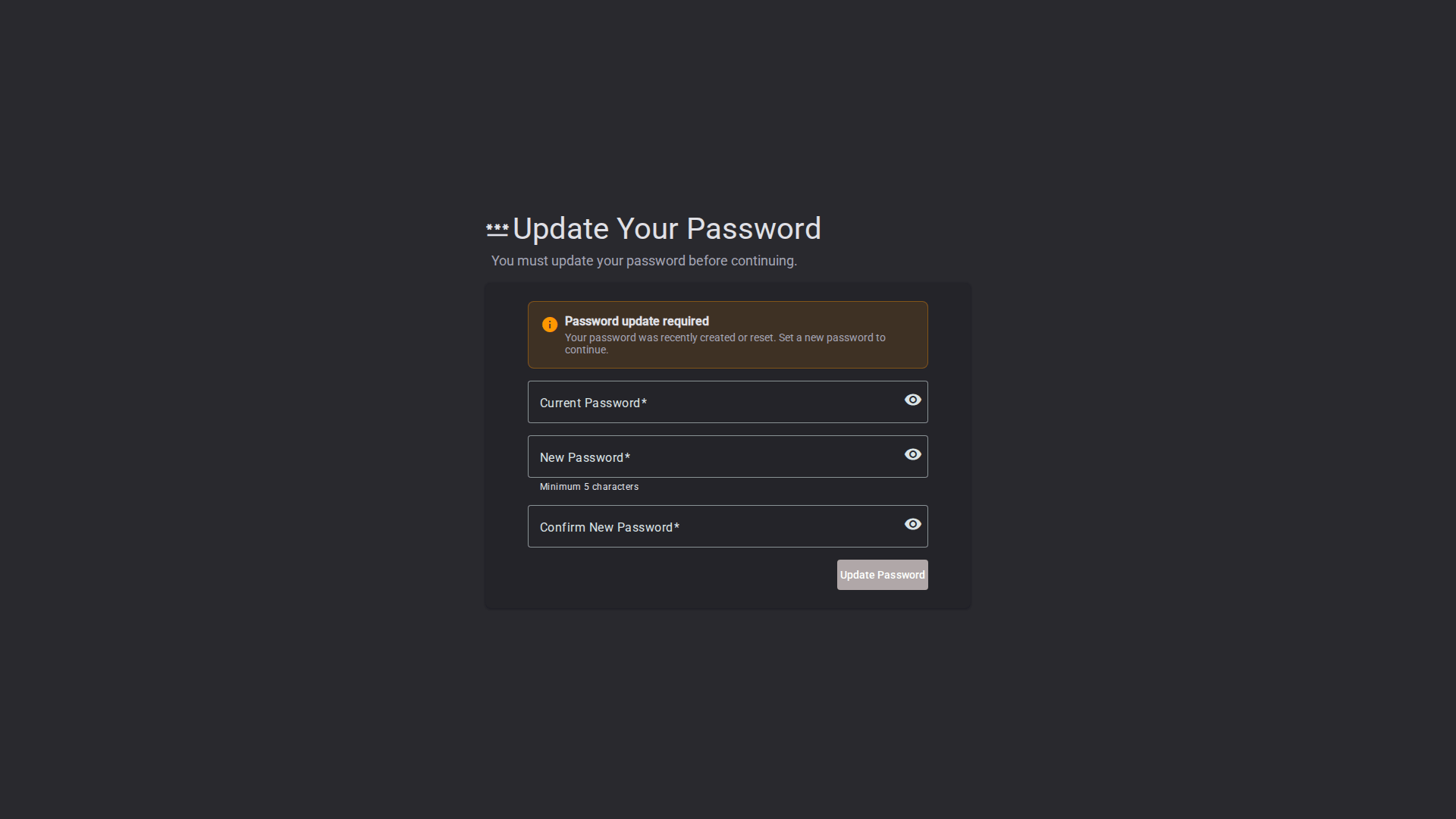
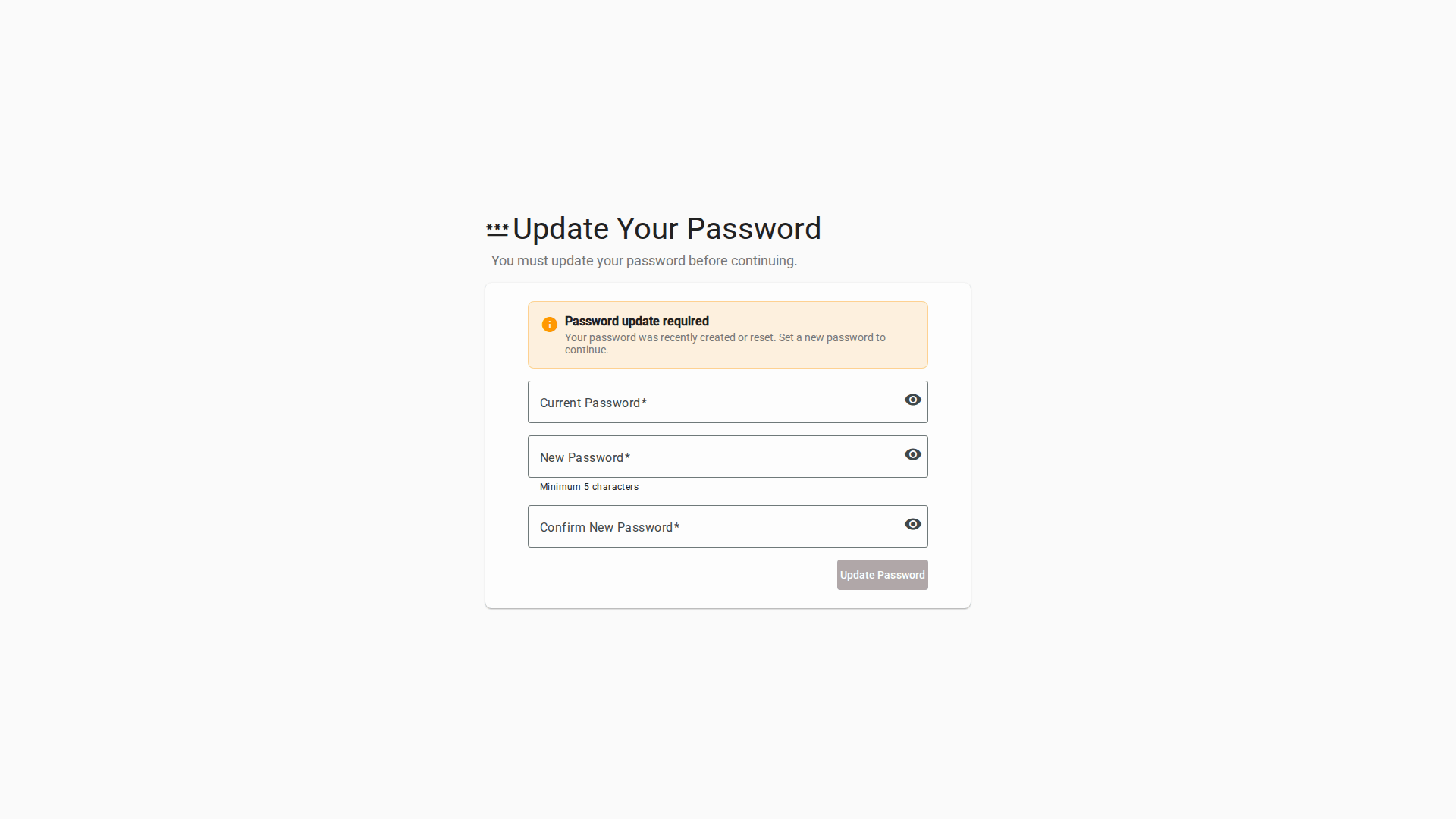
Send the credentials to the user. On their first login they are required to change the temporary password before they can use OpenVidu Meet.
Update a user's role#
Change a user's role from the user list at any time. The root administrator (admin) and your own account cannot be modified.
Reset a user's password#
Generate a new temporary password for a user from the user list (for example, if they forgot theirs). As with creation, the user must set a new password on their next login.
List & filter users#
The "Users" page lists every user with their role and registration date. You can search by name and filter by role.
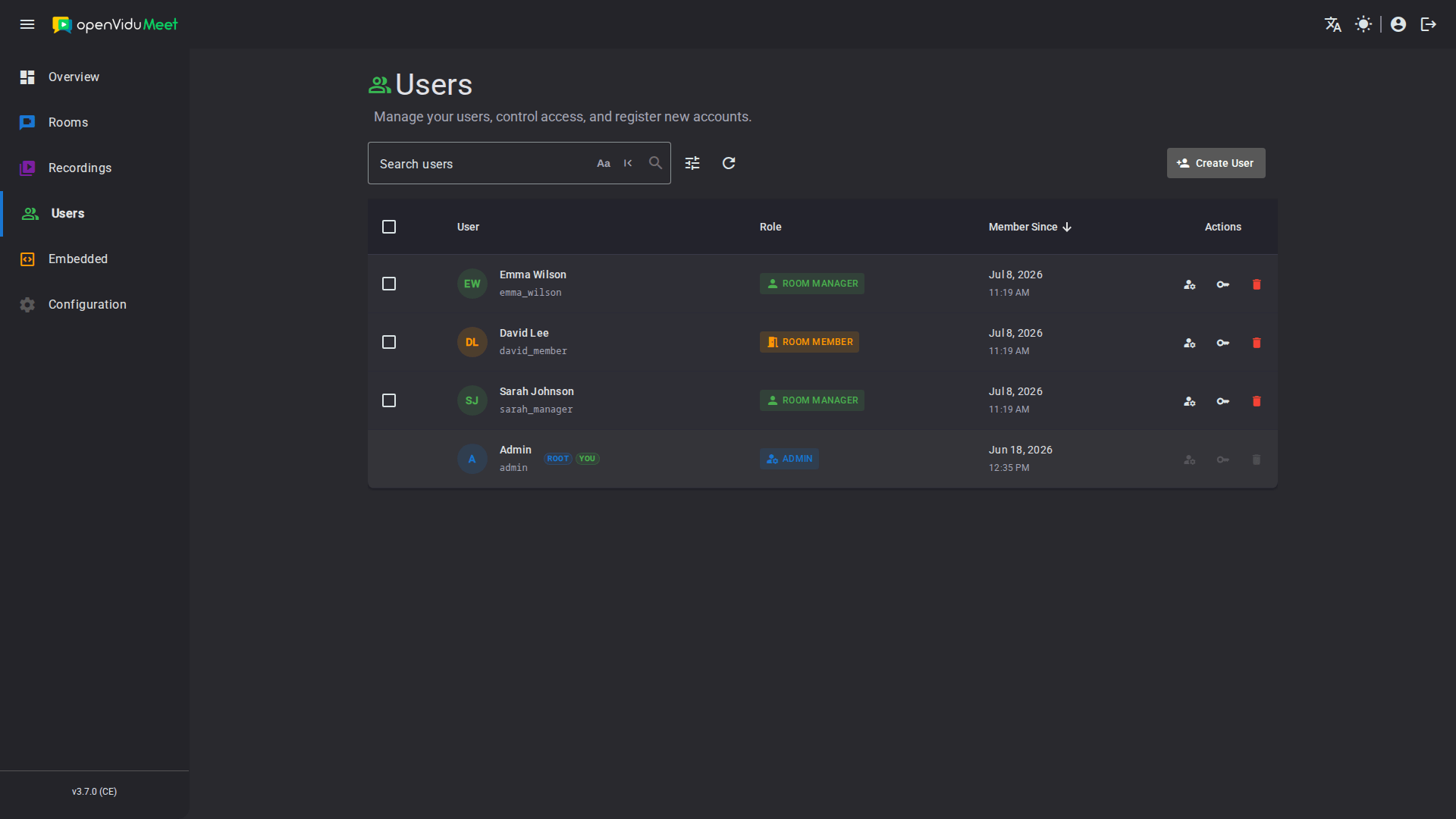
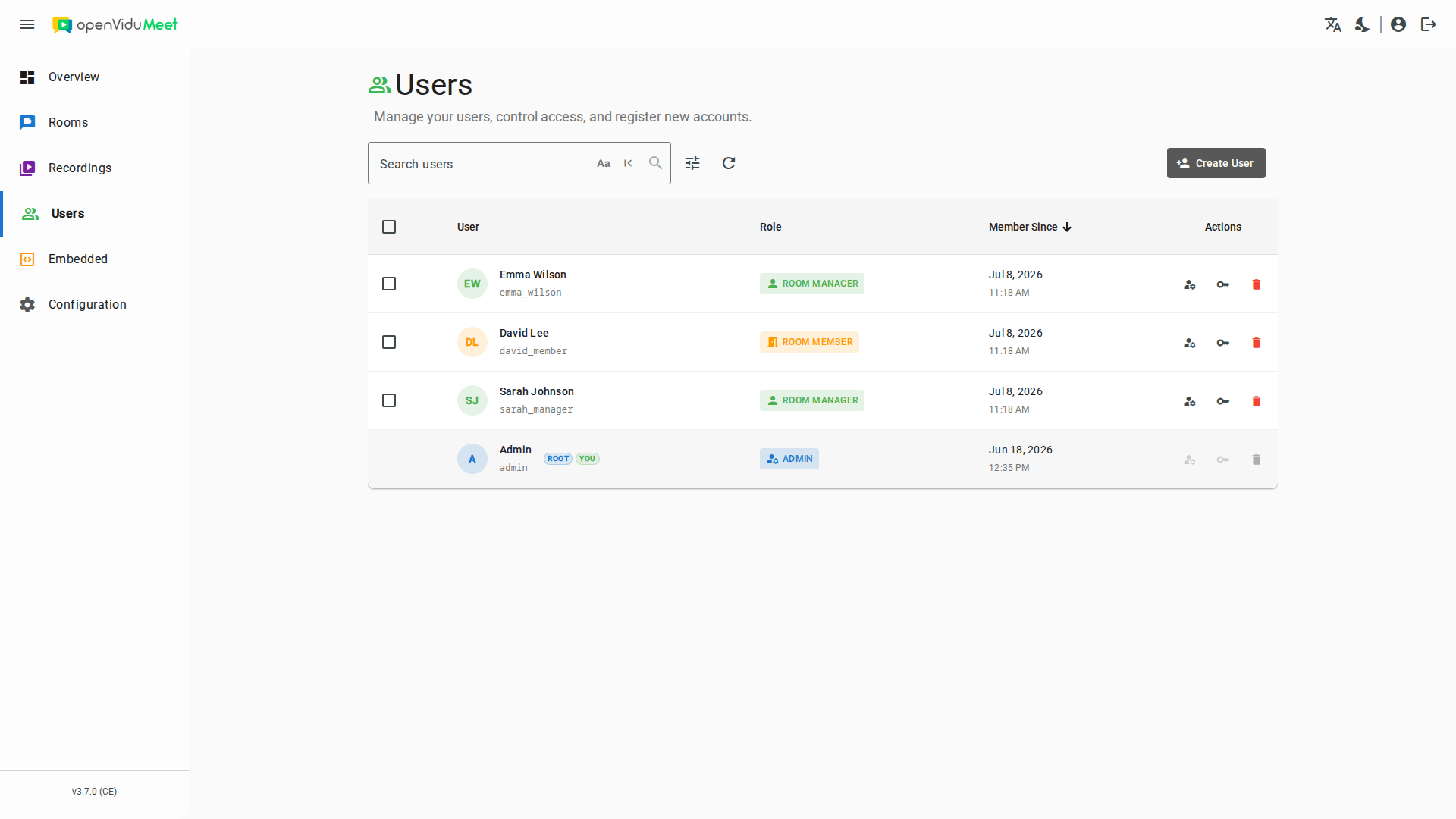
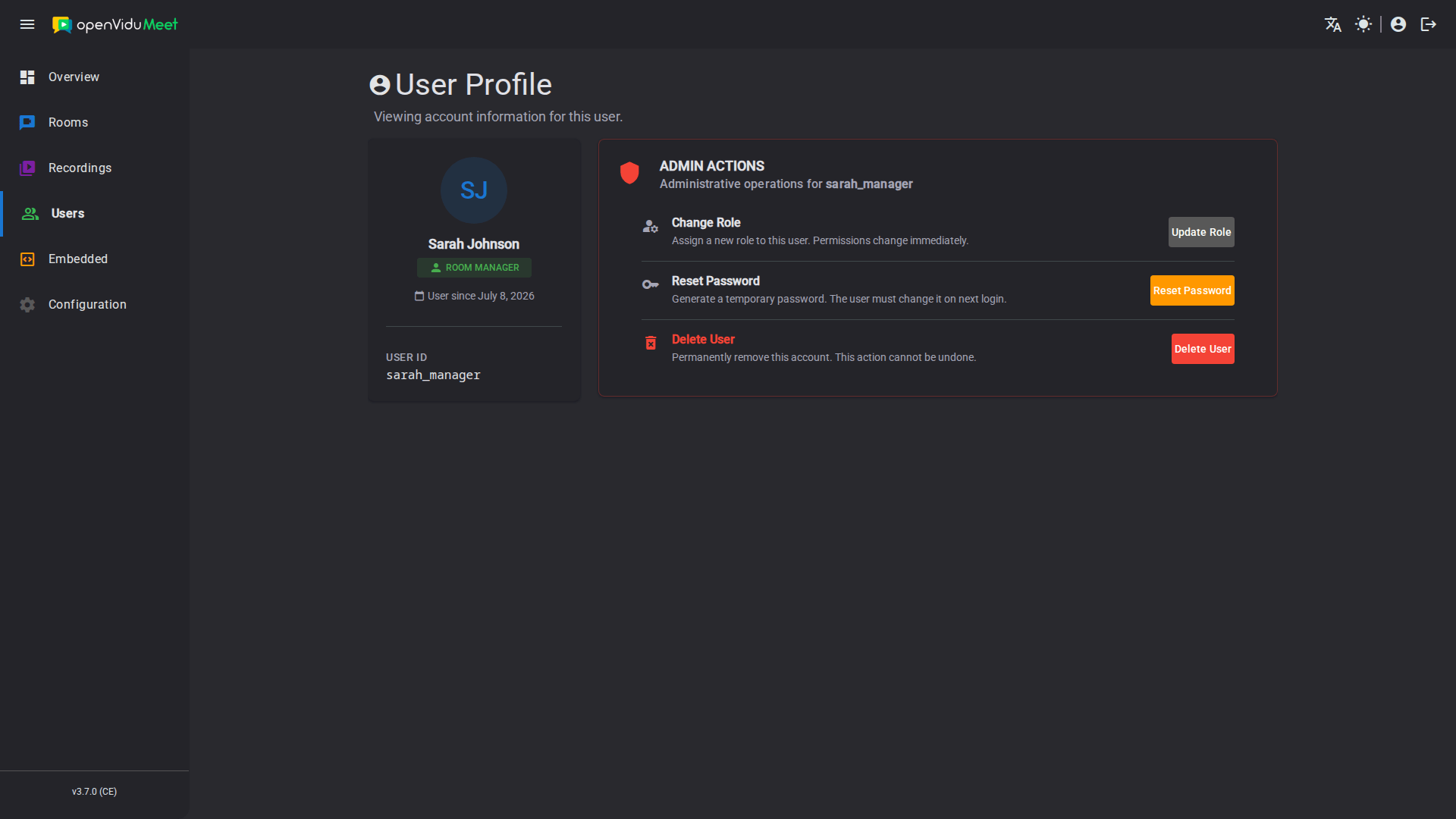
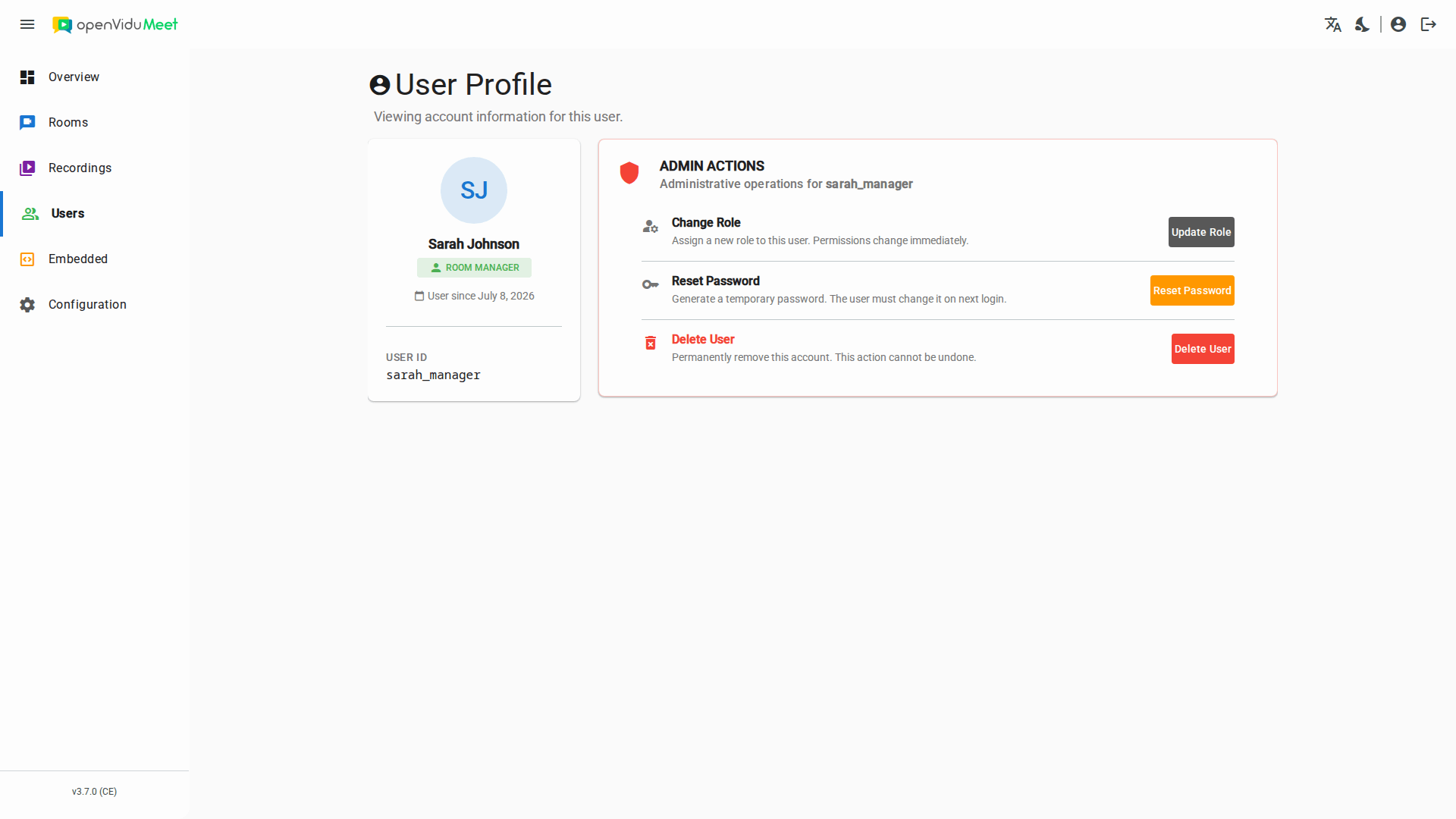
Clicking a user opens their profile page, which shows the user's details together with buttons for every action you can perform on them: update their role, reset their password and delete the user.
Delete users#
Users can be deleted individually or in bulk from the "Users" page. The root administrator cannot be deleted, and you cannot delete your own account. Deleting a user removes their account and automatically removes them from any room where they were a member. In addition:
- If the user owns rooms, ownership of those rooms is transferred to the root administrator.
- If the user is currently in a meeting, they are kicked from it immediately.
Changing your password#
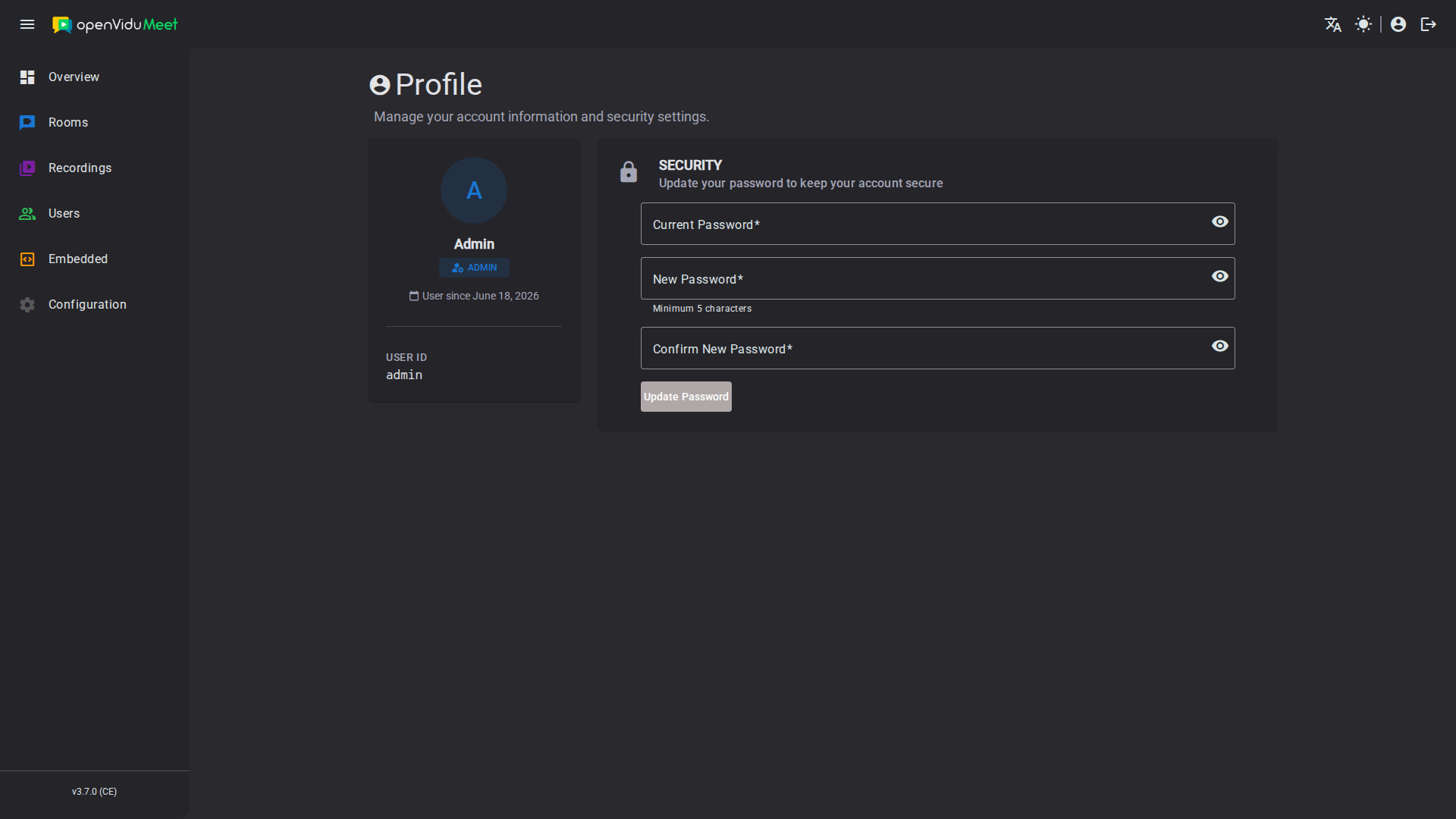
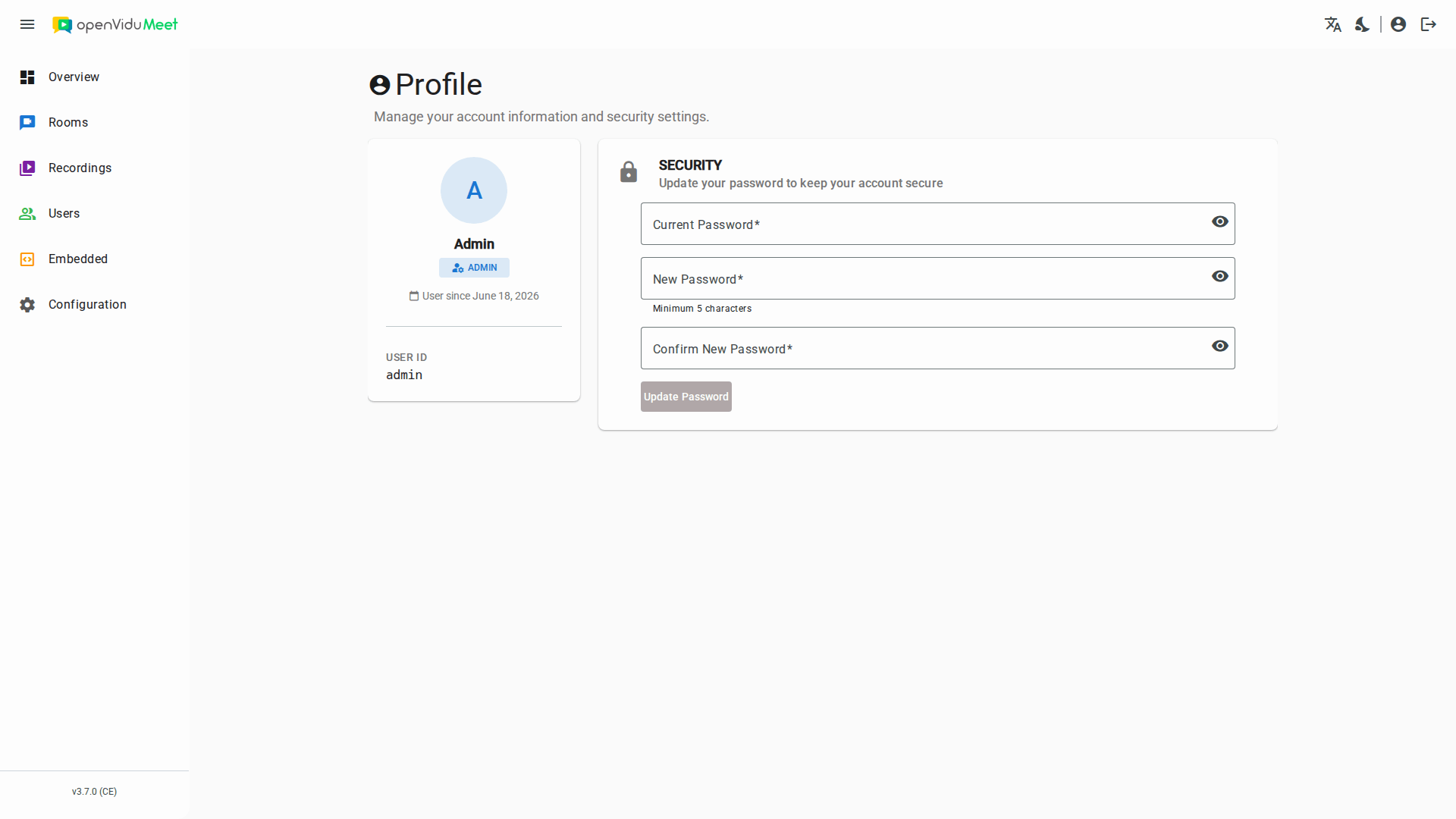
Any user can change their own password from their Profile page. You are asked to enter your current password and then type the new password twice to confirm it. Once changed, the new password is required the next time you log in.
REST API reference#
All of these operations can also be performed programmatically with the OpenVidu Meet REST API. See the REST API specification for the full list of available endpoints, request bodies and response schemas.
| Operation | HTTP Method | Reference |
|---|---|---|
| Create a user | POST | Reference |
| List users | GET | Reference |
| Bulk delete users | DELETE | Reference |
| Get a user | GET | Reference |
| Delete a user | DELETE | Reference |
| Reset a user's password | PUT | Reference |
| Update a user's role | PUT | Reference |