Introducing the OpenVidu Agent Plugin for coding agents#
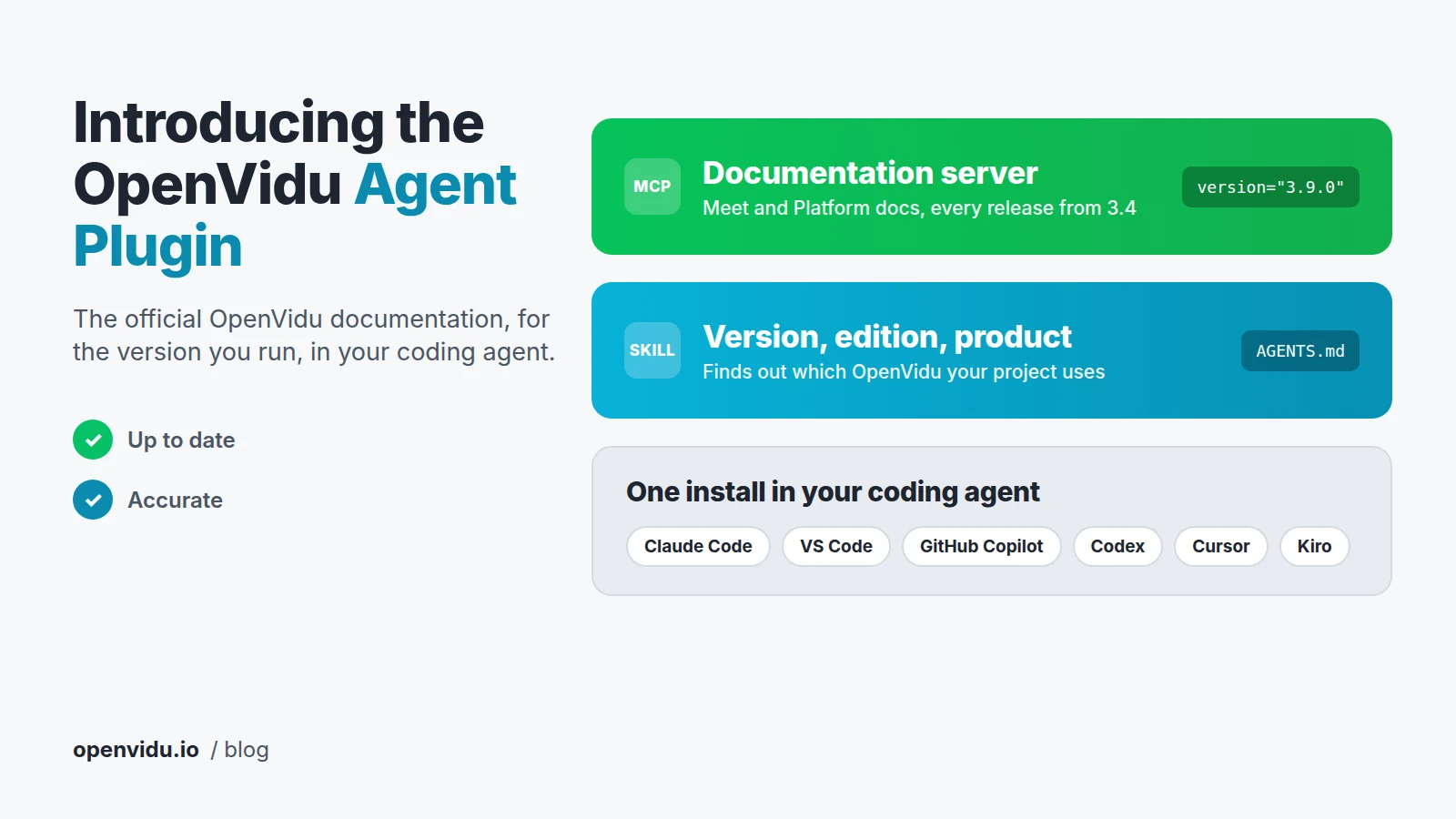
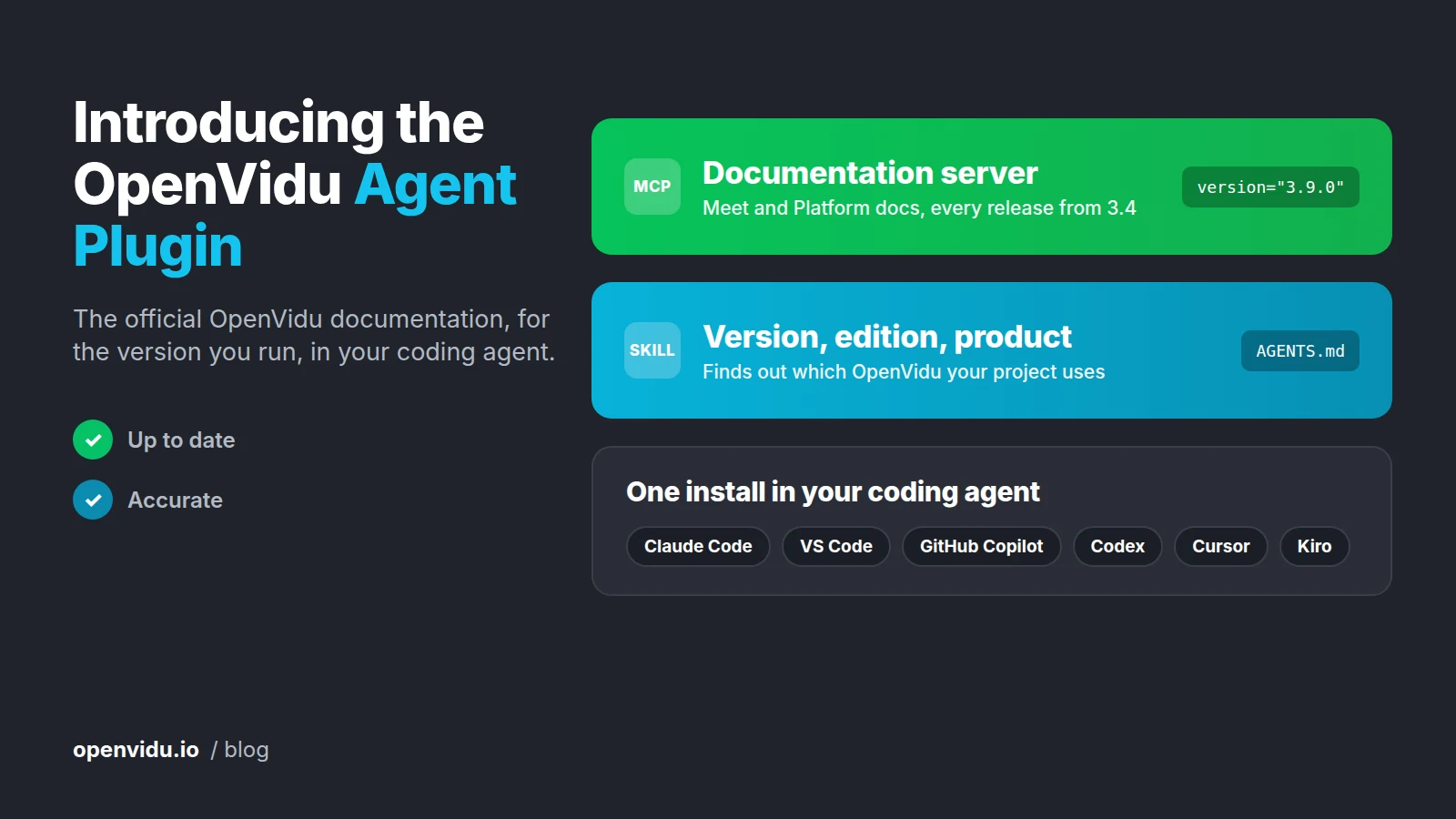
Many developers already let a coding agent write the code that connects their application to OpenVidu, like the backend that creates the rooms or the page where the meeting is embedded. To get that code right, it needs to know how OpenVidu works in the version you're running. That's why today we're releasing the OpenVidu Agent Plugin. Install it once in Claude Code, VS Code, GitHub Copilot, Codex, Cursor or Kiro, and your agent will read the official OpenVidu documentation for your version whenever a task needs it, so the code it writes is up to date and accurate.
The plugin bundles two components: a documentation server with the OpenVidu Meet and OpenVidu Platform docs of every release from 3.4, and a skill that finds out the version, edition and product of the OpenVidu deployment your project uses. In this post we explain how they work together, how to install the plugin, and how much it improved the answers in our tests.
What's in the OpenVidu Agent Plugin#
An agent plugin is a package that bundles MCP servers and skills, so a coding agent can install them all in one step. Its format is an open standard, the Agent Plugins specification , which VS Code, Cursor, GitHub Copilot, Codex, Kiro and other clients already implement. Claude Code uses a format of its own, so we ship the OpenVidu Agent Plugin in both.
The first component is the OpenVidu documentation server, an MCP server that searches and reads the OpenVidu Meet and OpenVidu Platform documentation of every release from 3.4, including the release notes and pricing. When your agent needs something only LiveKit documents, such as the client SDK references, the server points it to LiveKit's documentation. Using it doesn't require an account or an API key. You can see the tools it offers in OpenVidu MCP servers.
The second one is the openvidu-version-edition-product skill, a set of instructions your agent follows when an answer depends on the version, edition or product of your OpenVidu deployment. We explain how it works in the next section, and you can read more about it in OpenVidu skills.
One clarification to avoid confusion: the plugin helps you build with OpenVidu. If you're looking to add AI agents to your rooms, that's what AI Services are for.
The right documentation for your deployment#
OpenVidu publishes a documentation set for each version, and the APIs keep growing from one version to the next. The OpenVidu Meet room members API, for instance, arrived in 3.8. That's why the documentation server answers from the documentation of the version your deployment reports. If it doesn't have the version you ask for, it returns an error instead of answering for a different one, and if you don't give it a version, it uses the latest one.
One documentation set per minor version
OpenVidu publishes its documentation per minor version, and each set covers all the patch releases of that version. So when your deployment reports version 3.9.0, the server reads the 3.9 documentation, and it would read the same documentation for a future 3.9.1.
The version isn't the only thing that matters, though. Many answers also depend on the edition, COMMUNITY or PRO, and on the product your app uses, OpenVidu Meet or OpenVidu Platform. And the version can't be taken from your dependencies, because livekit-client, livekit-server-sdk and the OpenVidu Meet web component are versioned independently of OpenVidu.
This is where the skill comes in. When an answer depends on these details, it guides your agent to find them out from your project and your deployment, always asking before contacting a remote host and never reading a credential. Once it has them, it offers to write them into AGENTS.md, so later sessions don't have to work them out again. If you already know them, you can write them there yourself, or in CLAUDE.md:
This project connects to an OpenVidu 3.9.0 pro deployment, using OpenVidu Meet.
When querying the OpenVidu documentation MCP, always pass version="3.9.0",
and read the answers for that edition and product.
You'll find more details about this in the plugin documentation.
How to install it#
In Claude Code, installing the plugin takes two commands:
In VS Code, GitHub Copilot CLI, Codex, Cursor and Kiro, you install it from the same repository, OpenVidu/openvidu-agent-plugin . The Install section of the documentation has the steps for each client, and explains how to keep the plugin up to date.
If your client doesn't support plugins, you can still add the documentation server and the skills separately. The server works in any MCP client with just its URL, https://docs-mcp.openvidu.io/mcp, and npx skills add OpenVidu/openvidu-agent-plugin copies the skill to the coding agents it finds on your machine. The server is also listed in the official MCP Registry as io.openvidu/docs, and the skill is available on skills.sh .
Once it's installed, just ask your agent as you would about any other code, and it will read the documentation when the task needs it. For example:
- "How do I record a room with individual tracks in OpenVidu?"
- "We're on OpenVidu 3.9.0. How do I deploy it with fault tolerance?"
- "Work out which OpenVidu version, edition and product this project uses, and write them into AGENTS.md."
How well does it work?#
Before the launch, we wanted to measure how much the plugin really helps. We wrote 47 questions about OpenVidu and had Claude Code answer each of them three times in three setups: from memory, with web search, and with web search plus the plugin. Then Claude Opus graded every answer against the published documentation. We counted an answer as correct when it covered at least three quarters of the facts we expected and made no false claim.
| From memory | With web search | With the plugin | |
|---|---|---|---|
| Correct answers, Claude Sonnet 5.5 | 24% | 91% | 99% |
| Correct answers, Claude Haiku 4.5 | 9% | 60% | 77% |
| Answers with a false claim, Claude Sonnet 5.5 | 20% | 5% | 1% |
| Answers with a false claim, Claude Haiku 4.5 | 43% | 26% | 6% |
The fairest comparison is with web search, since that's what a coding agent already does when it doesn't know something. Answering from memory is only there as a reference. Where the plugin stands out most is in the questions about how to do something with OpenVidu, the kind the documentation answers. On those, Claude Sonnet 5.5 got every answer right with the plugin, compared with 83% using web search. Claude Haiku 4.5 went from 37% to 83%, and none of its answers with the plugin contained a false claim. On top of that, 99% of Sonnet's answers with the plugin linked the documentation page that answers the question, so you can easily check them.
Embedding OpenVidu Meet with an agent#
If you're embedding OpenVidu Meet in your app, the best place to start is Embed OpenVidu Meet with an AI coding agent. With the plugin, your agent gets the REST API, web component and webhooks references for your version and edition, and the page includes some prompts you can try.
We've already built a complete application with a coding agent. In Building a video-enabled CRM with an AI agent, an agent went from an empty folder to a CRM with OpenVidu Meet meetings embedded in it in just seven prompts. Back then, we had to point it to three documentation pages by hand. With the plugin, your agent finds the pages it needs on its own, and for your version.
Privacy#
The plugin itself doesn't collect anything. The documentation server logs each request your agent makes, with details such as the tool it called, what it searched for and the documentation version, but it never receives your code, your prompts or your conversation. Your IP address is only used to group requests into visits, and it's never stored. You can check exactly what is recorded, and for how long, in the privacy section of the documentation.
What comes next#
This first version of the OpenVidu Agent Plugin helps you build applications with OpenVidu, but it's only our first step. Next, we'll add more MCP servers and skills to it, so your coding agent can also help you manage and operate your OpenVidu deployment.
A good example is the Grafana and observability skill we're already working on. It builds on Debugging WebRTC with an AI agent and Grafana MCP, where an agent with nothing but read-only access to Grafana tracked down what was wrong with a broken OpenVidu deployment, just by going through its metrics and logs.
In the meantime, you don't have to do anything to stay up to date. The documentation server is rebuilt every time we publish the OpenVidu documentation, so each new release, and every page we add or improve, reaches your agent right away. We also look at what agents search for, which tells us where the documentation falls short and what to write next. And since the plugin follows the open Agent Plugins specification, any new client that implements it will be able to install it too.
Try it and tell us what you think#
The best way to see what the plugin can do is to install it and ask your agent about your own project.
Install the OpenVidu Agent Plugin
And please tell us how it goes. If your agent gives a wrong answer, can't find a page, or the plugin doesn't install in your client, open an issue in OpenVidu/openvidu-agent-plugin . Every report helps us improve both the plugin and the documentation itself.