Smart Layout#
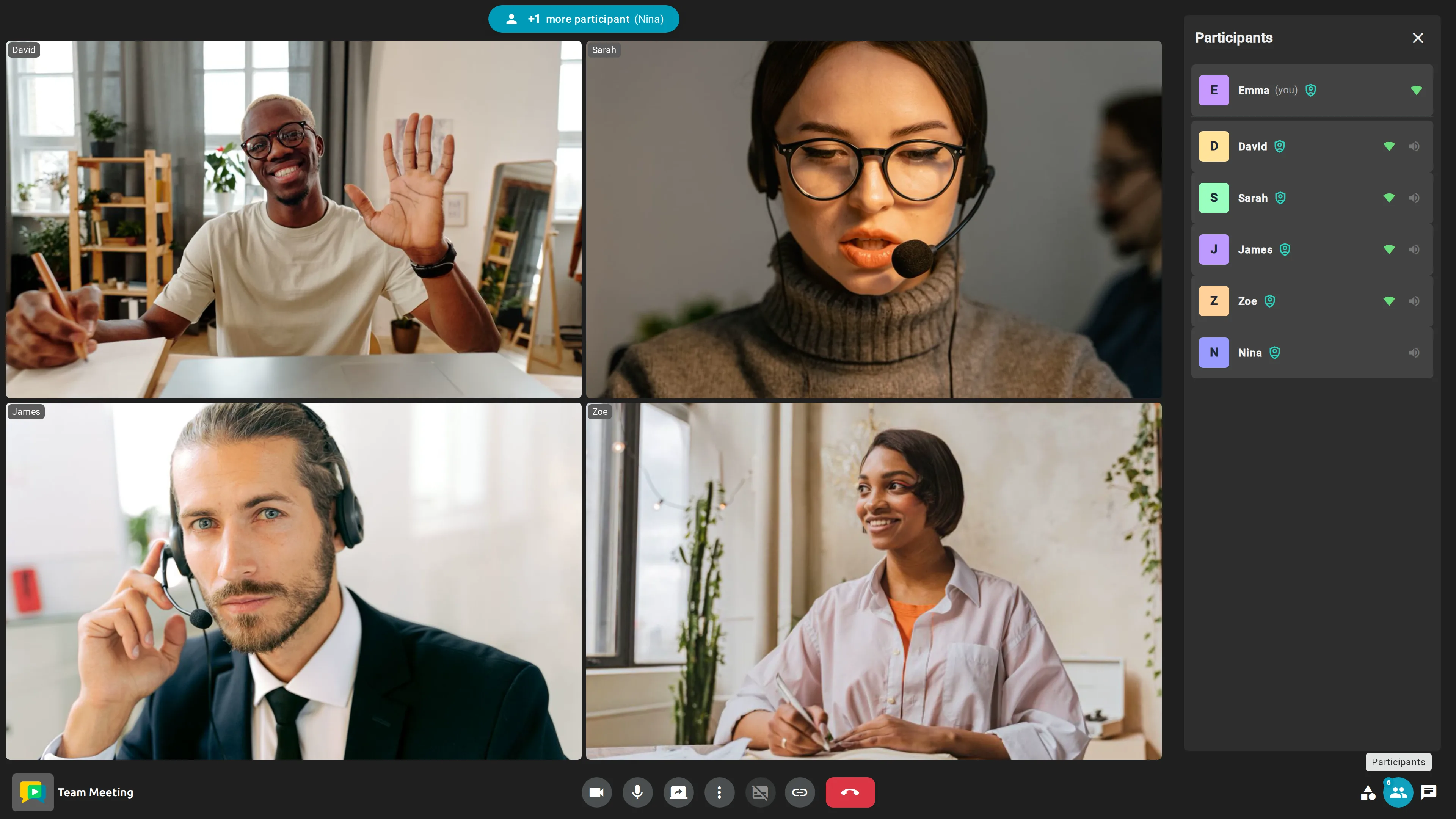
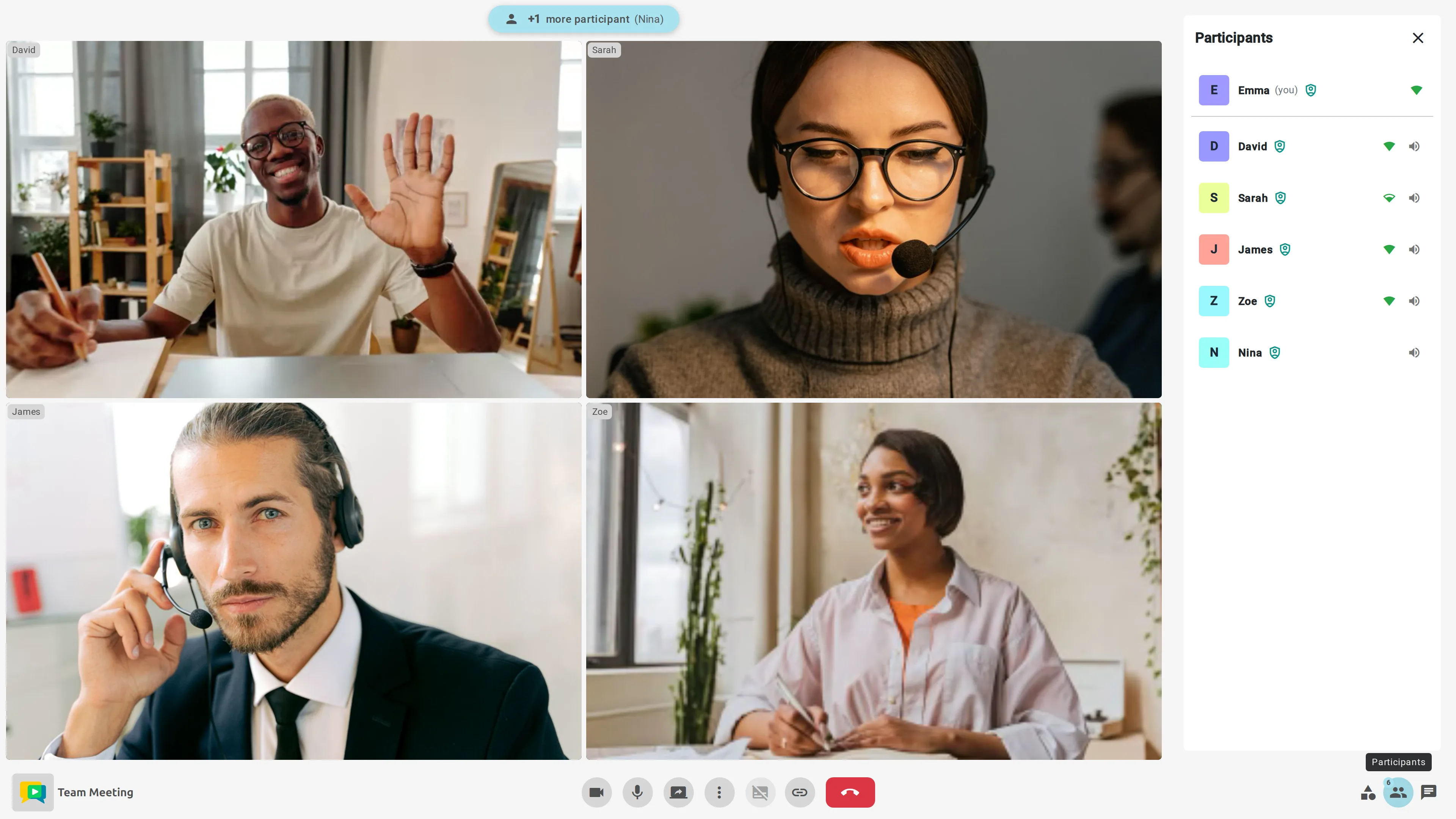
The meeting view uses a responsive grid that automatically adapts to the number of participants, maximizing available space so each video tile remains as large and clear as possible. No manual configuration is required — the layout continuously adjusts as participants join or leave the meeting.
Choosing a layout#
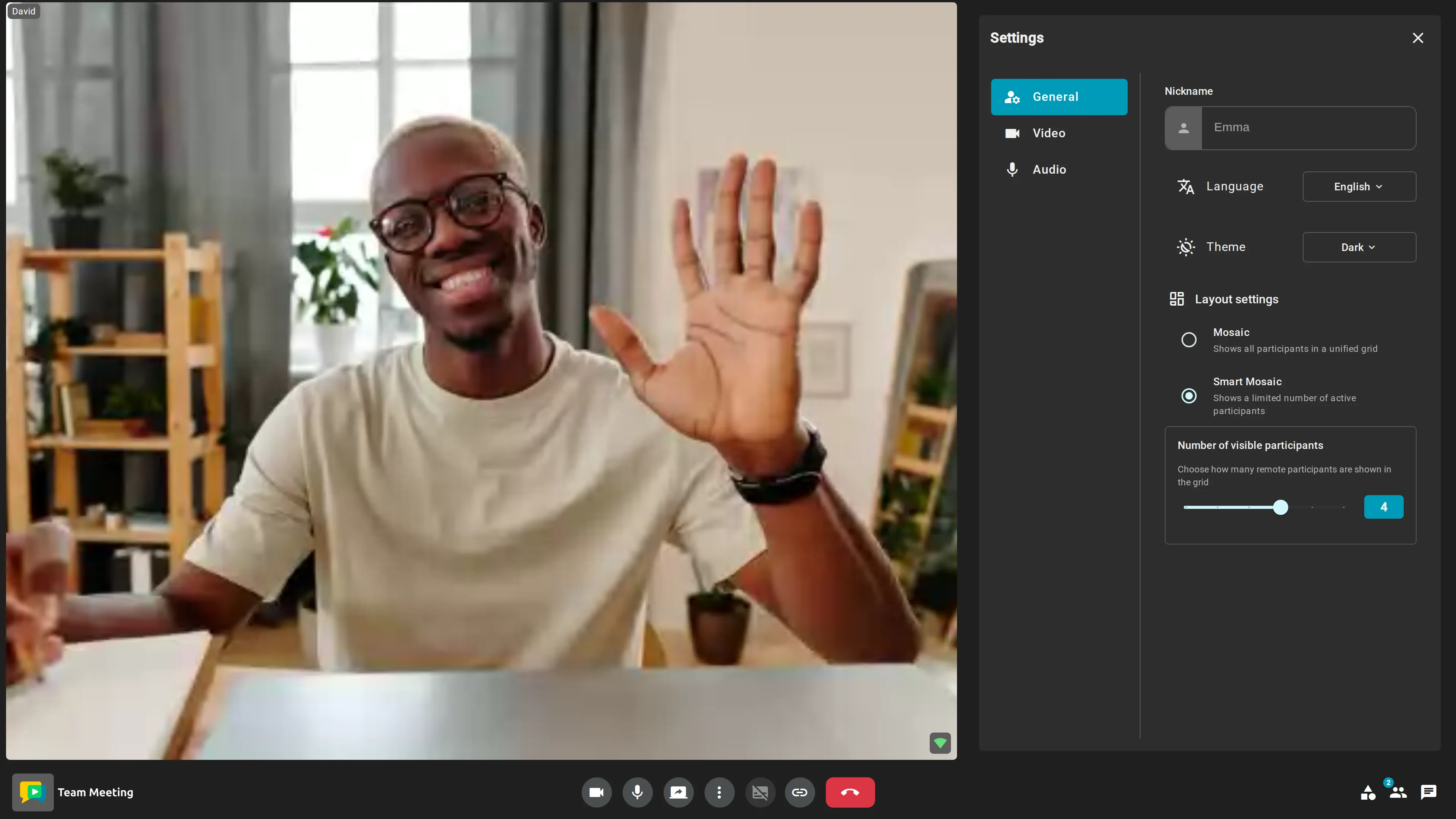
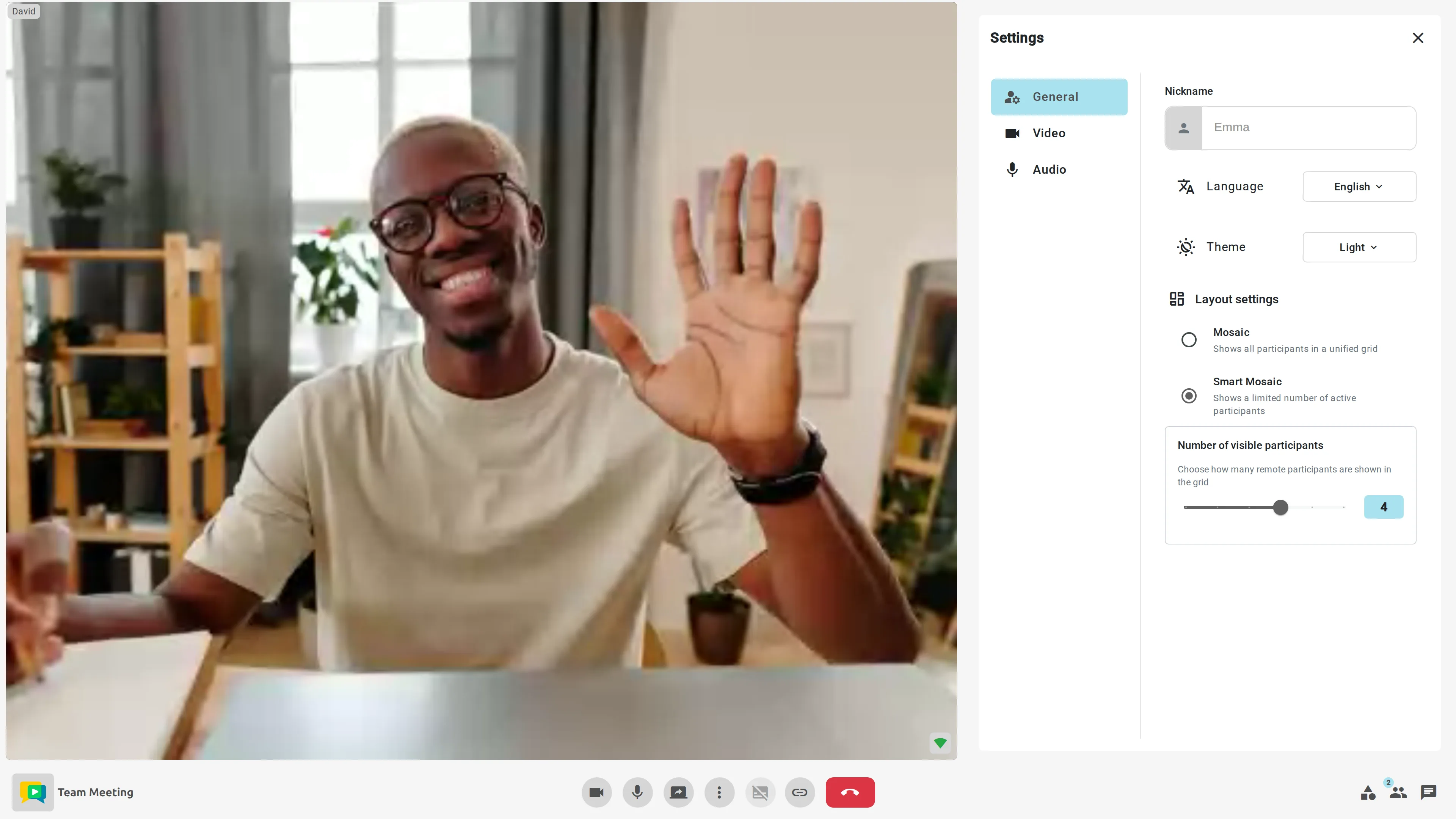
Each participant can change how the grid is built from the Layout settings in the meeting settings panel (More options → Adjust Layout):
- Mosaic — shows all participants in a single grid.
- Smart Mosaic (default) — displays a limited number of participants (up to 4 by default) and prioritizes active speakers, keeping the current conversation in focus.
Smart Mosaic also includes speaker prioritization: participants who have spoken recently remain visible, ensuring continuity in the conversation flow.
Participants who are not currently displayed are represented by a visible badge showing the number of hidden participants, providing a clear visual reference of how many people are still in the meeting.
Finally, the number of visible participants slider lets you adjust how many remote participants appear in the grid (from 1 to 6), so you can tailor the layout to the size and dynamics of each meeting.