End-to-End Encryption#
OpenVidu Meet supports end-to-end encryption (E2EE): audio, video, chat messages and participant names are encrypted on each device and can only be decrypted by the other participants. The server only relays encrypted data; it never has access to the meeting content.
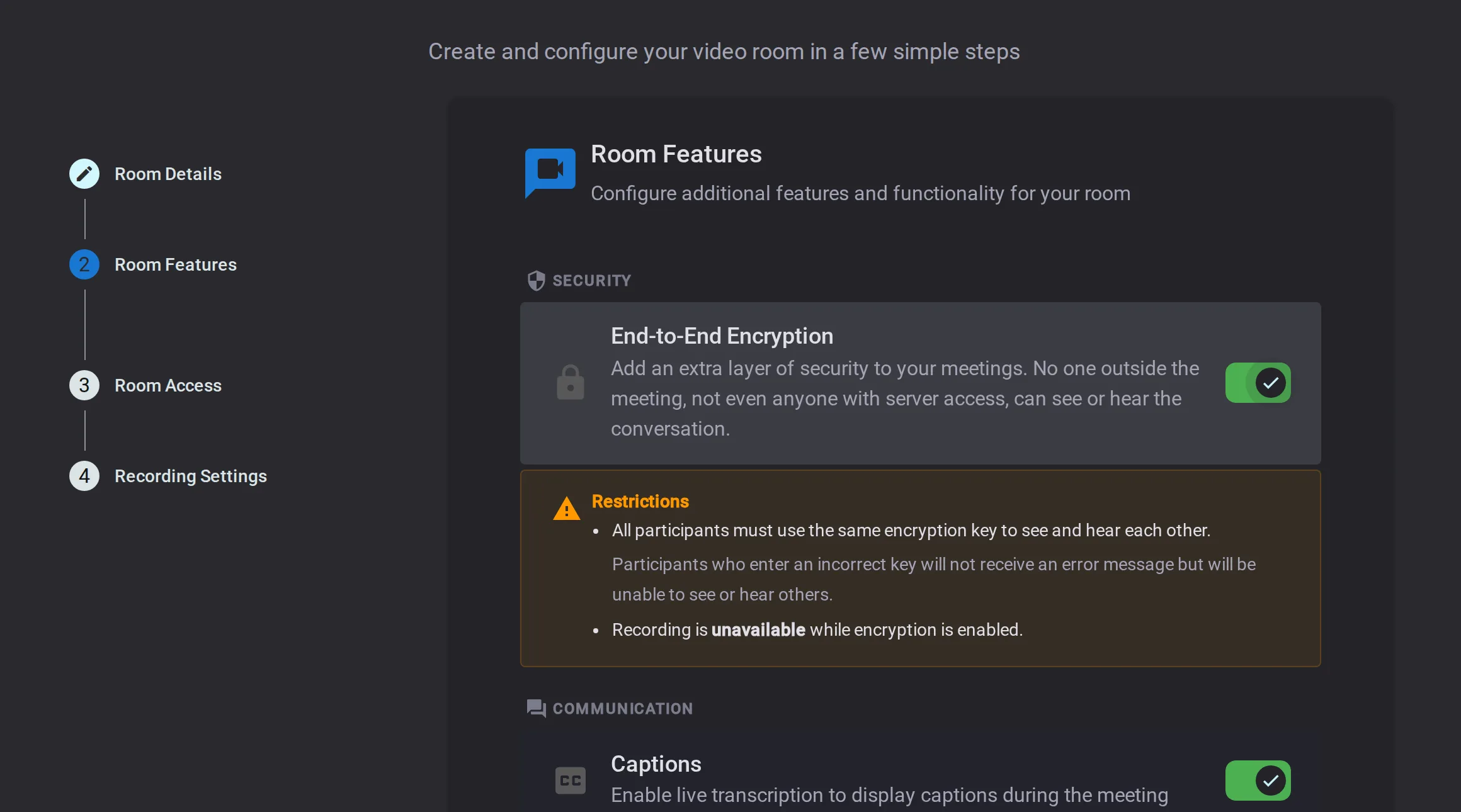
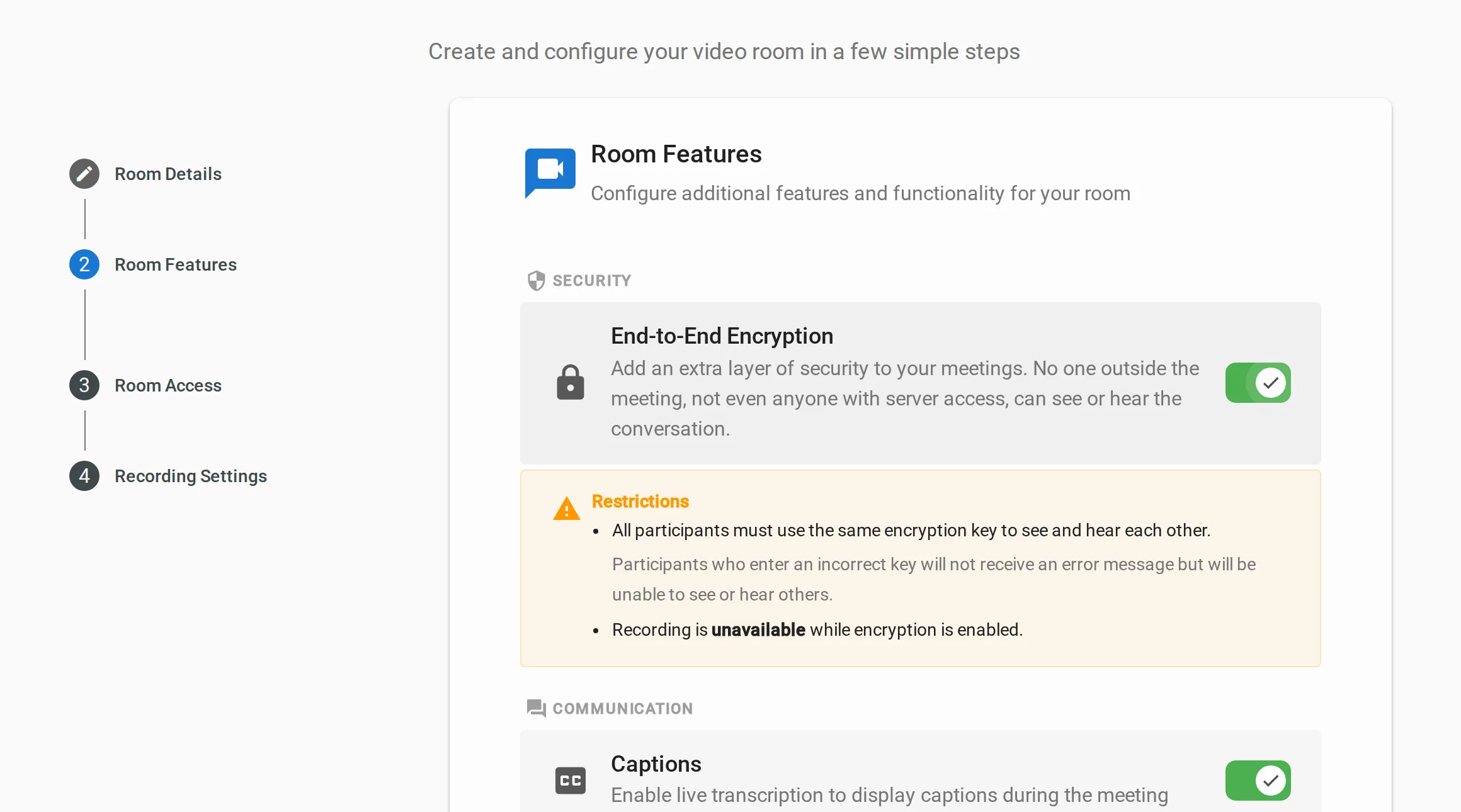
E2EE can be enabled or disabled on a per-room basis when creating or editing a room, from the Features section of the Meeting step of the configuration wizard. The same step also sets the room's participant and duration limits, and toggles Live Captions, Chat and Virtual Background.
E2EE Limitations
- Recording is not available for encrypted rooms: the server cannot decrypt the content, so it cannot produce a recording. To record, disable E2EE for the room.
- All participants must use exactly the same passphrase — there is no per-role or partial access.
What is protected#
When E2EE is active, everything participants share is encrypted on their device and unreadable to anyone outside the meeting:
-
Video
Camera and screen-sharing video is encrypted before it leaves each device.
-
Audio
Voice is encrypted, so conversations stay private.
-
Chat messages
In-meeting messages can only be read by participants with the passphrase.
-
Participant names
Display names are encrypted too, revealing nothing about who is in the meeting.
Joining an encrypted meeting#
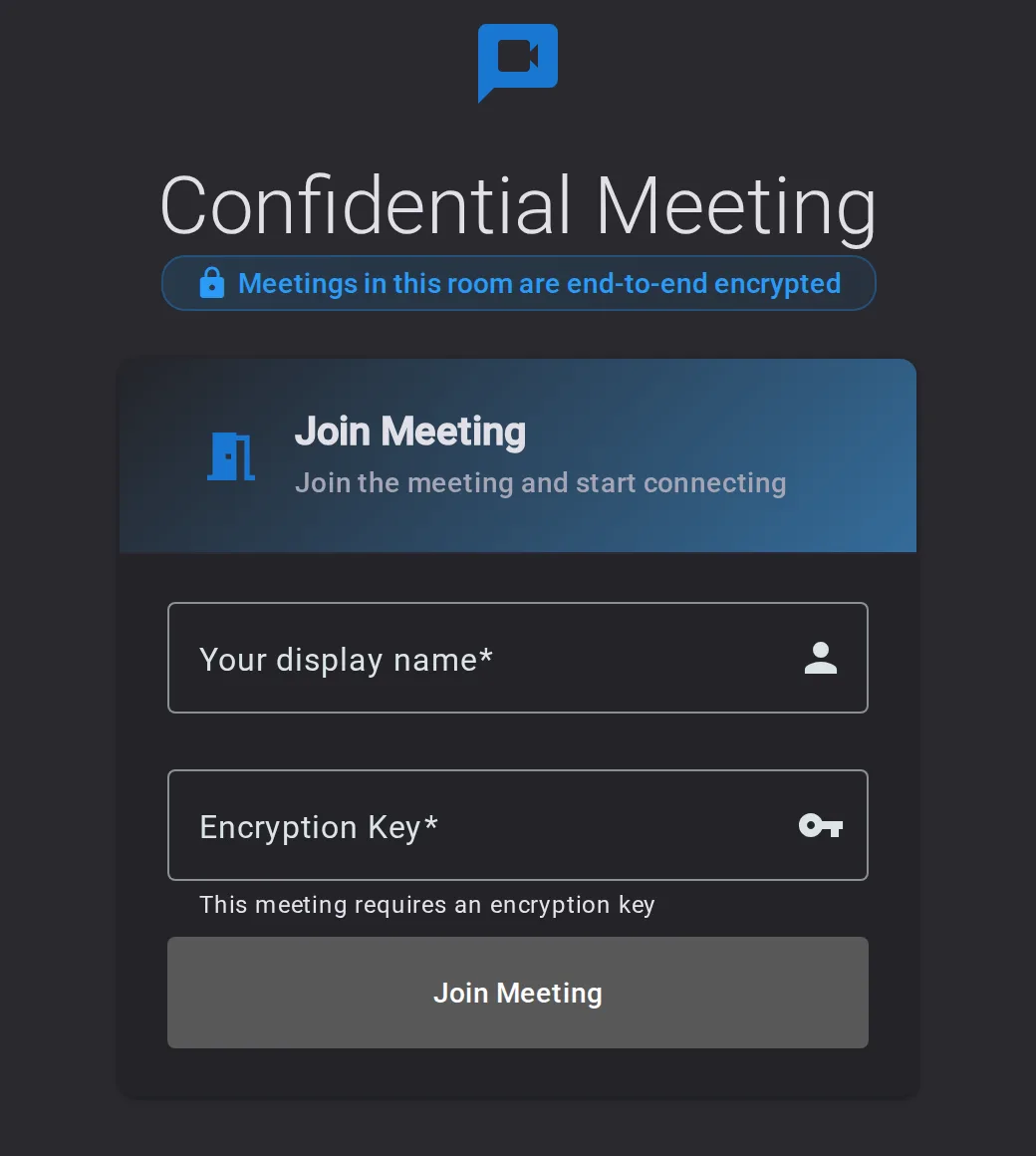
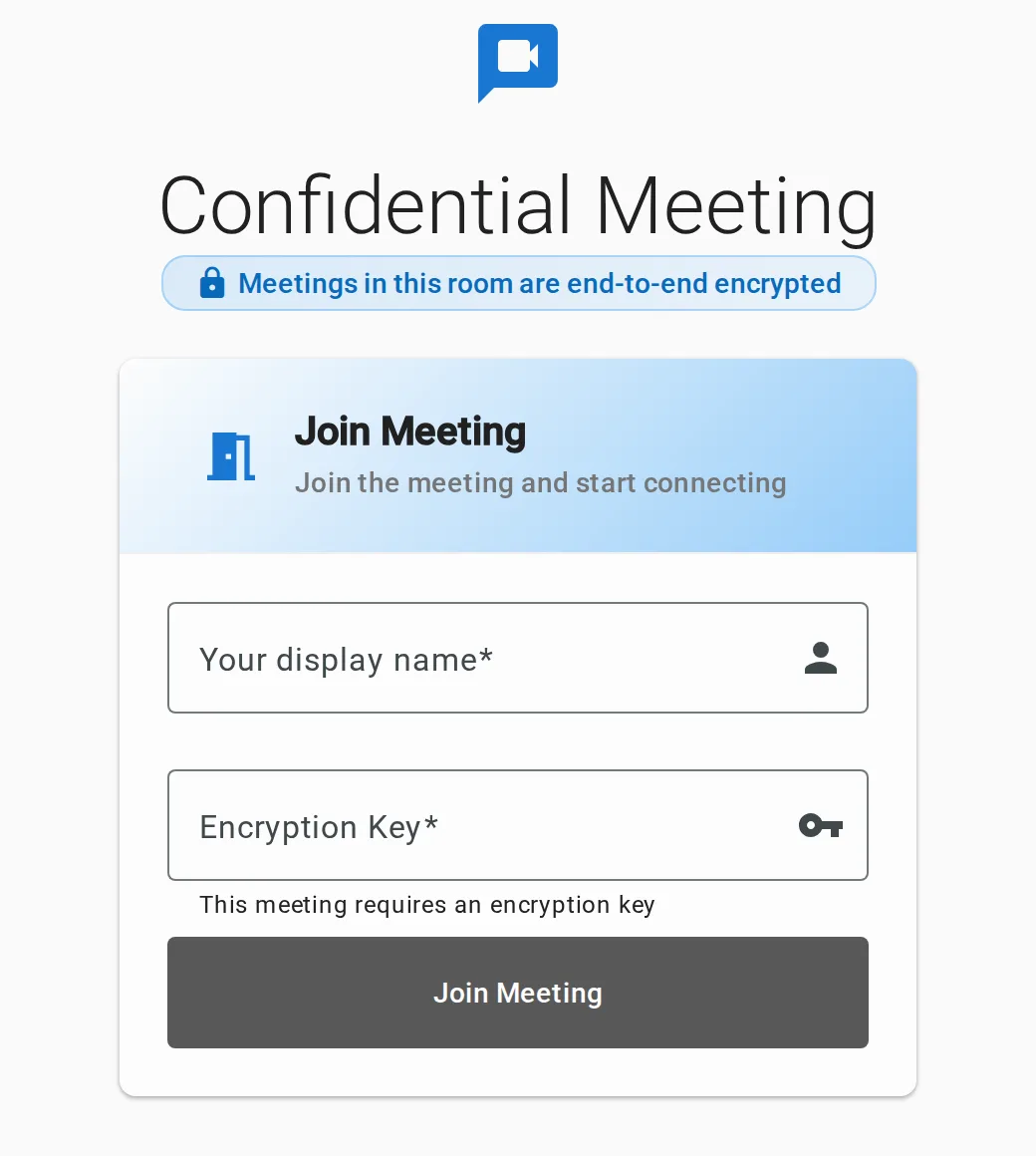
Every participant must enter the same secret passphrase to join. The encryption key is derived from it locally on each device and never sent to the server.
When a member accesses an E2E-encrypted room, the Join view shows an "end-to-end encrypted" badge and a required passphrase field. With the correct passphrase, the meeting works like any other.
Share the passphrase through a trusted channel
OpenVidu Meet does not distribute the passphrase for you. Send it to room members through a separate, trusted channel. Anyone with the passphrase can decrypt the meeting content; anyone without it cannot.
Joining with a wrong passphrase#
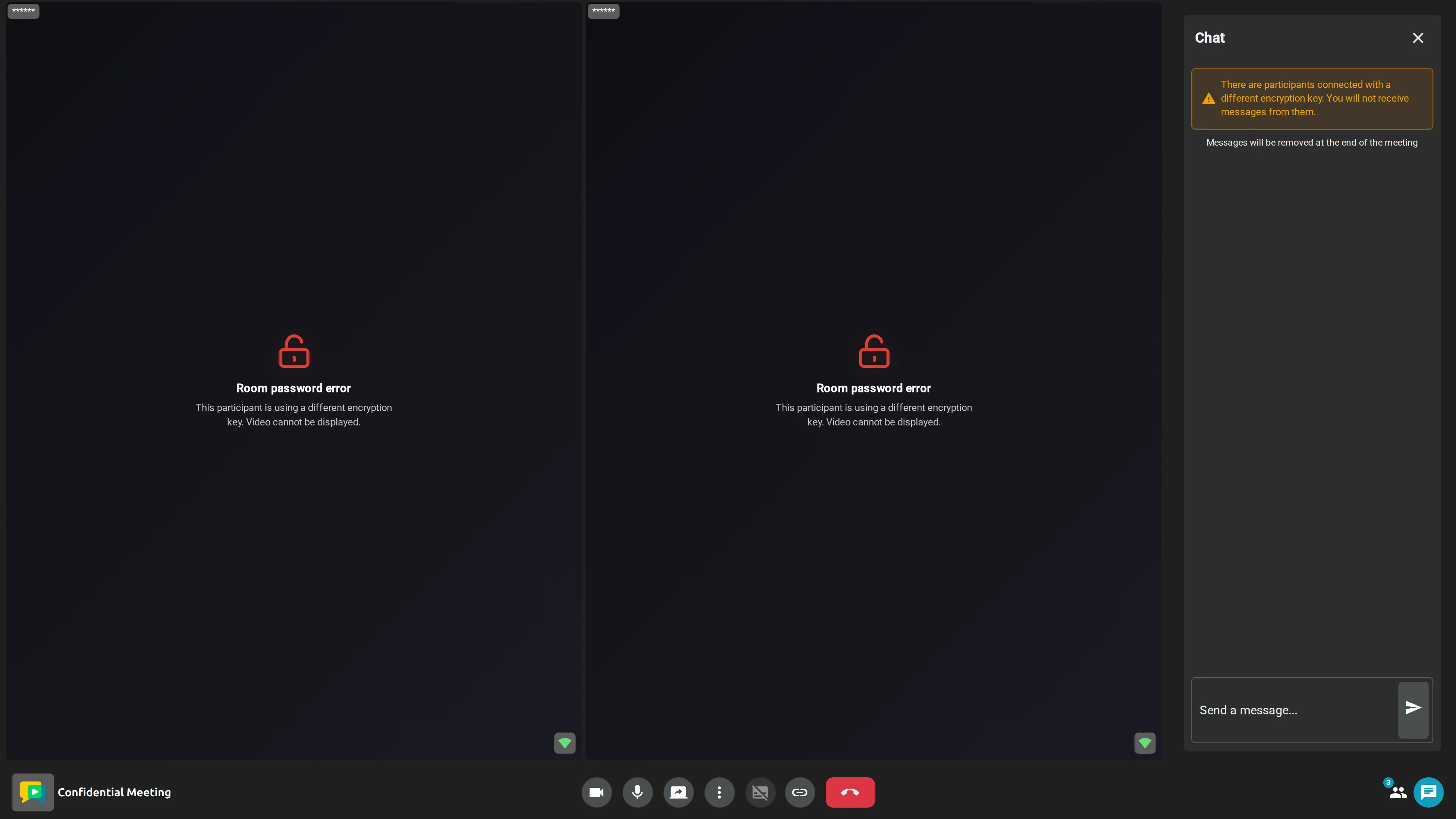
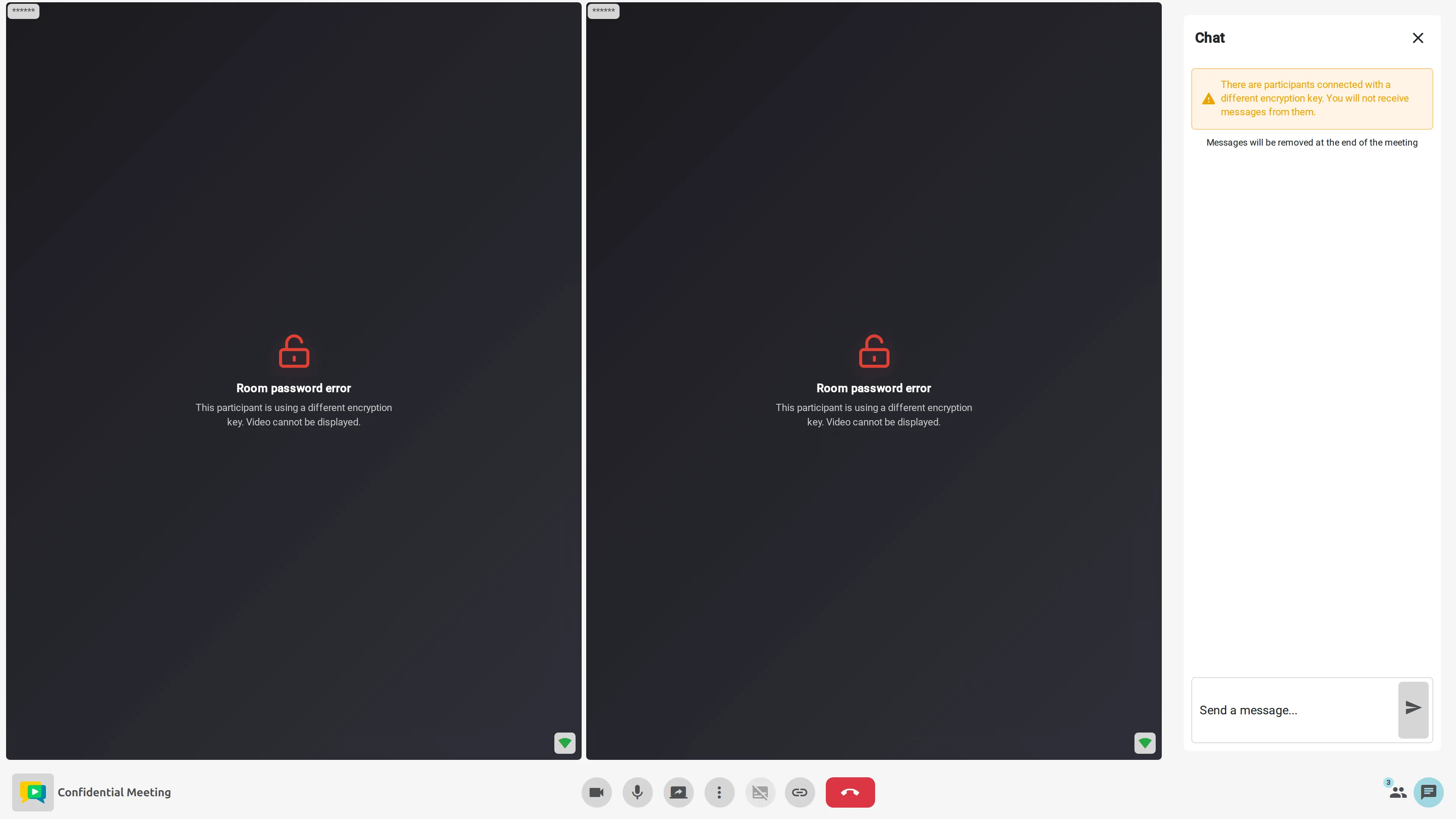
If a participant's passphrase does not match the rest of the meeting, they are locked out of all content, while the meeting continues for everyone else. Because audio, video, chat and names share the same passphrase, the lockout is symmetric:
- Others can't see or hear them. Their video shows an encryption error and their name is masked as
******in the video grid and the "Participants" panel. - They can't see, hear or read anyone else. Every other participant appears as an encryption error with a masked name, and the chat stays empty — messages encrypted with a different key are never decrypted. A chat warning explains why.
A wrong passphrase grants no partial access: the correct key sees everything, a wrong key sees nothing.
The screenshot below shows the meeting from the perspective of a participant with a wrong passphrase. The two correctly-keyed participants are chatting, but to this participant they appear only as encryption errors with masked names, and their messages never reach the chat.
A participant who joined with the wrong passphrase can leave and rejoin with the correct one to regain access.