Skip to content

OpenVidu Meet#

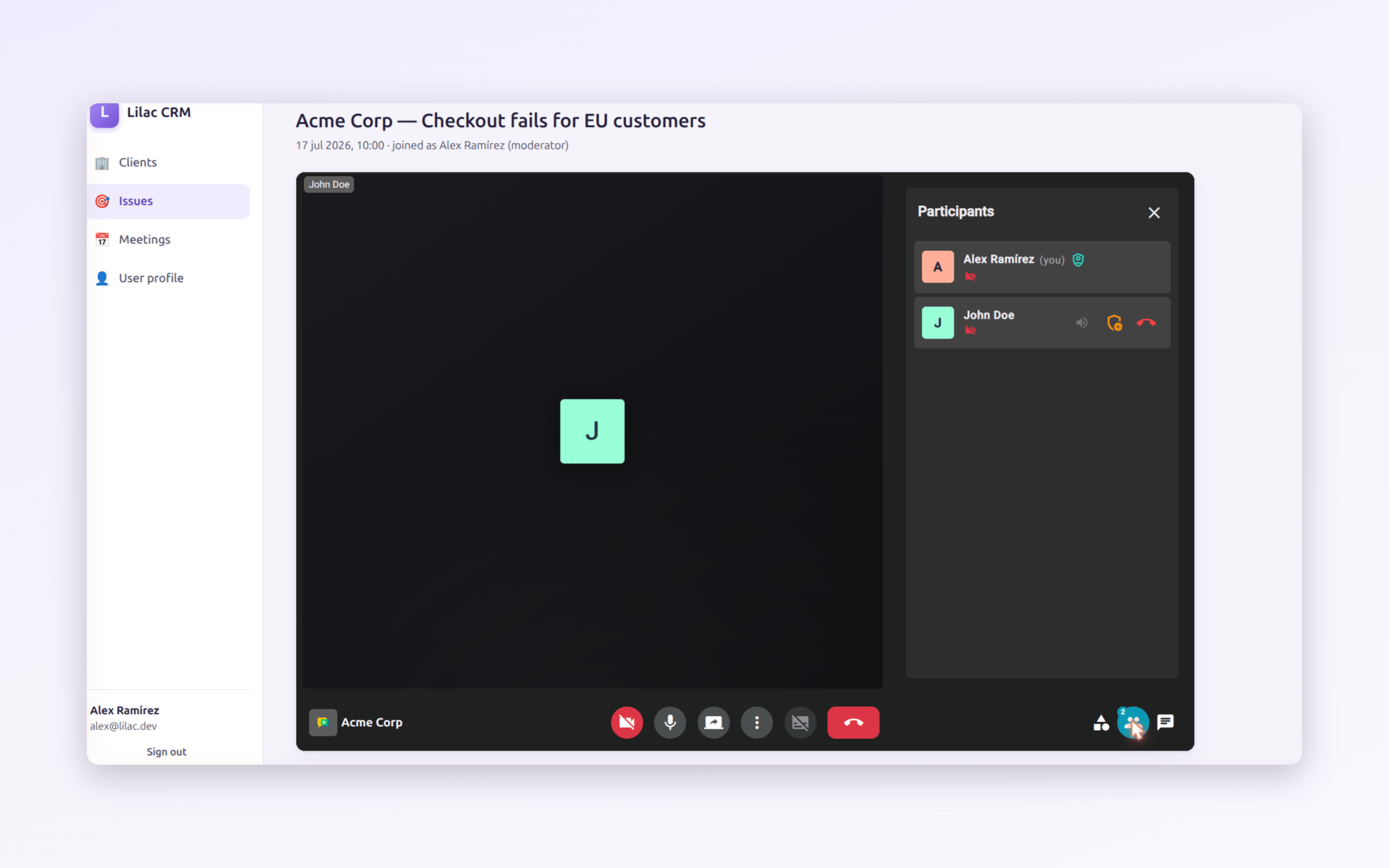
Host Your Own Secure Video Calls at Home: A Private Server for Family and Friends

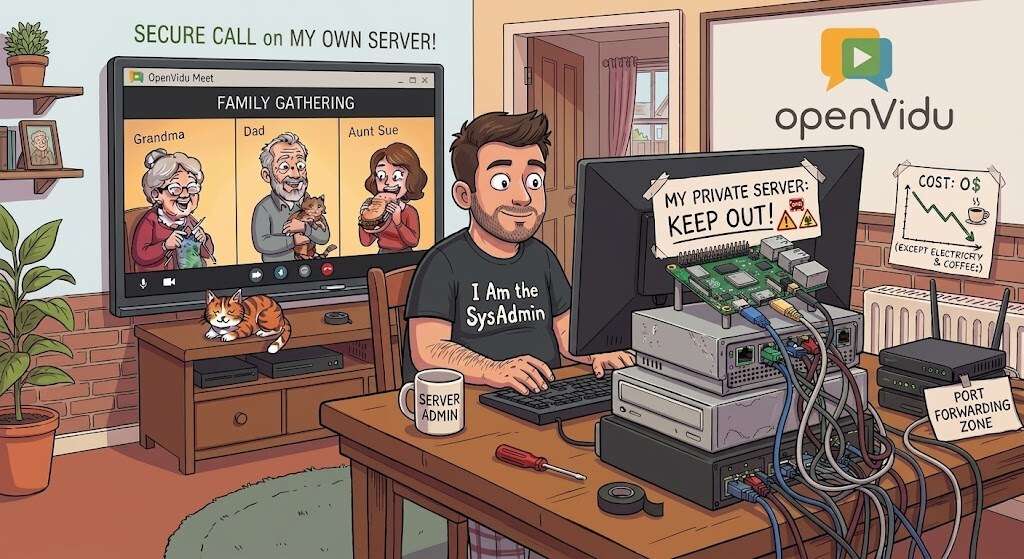
A secure family video call running on your own home server

We're all used to reaching for a third-party app to call friends and family: Google Meet, Zoom, Microsoft Teams, etc. Almost nobody wants to complicate their life by running their own server, and if you mention "spinning up a WebRTC media server" to an experienced sysadmin, they'll probably put their head in their hands thinking about how complicated it must be.

In reality, it's much easier than you might think. At OpenVidu we've worked hard to make a self-hosted video conferencing service as easy to install and run as possible, and hosting it yourself comes with some genuine advantages. It's completely free, there are no 40-minute timers or participant limits, your guests join straight from a browser with no account and no app, and every call stays on hardware that lives in your own home.

With a tiny computer like a Raspberry Pi, an old laptop or a mini-PC, you can have your own private video conferencing server running in a matter of minutes. This guide walks you through it in three simple steps using OpenVidu Meet.

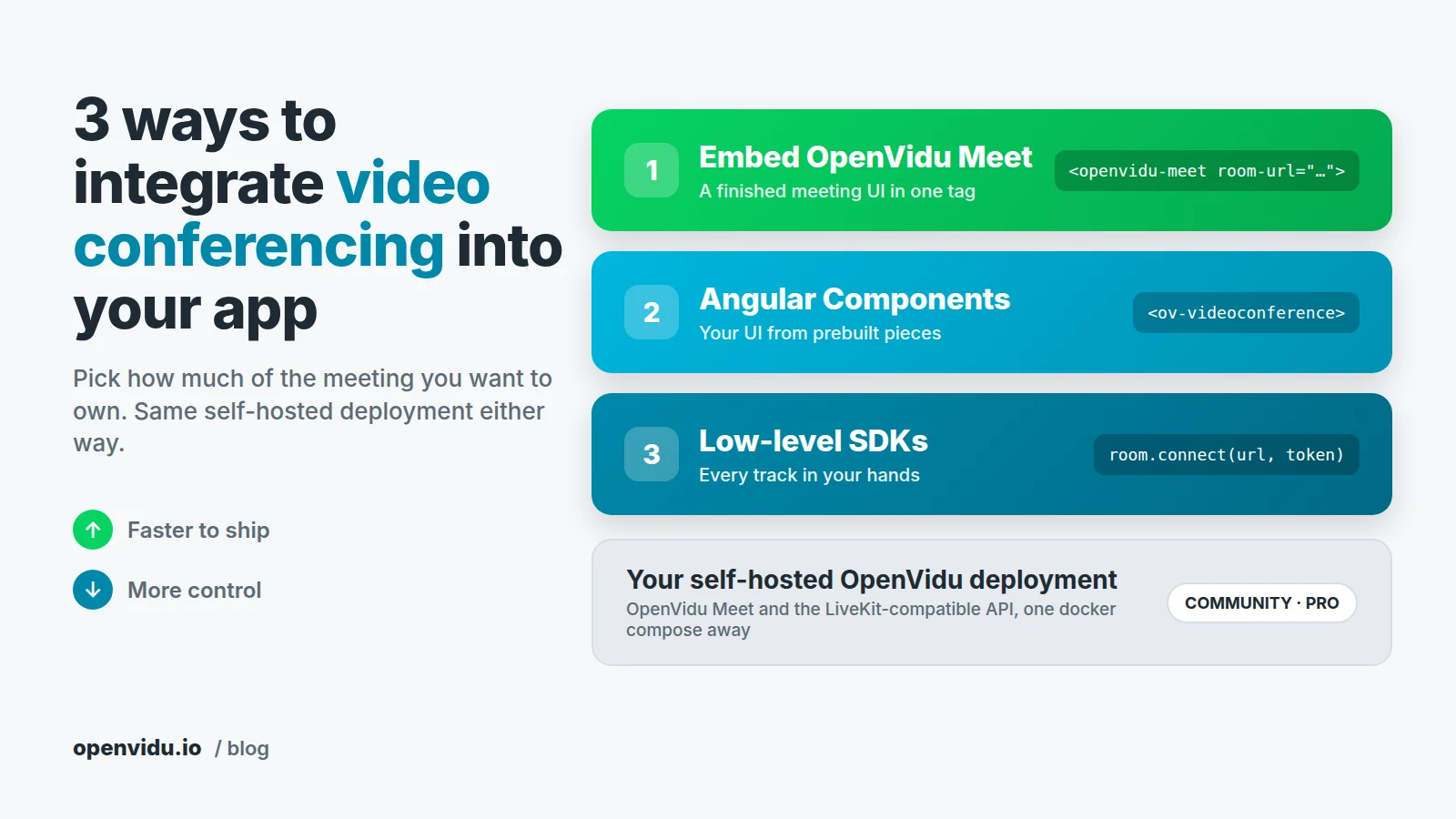
Choosing the right level of abstraction in self-hosted WebRTC solutions in 2026: OpenVidu Meet vs OpenVidu Platform

OpenVidu Meet vs OpenVidu Platform

In this blog post we explore how different levels of abstraction are needed in the WebRTC arena, and which choices do you have when using the OpenVidu WebRTC ecosystem.

Why Abstraction Matters

People are diverse, and that’s what makes life interesting. In the world of real-time communications (RTC), diversity means that different users require entirely different levels of abstraction to get the job done, from a "batteries included" scalable meeting application, to an extremely customizable media processing pipeline with access to low-level media SDKs and APIs.