Creation & Management#
Room members are managed from the "Room Members" tab of the room details page, or programmatically through the REST API.
Only two kinds of member are managed here: users and identified guests. Anonymous guests cannot be added or listed, since their identity is only known once they join a meeting.
Add a member#
From the room's "Room Members" tab, click "Add Member" and choose the member type:
-
User — pick an existing user account. They access the room through the shared user access link, logging in with their credentials.
Info
Admins and the room owner cannot be added as room members — they are already implicit members of the room, with full access and all permissions granted.
-
Identified guest — type a fixed display name. OpenVidu Meet generates a unique personal access link for them, which grants access with no login.
Then choose a base role (Moderator or Speaker) that sets the default permissions, and optionally fine-tune them with custom permissions.
List & filter members#
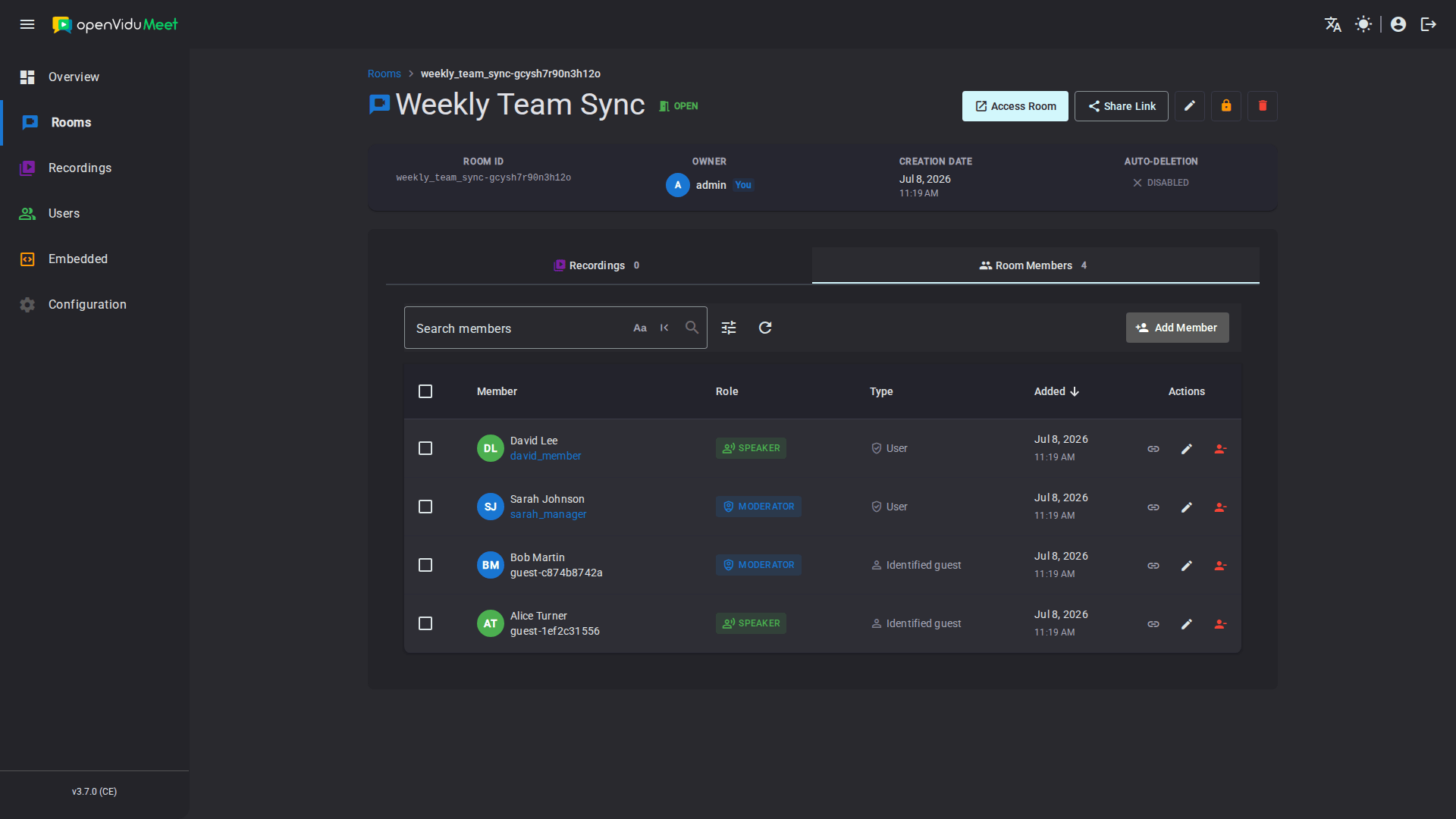
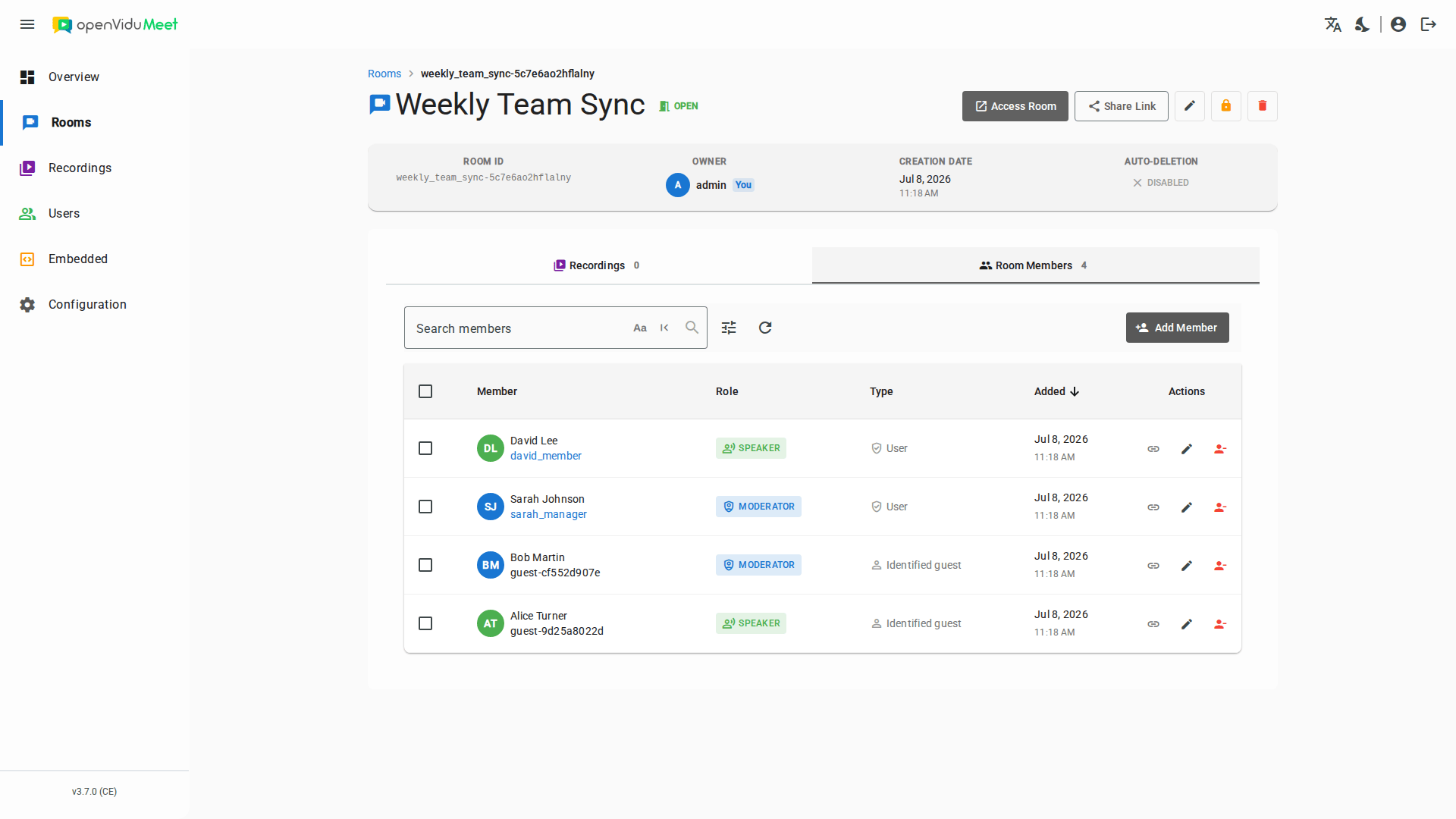
The "Room Members" tab lists the room's users and identified guests, showing each member's name, role and type. You can search by name and filter by base role or by type (user / identified guest).
Edit a member#
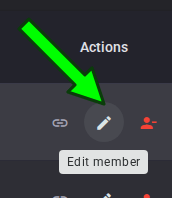
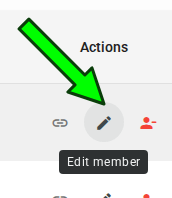
Update a member's base role or custom permissions from the member list. Changes apply immediately — even if the member is currently in a meeting, their permissions are updated on the fly.
Copy a member's access link#
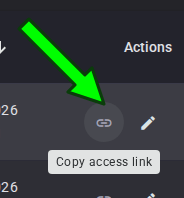
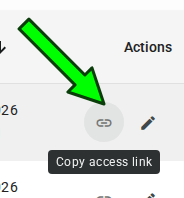
Every member's access link can be copied from the member list:
- Identified guests have a unique personal access link. Copy it and deliver it privately to the intended individual.
- Users do not have a personal link, but their link can also be copied from the member list — it is the shared user access link that every user of the room logs in through.
Remove members#
Members can be removed individually or in bulk from the "Room Members" tab.
Warning
When a room member is removed, their access is immediately revoked. An identified guest's unique link stops working, and any member currently in an active meeting is expelled from it.
REST API reference#
All of these operations can also be performed programmatically with the OpenVidu Meet REST API. See the REST API specification for the full list of available endpoints, request bodies and response schemas.
| Operation | HTTP Method | Reference |
|---|---|---|
| Add a member | POST | Reference |
| List members | GET | Reference |
| Bulk delete members | DELETE | Reference |
| Get a member | GET | Reference |
| Update a member | PUT | Reference |
| Delete a member | DELETE | Reference |