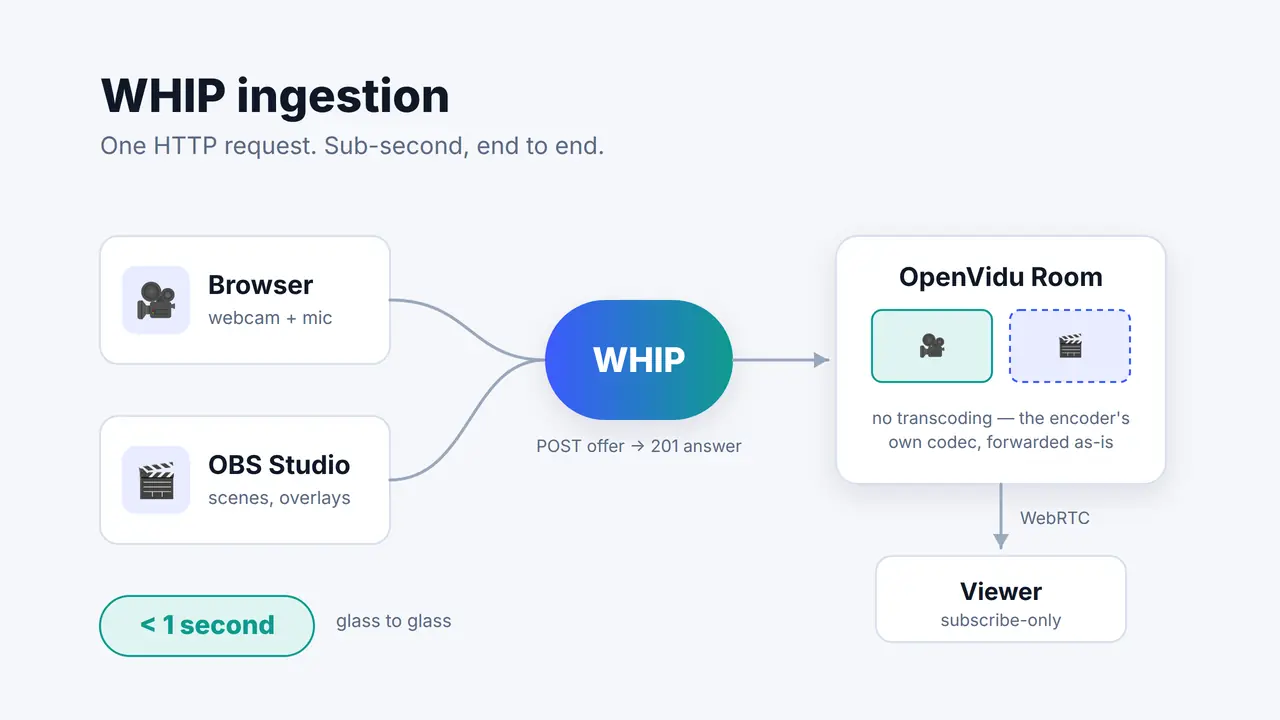
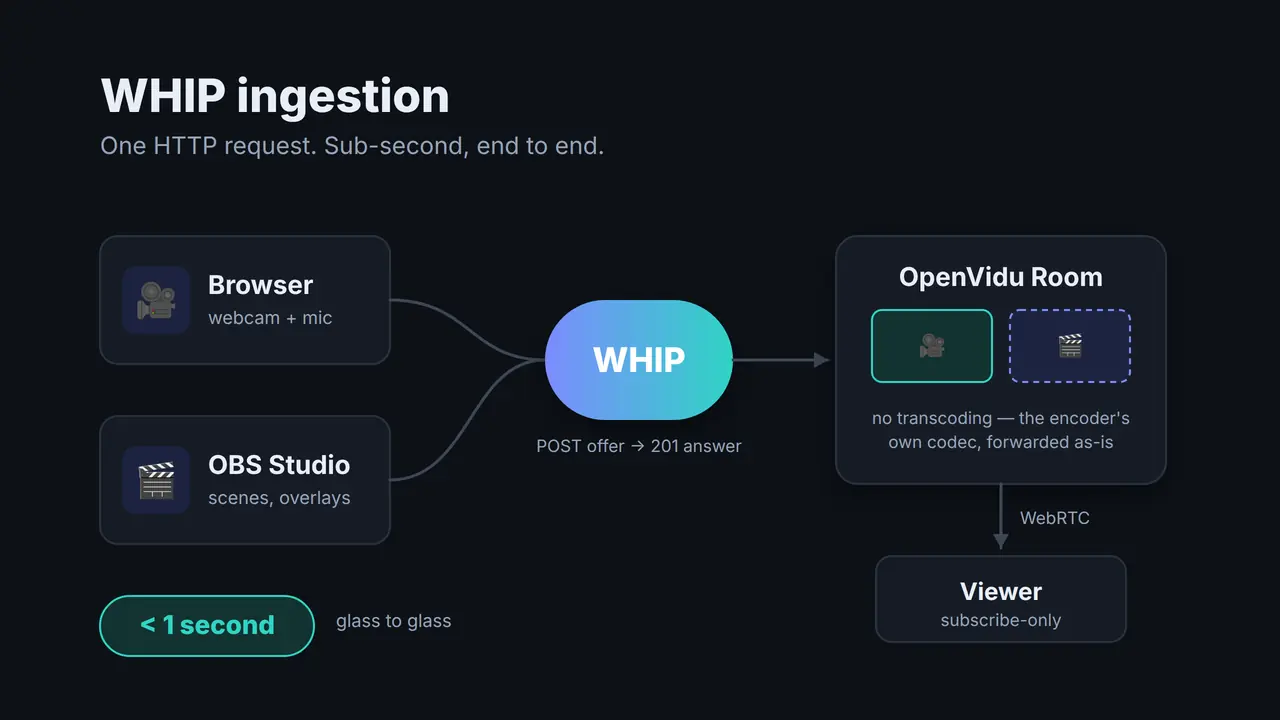
Part 1 of this series argued that if your video has to close a feedback loop with the person watching it, HLS and DASH structurally can't get you there and WebRTC can. That's the theory, and theory is cheap. So let's do the thing itself: take a webcam, push it into a self-hosted OpenVidu Platform Room over WHIP, and watch it come out the other side fast enough to have a conversation through. Then do it again from OBS Studio, which has spoken WHIP natively since version 30 and needs no plugin, no SDK and no code at all.
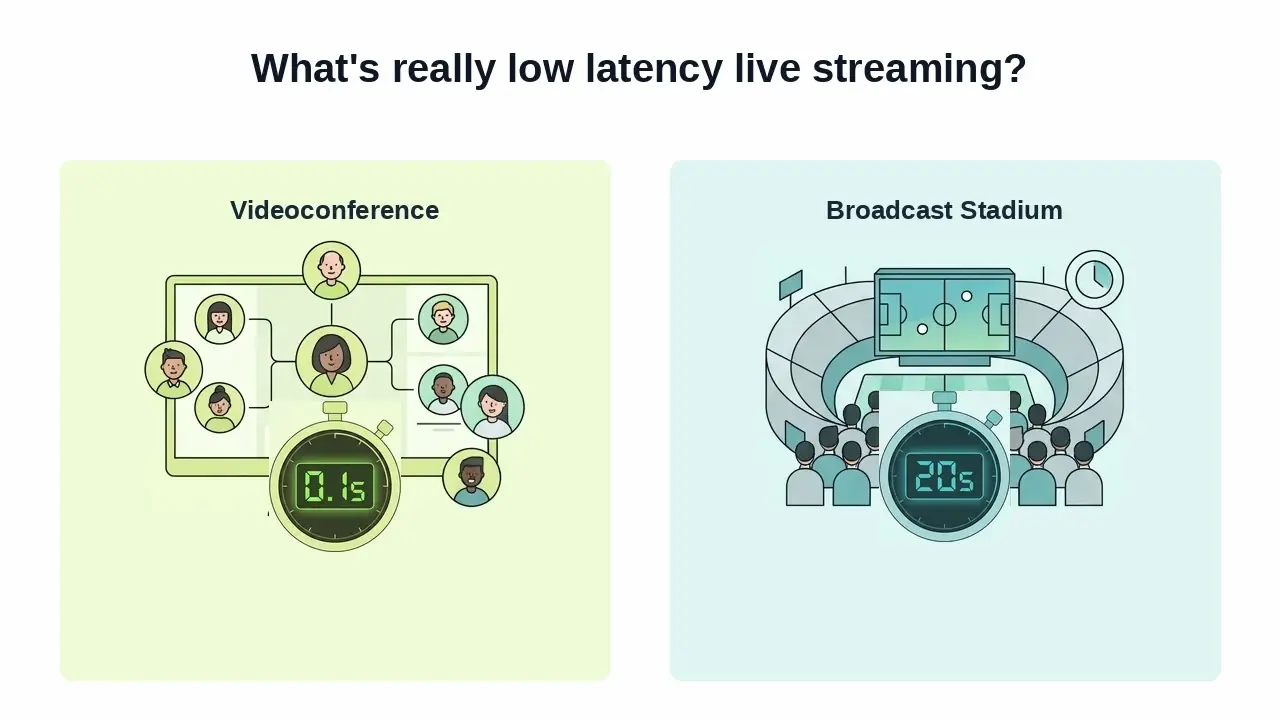
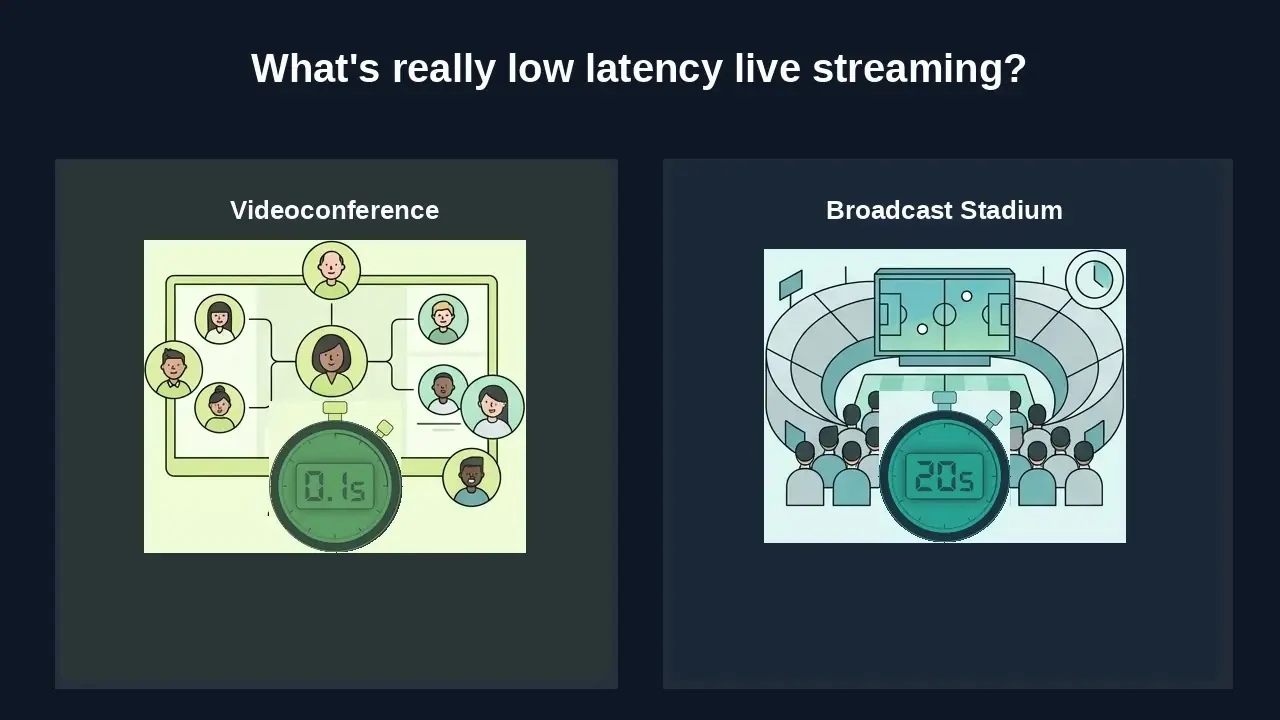
When Spain was playing the World Cup, we noticed something annoying. We celebrated each of Spain's scores by shouting "GOOOOOL", 15 seconds before our neighbors saw the goal on their TV. Obviously, we ruined their experience watching the game, so much that they asked us where we were watching it from to avoid the gap. Now picture that same 15-second gap on a live shopping stream where you're typing "does it come in blue?", or in a video call where you keep talking over the other person because their audio hasn't reached you yet. That's the difference between "live" and low latency live streaming.
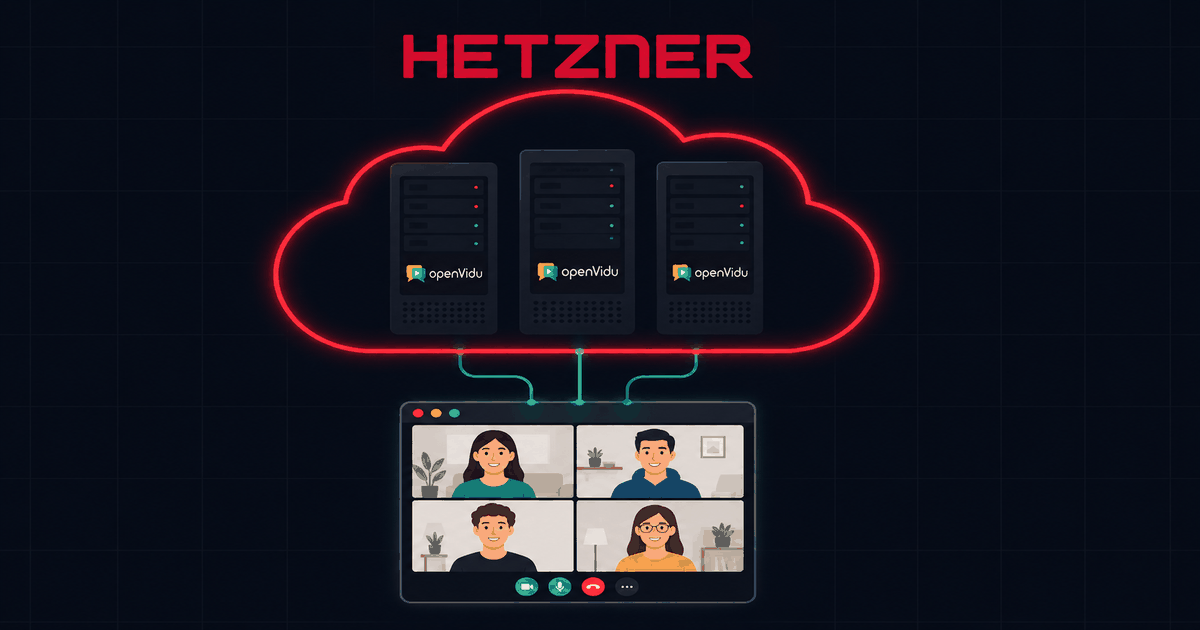
This post is a getting-started guide to OpenVidu on Hetzner Cloud. It gathers in one place all the steps needed to go from an empty Hetzner account to a working OpenVidu deployment in a few minutes: which instance to pick, which ports to open, and the one command that installs everything. It is deliberately shorter than the official self-hosting documentation; the goal here is a running deployment today, not covering every option.
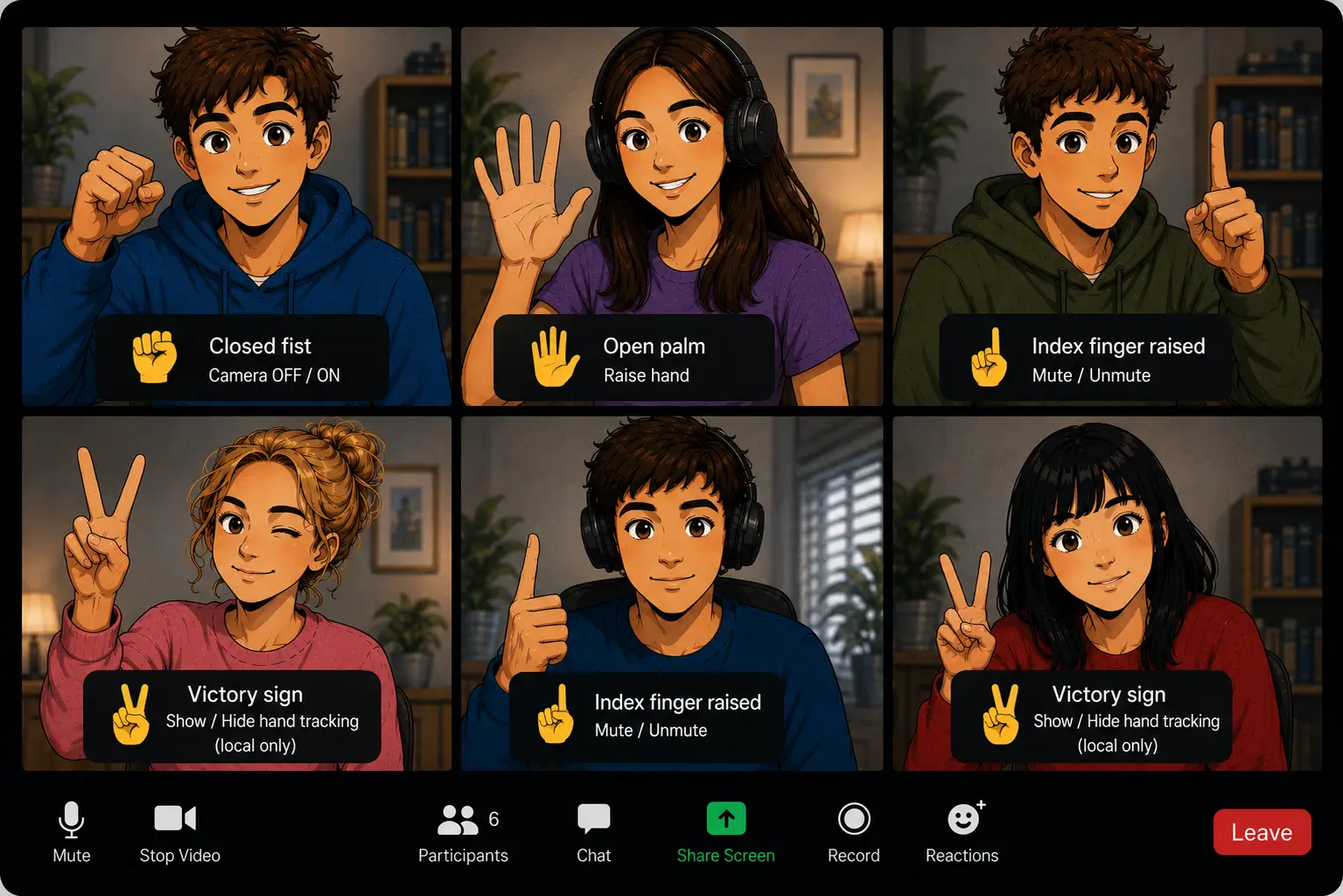
If you're tired of reaching for the cursor to hit the camera icon every time you want to disappear from the meeting, you're in luck. At OpenVidu we've built an open-source prototype that lets you control your video call's features with gestures, like an actual tech shaman.
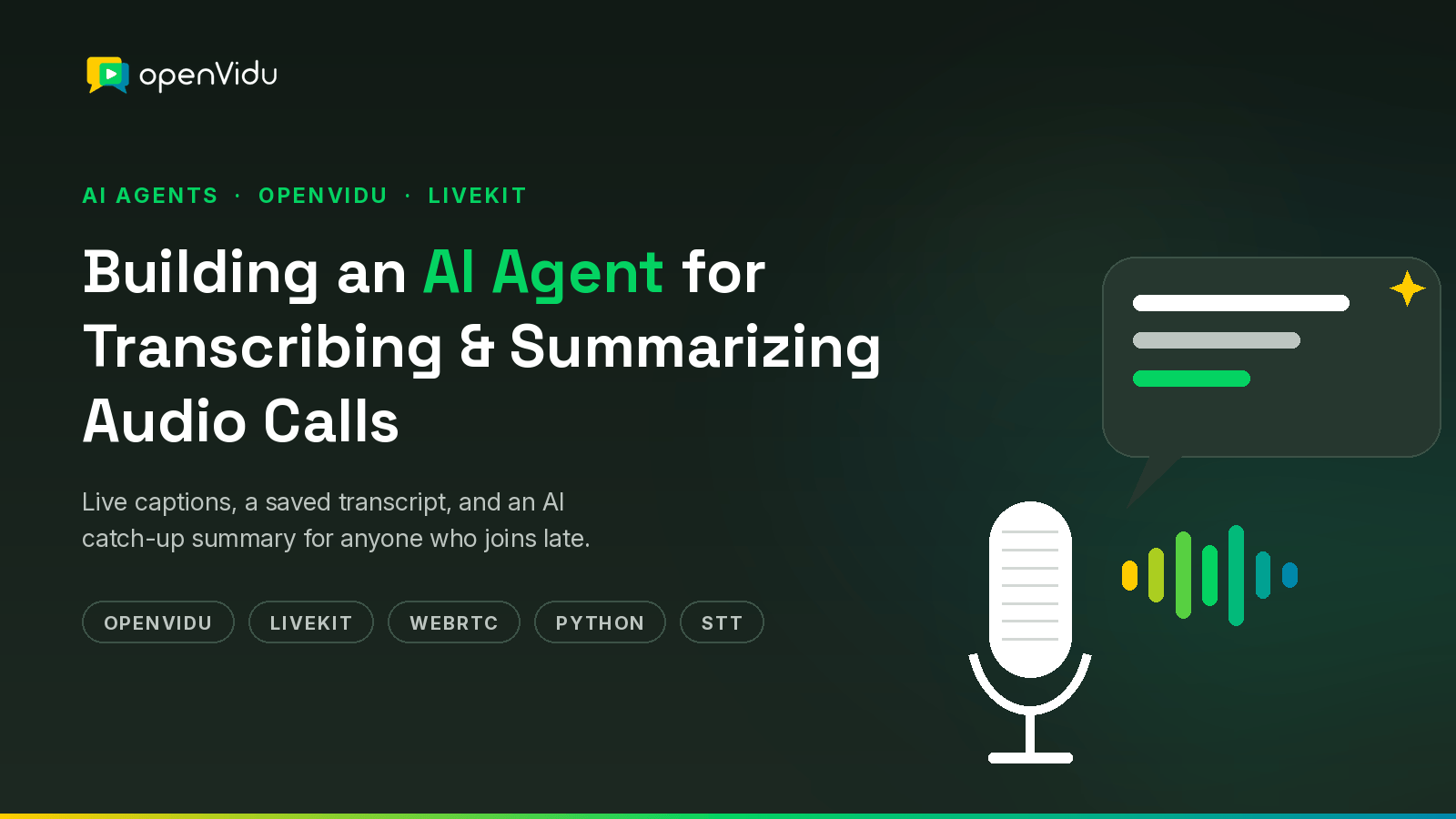
With the world being flooded with all kinds of agents, bots, and AI services, let's keep things grounded and code something tangible in a few simple steps. Let's build an AI agent that helps people in an audio call. Our agent will:
Store the full transcript of the meeting in a text file.
Send live captions to everyone in the call.
When someone joins late, send them a private summary of what they missed.
We'll be using OpenVidu as our media server, and LiveKit Agents Python framework to build our agent. These tools handle all the hard parts of real-time audio transport, so we can focus on our agent features.
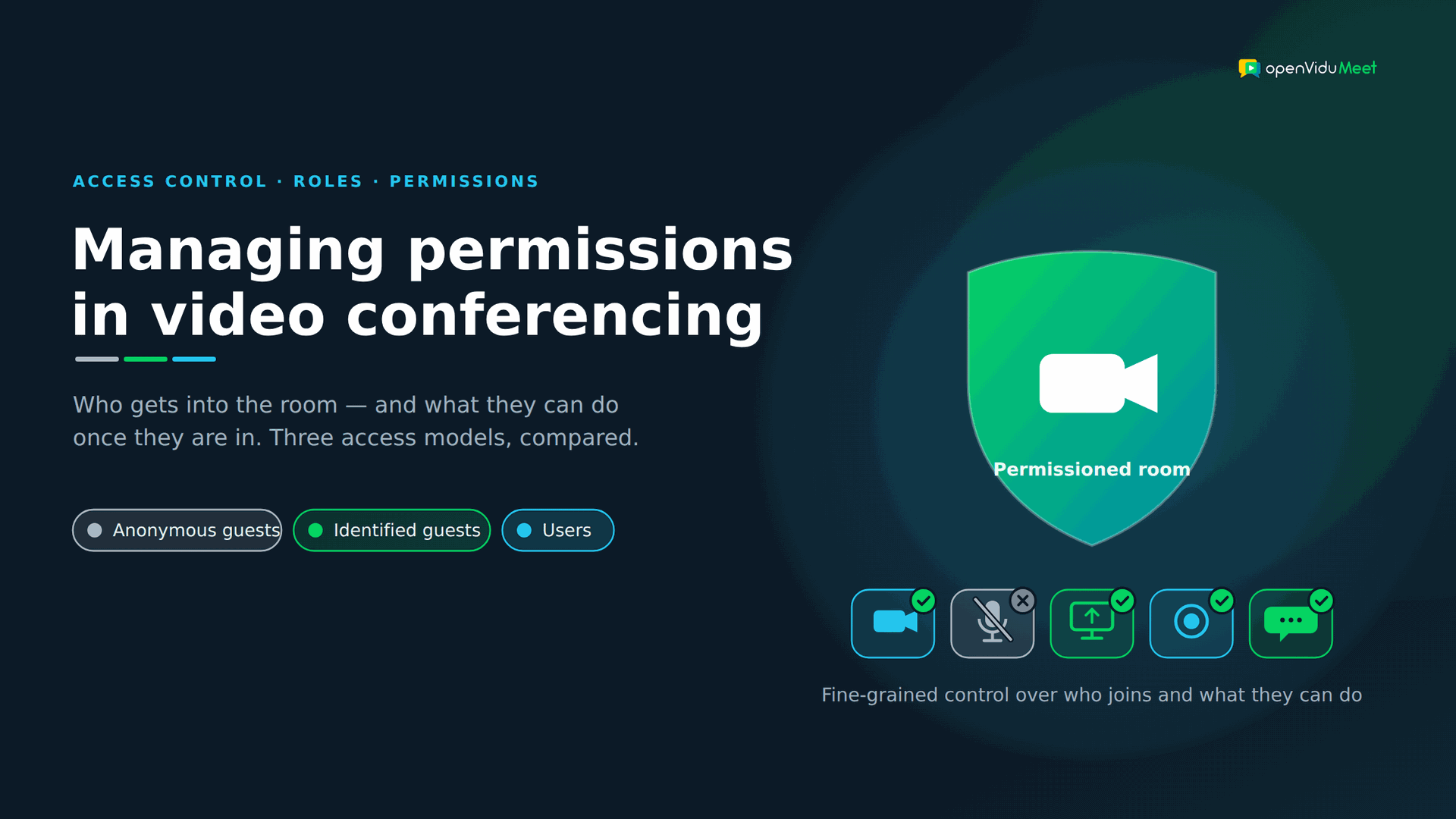
Everyone benchmarks video conferencing on the things you can see: resolution, latency, how many people fit in a grid. But the failures that actually hurt in production are rarely about a dropped frame — they're about the wrong person joining a room they shouldn't be in, or a private recording ending up somewhere public. Permissions are the invisible half of a video app, and they're the half most teams underestimate until something goes wrong.
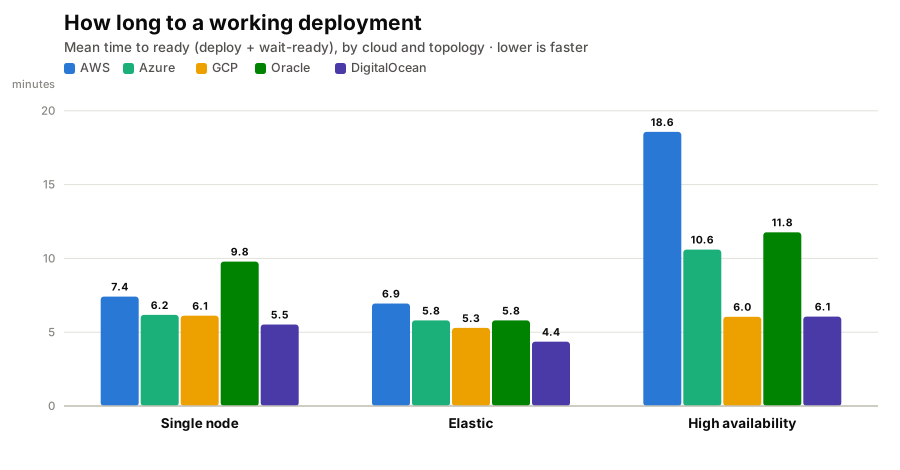
"How long does it take to deploy?" sounds like a trivia question until you're the one watching a progress bar, wondering whether it's stuck. So we stopped guessing and measured it.
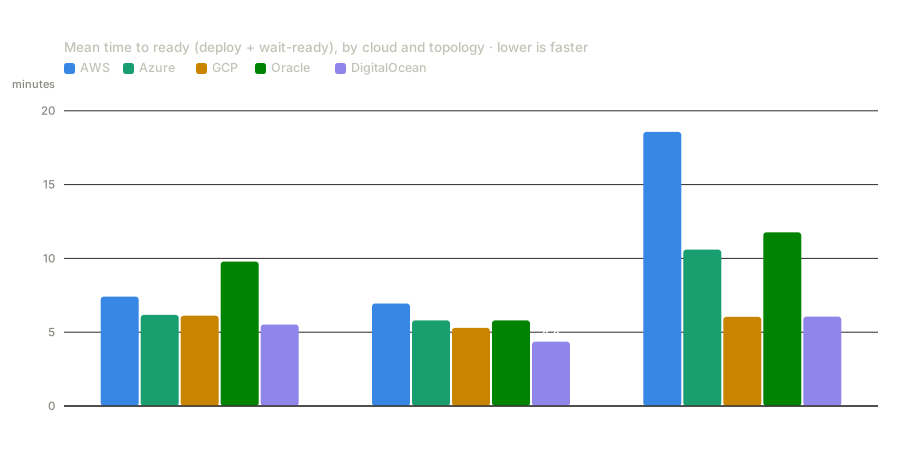
We built a tool, ov-cloud-tester, that deploys the same self-hosted WebRTC video stack on all five major clouds — AWS, Azure, Google Cloud, Oracle Cloud and DigitalOcean — in three topologies (single node, elastic, and high-availability), tears it down cleanly, and times the whole thing. We ran it many times per cloud and looked at both the averages and every individual run. The headline: standing up a working deployment ranges from about 5 minutes to 20, DigitalOcean is consistently the fastest and Oracle the heaviest — and the why, plus which clouds are actually predictable, turns out to be more interesting than the ranking.
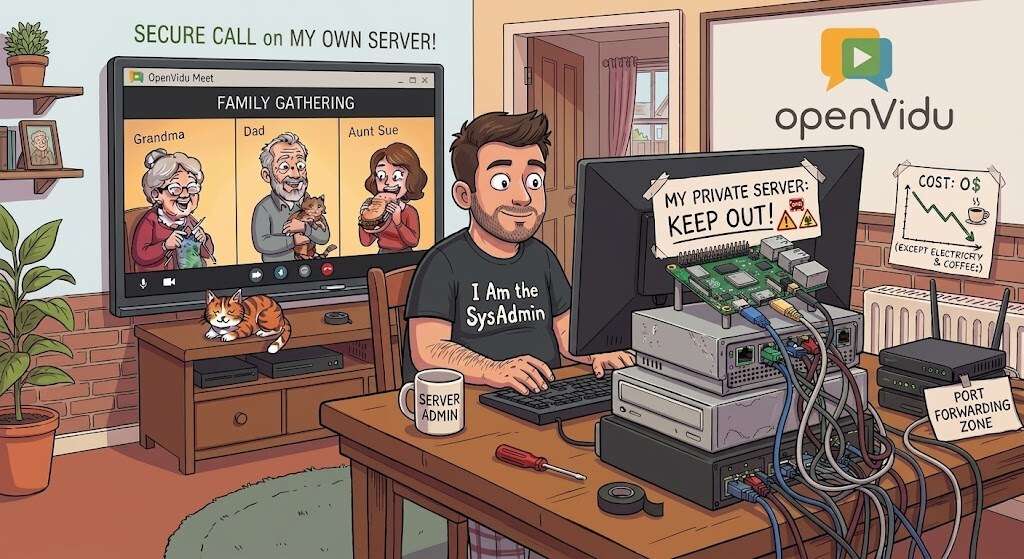
We're all used to reaching for a third-party app to call friends and family: Google Meet, Zoom, Microsoft Teams, etc. Almost nobody wants to complicate their life by running their own server, and if you mention "spinning up a WebRTC media server" to an experienced sysadmin, they'll probably put their head in their hands thinking about how complicated it must be.
In reality, it's much easier than you might think. At OpenVidu we've worked hard to make a self-hosted video conferencing service as easy to install and run as possible, and hosting it yourself comes with some genuine advantages. It's completely free, there are no 40-minute timers or participant limits, your guests join straight from a browser with no account and no app, and every call stays on hardware that lives in your own home.
With a tiny computer like a Raspberry Pi, an old laptop or a mini-PC, you can have your own private video conferencing server running in a matter of minutes. This guide walks you through it in three simple steps using OpenVidu Meet .
There's a clear gap between a WebRTC demo and something you can actually run in production, and it usually sits at the TURN layer. Your demo might work fine on a clean network, but once real users show up behind NATs, corporate firewalls, and mobile gateways, the calls simply die without it.
Launch week often feels perfect. You ship an MVP, users join calls quickly, and early feedback is strong. Then growth arrives faster than expected.
One customer schedules a company-wide meeting. Hundreds of people join. Your best demo becomes your first major incident: CPU climbs, bandwidth saturates, audio breaks, video freezes. The product didn't fail because the team lacked talent. It failed because real-time media scales very differently from traditional web applications.
Stateless APIs can usually absorb demand with more replicas and a load balancer. Video conferencing can't. Each participant holds a long-lived, stateful connection, and every audio and video packet has to be encrypted and routed with very low latency. A database query can afford to wait 200 ms. A conversation can't — your users notice jitter, gaps, and packet loss the instant they happen.
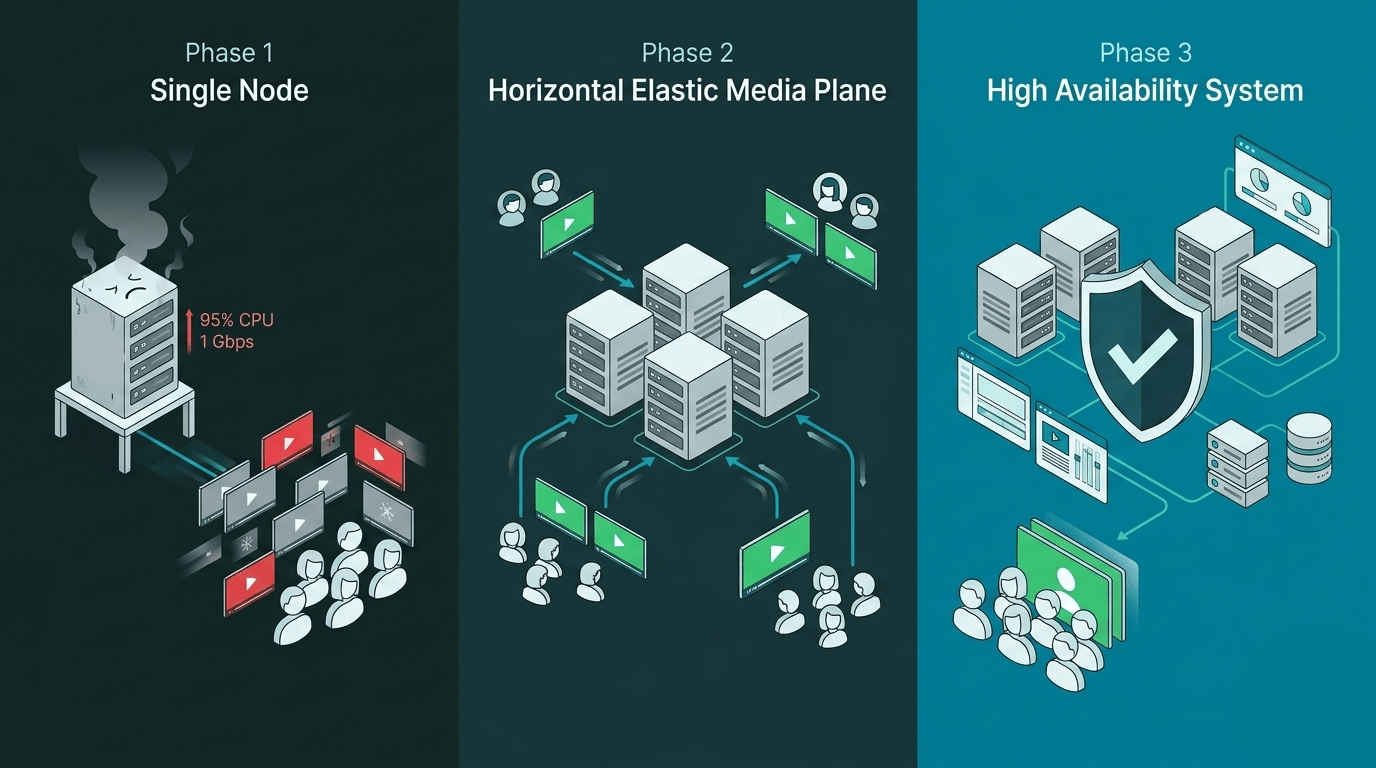
That's what makes scaling video a genuinely hard problem. It's not a hardware question you solve by adding RAM. You need an architecture that grows with you. This guide walks through a three-phase roadmap:
Single Node — where almost every successful product starts.
Horizontal Elastic Media Plane — how to scale the part of the system that actually processes calls.
High-Availability Control Plane — how to stop a single failure from taking down the entire platform.
Along the way, you'll also learn how to build an autoscaling loop that reacts before saturation hits, and how admission rules can protect call quality even when traffic bursts unexpectedly.