Skip to content

OpenVidu Platform#

The Black Hole Node: how one full disk broke recordings in an entire WebRTC cluster (Bug stories #1)
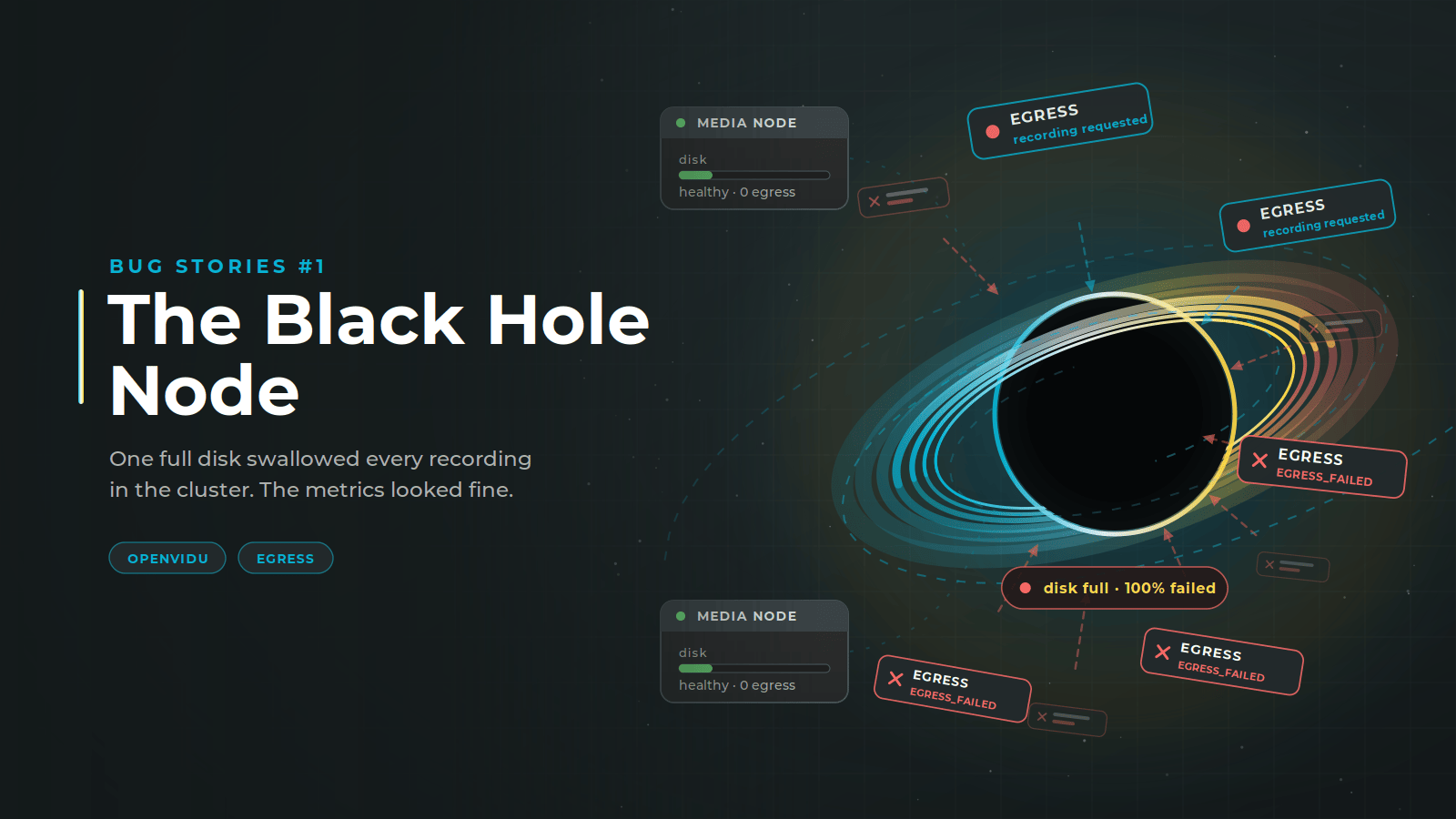
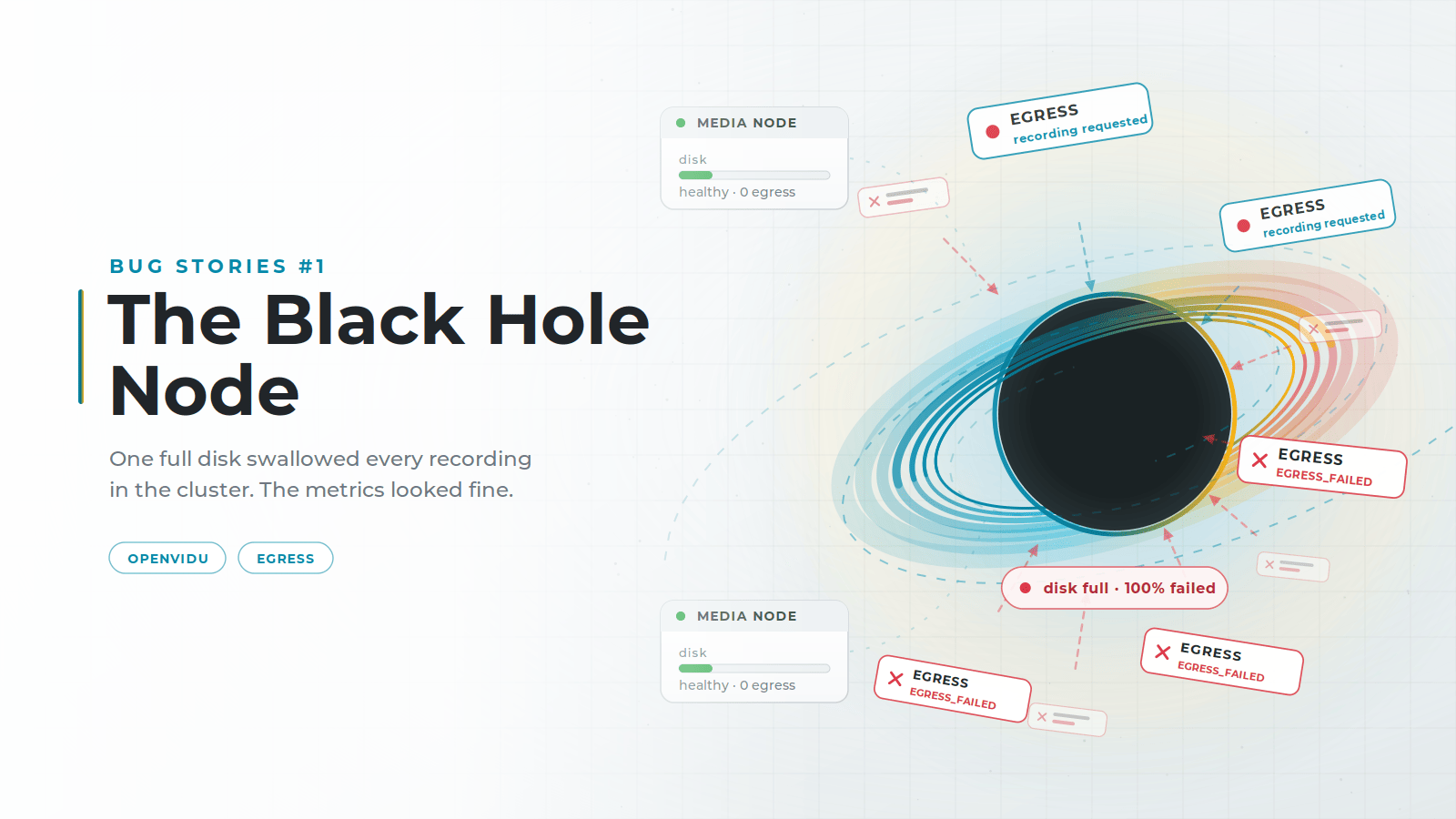
The Black Hole Node: one full disk swallowed every recording in the cluster The Black Hole Node: one full disk swallowed every recording in the cluster

OpenVidu records media from its rooms with a service called Egress, and spreads that work across multiple Media Nodes, each one running an Egress of its own. Our Egress is built on LiveKit's, but the algorithm that decides which node takes each recording is our own implementation. LiveKit does not choose by CPU: it weights each recording by type to decide which nodes can take it at all, then hands the job to one that is already recording, picking at random when every candidate is idle. We added a CPU-aware strategy on top and made it the default, so a new recording lands on the node with the most headroom rather than on the busiest one.

We did that to keep the load even across the cluster and get more out of every Media Node. But in systems as complex as WebRTC it is easy to miss second-order effects: parts that behave perfectly on their own and break once you put them together. Our strategy broke when it met a disk limit nobody had accounted for, and it took the recording capability of a whole cluster with it.

The metrics never pointed at it. What they measure is whether a cluster is healthy, and this one was. The failure was somewhere else, in the logs, and that is where we traced it, node by node, until we found what to fix.
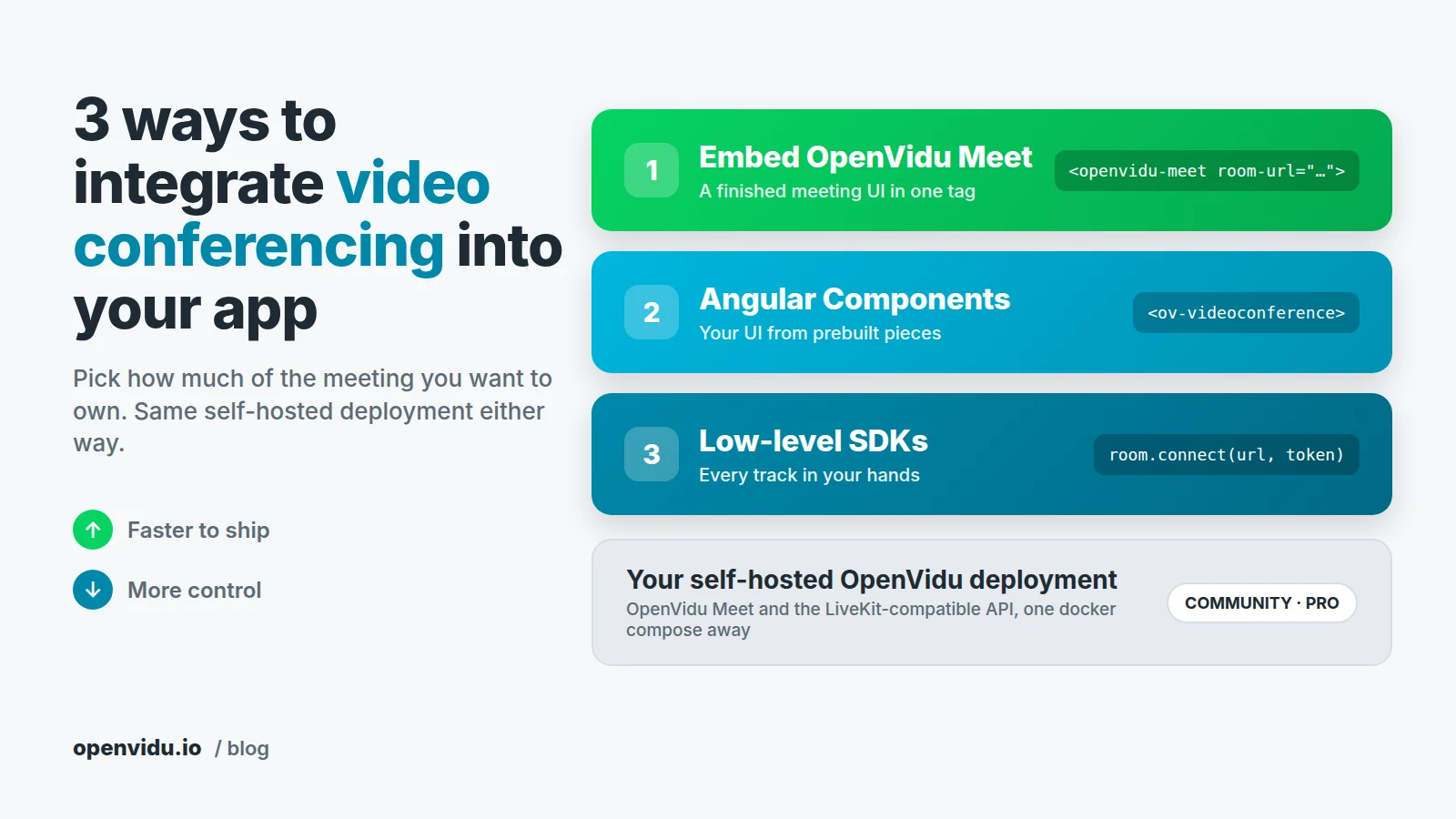
3 ways to integrate video conferencing into your app with OpenVidu

Three stacked integration levels, from embedding OpenVidu Meet to Angular Components to low-level SDKs, all running on one self-hosted OpenVidu deployment Three stacked integration levels, from embedding OpenVidu Meet to Angular Components to low-level SDKs, all running on one self-hosted OpenVidu deployment

Most products reach a point where a chat window or a phone number is no longer enough, and people need to see each other. Sooner or later the ticket lands on your board: "Add video calls to the app". The WebRTC part is a solved problem. The question that actually shapes the project is a different one: how much of the meeting do you want to own? The buttons, the layout, the media tracks themselves? Or just a <div> where a meeting shows up?

There are three ways to integrate video conferencing into your app with OpenVidu, and all of them run on the same self-hosted deployment. You can embed OpenVidu Meet, a finished meeting UI, with one HTML tag. You can assemble your own meeting screen from Angular Components. Or you can go down to the OpenVidu Platform SDKs and handle every audio and video track yourself.

Debugging WebRTC with an AI agent and Grafana MCP

Debugging WebRTC with an AI agent and Grafana MCP: read-only Grafana, a broken deployment, and an agent that works through the metrics to find each root cause

What if you gave an AI agent nothing but read-only access to your Grafana, pointed it at a WebRTC deployment it had never seen, and asked what was broken? No shell, no source code, no config files, nothing but the dashboards and logs any on-call engineer would stare at. Could it actually find the root cause?

That is the experiment we ran at OpenVidu. We took a real OpenVidu deployment, broke it on purpose in five different ways, and handed a blind Claude Code session a single vague complaint and a link to Grafana. This post walks through what it found, where it shone and where it fell flat, and it ships with a companion repo so you can reproduce every bit of it yourself.

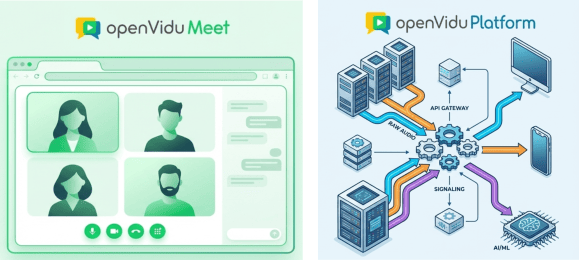
Choosing the right level of abstraction in self-hosted WebRTC solutions in 2026: OpenVidu Meet vs OpenVidu Platform

OpenVidu Meet vs OpenVidu Platform

In this blog post we explore how different levels of abstraction are needed in the WebRTC arena, and which choices do you have when using the OpenVidu WebRTC ecosystem.

Why Abstraction Matters

People are diverse, and that’s what makes life interesting. In the world of real-time communications (RTC), diversity means that different users require entirely different levels of abstraction to get the job done, from a "batteries included" scalable meeting application, to an extremely customizable media processing pipeline with access to low-level media SDKs and APIs.