Room Appearance#
Rooms can be customized to fit your branding needs. As for now, you can setup the color scheme of your rooms from the "Configuration" page.
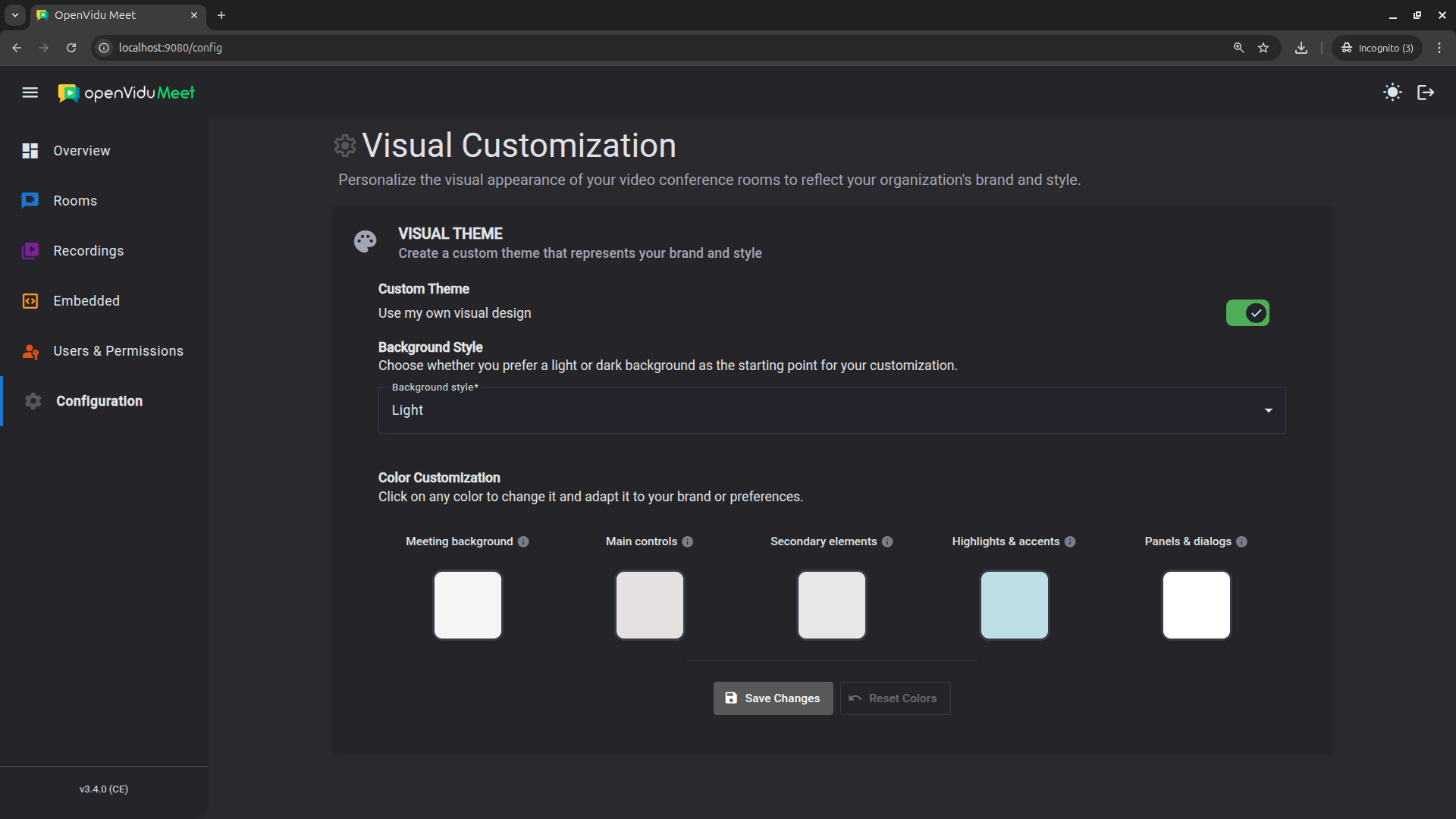
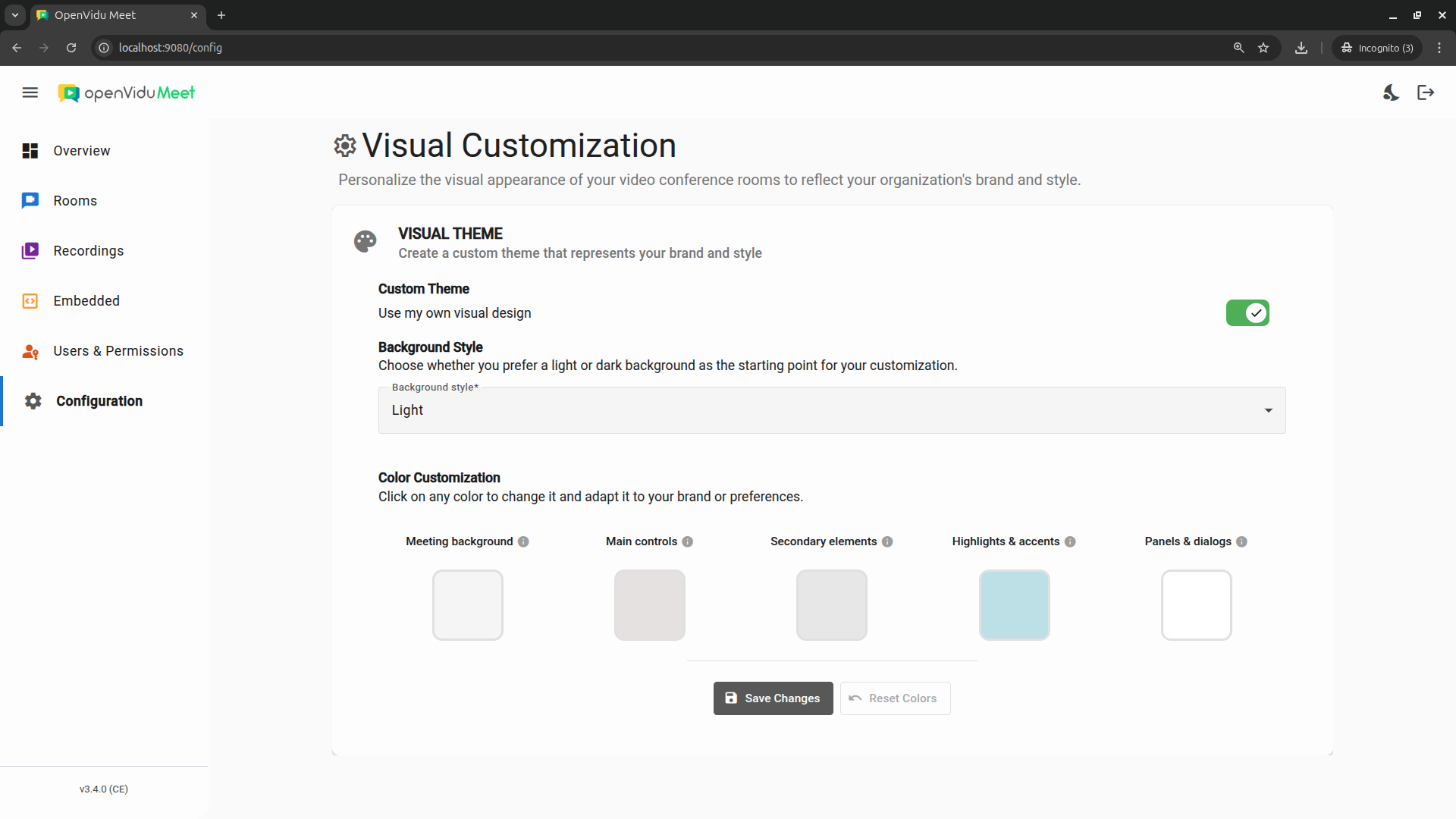
You can set separately the color of:
- Main background: background color of the meeting view.
- Main controls: colors for the main control buttons (mic, camera, etc.)
- Secondary elements: colors for logos, icons, borders and subtle details.
- Highlights & accents: colors for active states and highlighted items.
- Panels & dialogs: background color for side panels and dialog boxes.
You can also choose between a light and a dark background style, to ensure the displayed text is always readable after applying your color scheme.