Skip to content

October 2026#

How Dicode built private video calls on OpenVidu
Dicode and OpenVidu customer success story Dicode and OpenVidu customer success story

What do you build when your clients hold confidential conversations, and "just use Teams" isn't an answer you can give them? That's the question Dicode , a software company from Tampere, Finland, faced when it set out to give non-profit organizations video calls that are easy to join and keep their data private.

We talked to the team at Dicode, led by CEO Janne Sikiö, about the product they built on OpenVidu: why privacy and EU data residency drove the choice, how they handle large audiences, what the move from OpenVidu 2 to OpenVidu 3 took, and where they want to go next with their video calls.
How we develop and test complex OpenVidu clusters in our laptops

Developing and testing complex OpenVidu clusters on a laptop: production topologies inside Docker-in-Docker, and the chaos tests that break them on purpose

Any modern software system of a certain size that aims to be scalable and fault-tolerant consists of multiple services running on different nodes. OpenVidu is no exception, and it goes even further: as a real-time system, there are other factors that become critical: shared state, concurrency, and response time.

Developing and testing such a distributed system is not trivial. In this post, we will explain how we are able to replicate production OpenVidu clusters on a single machine using Docker-in-Docker. This allows us to test and find bugs that only appear in a distributed environment, without the need for multiple VMs or physical machines.

The idea is that this short post will serve as inspiration for developers and sysadmins who may face similar challenges when working with distributed systems and need a practical solution to chaos test them, in a cost-effective and efficient way.

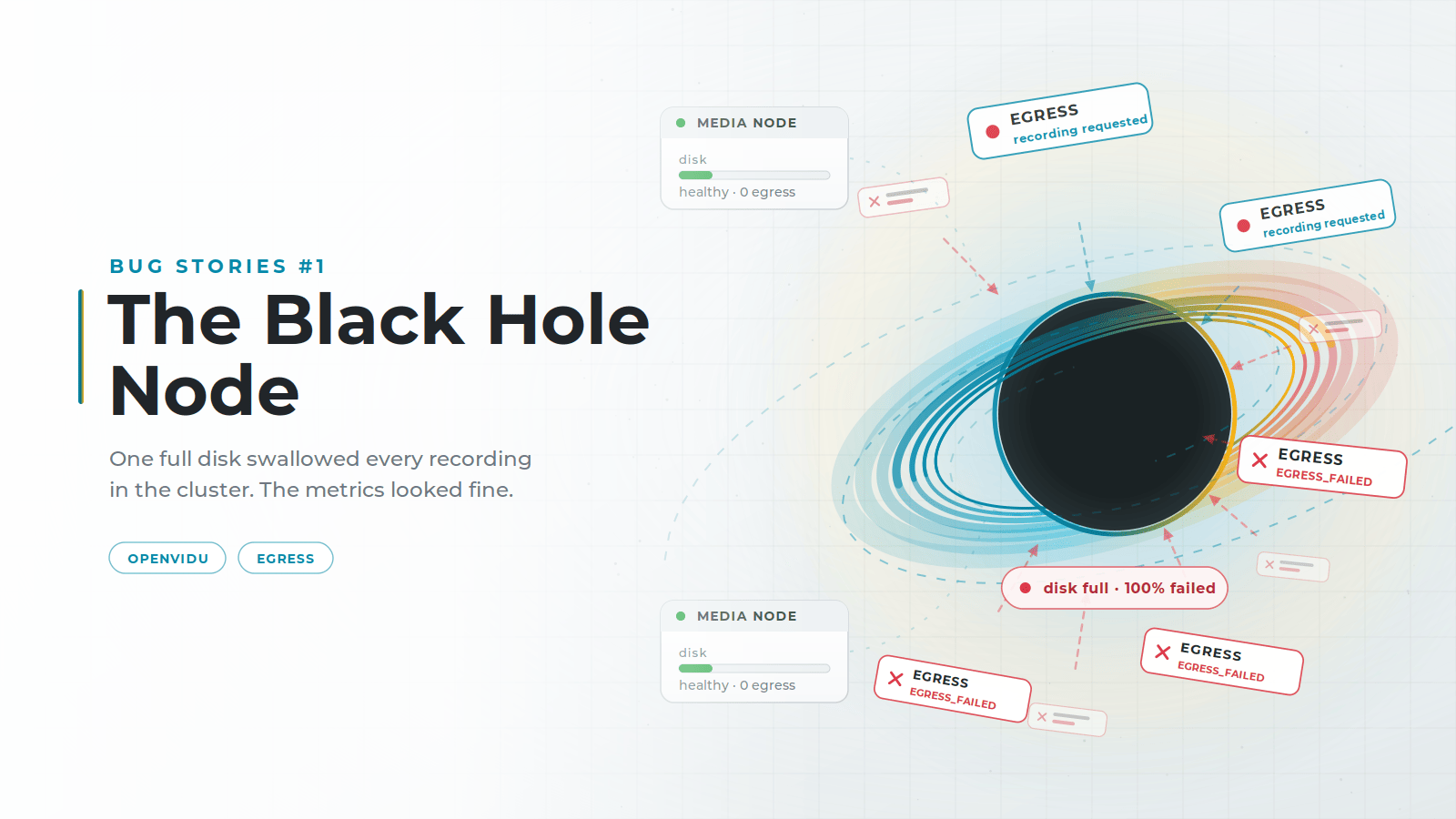
The Black Hole Node: how one full disk broke recordings in an entire WebRTC cluster (Bug stories #1)

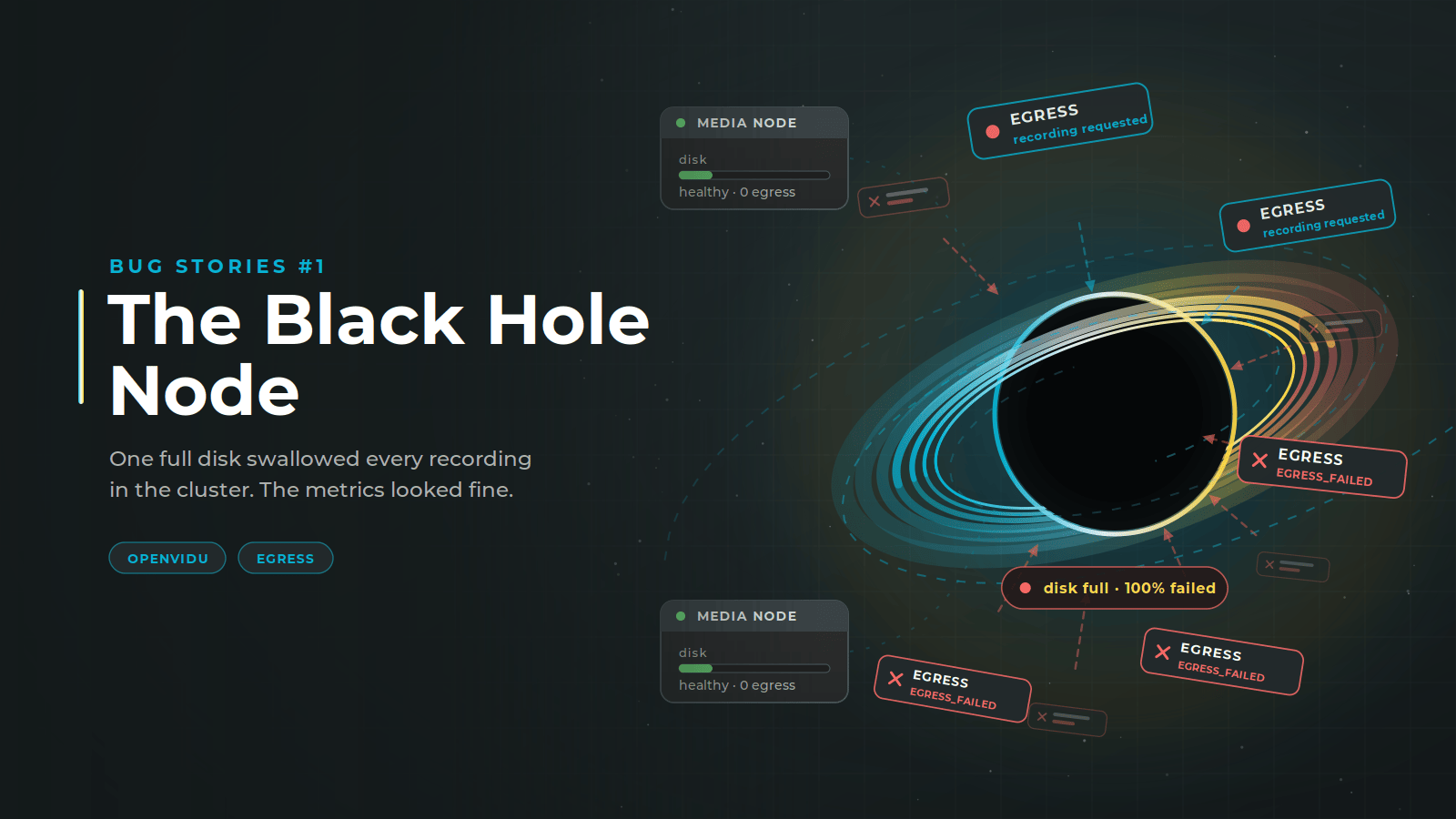
The Black Hole Node: one full disk swallowed every recording in the cluster The Black Hole Node: one full disk swallowed every recording in the cluster

OpenVidu records media from its rooms with a service called Egress, and spreads that work across multiple Media Nodes, each one running an Egress of its own. Our Egress is built on LiveKit's, but the algorithm that decides which node takes each recording is our own implementation. LiveKit does not choose by CPU: it weights each recording by type to decide which nodes can take it at all, then hands the job to one that is already recording, picking at random when every candidate is idle. We added a CPU-aware strategy on top and made it the default, so a new recording lands on the node with the most headroom rather than on the busiest one.

We did that to keep the load even across the cluster and get more out of every Media Node. But in systems as complex as WebRTC it is easy to miss second-order effects: parts that behave perfectly on their own and break once you put them together. Our strategy broke when it met a disk limit nobody had accounted for, and it took the recording capability of a whole cluster with it.

The metrics never pointed at it. What they measure is whether a cluster is healthy, and this one was. The failure was somewhere else, in the logs, and that is where we traced it, node by node, until we found what to fix.

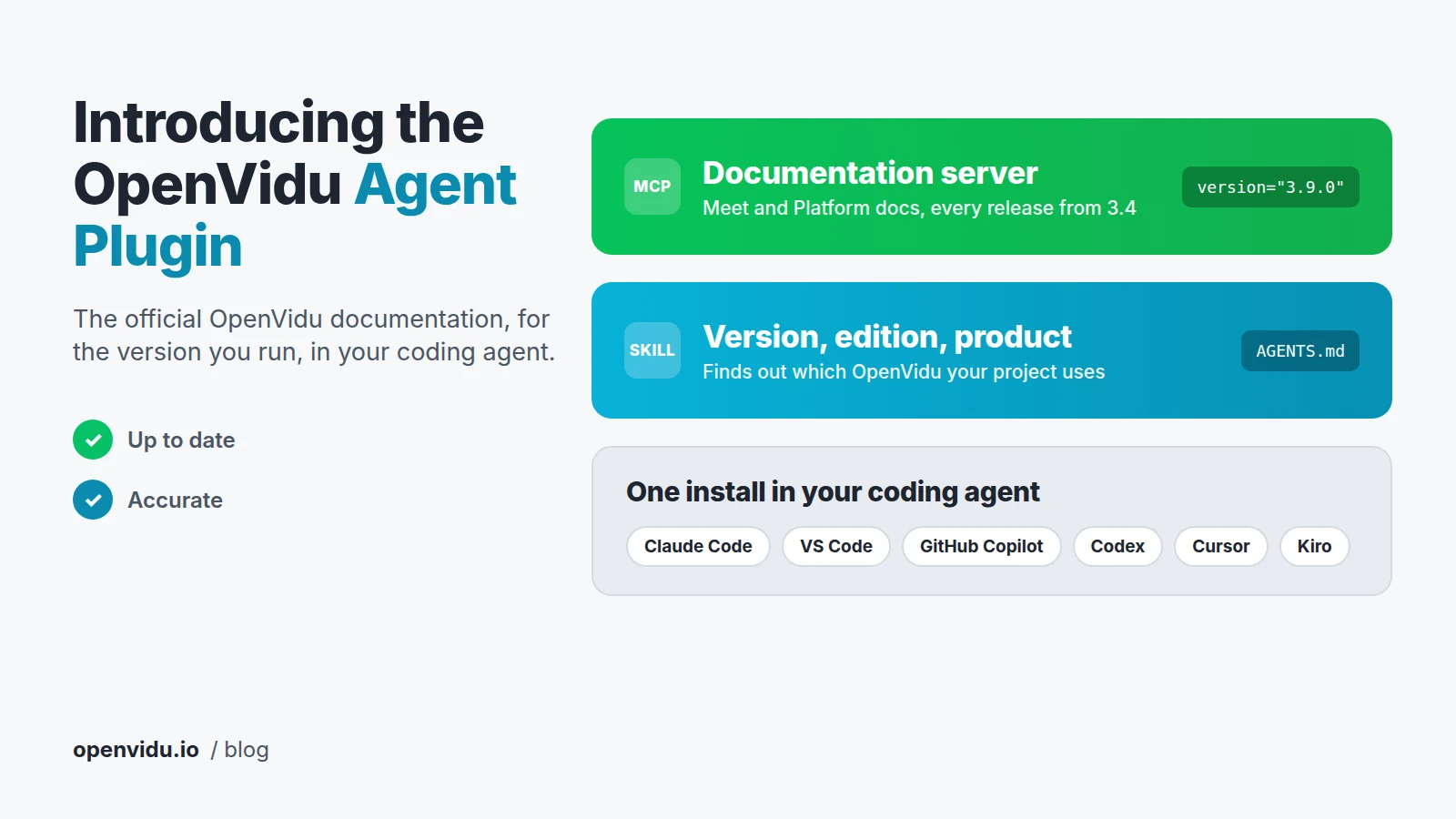
Introducing the OpenVidu Agent Plugin for coding agents

The OpenVidu Agent Plugin: the OpenVidu documentation server and the version, edition and product skill, installed in one step in Claude Code, VS Code, GitHub Copilot, Codex, Cursor and Kiro The OpenVidu Agent Plugin: the OpenVidu documentation server and the version, edition and product skill, installed in one step in Claude Code, VS Code, GitHub Copilot, Codex, Cursor and Kiro

Many developers already let a coding agent write the code that connects their application to OpenVidu, like the backend that creates the rooms or the page where the meeting is embedded. To get that code right, it needs to know how OpenVidu works in the version you're running. That's why today we're releasing the OpenVidu Agent Plugin. Install it once in Claude Code, VS Code, GitHub Copilot, Codex, Cursor or Kiro, and your agent will read the official OpenVidu documentation for your version whenever a task needs it, so the code it writes is up to date and accurate.

The plugin bundles two components: a documentation server with the OpenVidu Meet and OpenVidu Platform docs of every release from 3.4, and a skill that finds out the version, edition and product of the OpenVidu deployment your project uses. In this post we explain how they work together, how to install the plugin, and how much it improved the answers in our tests.