Meeting moderation#
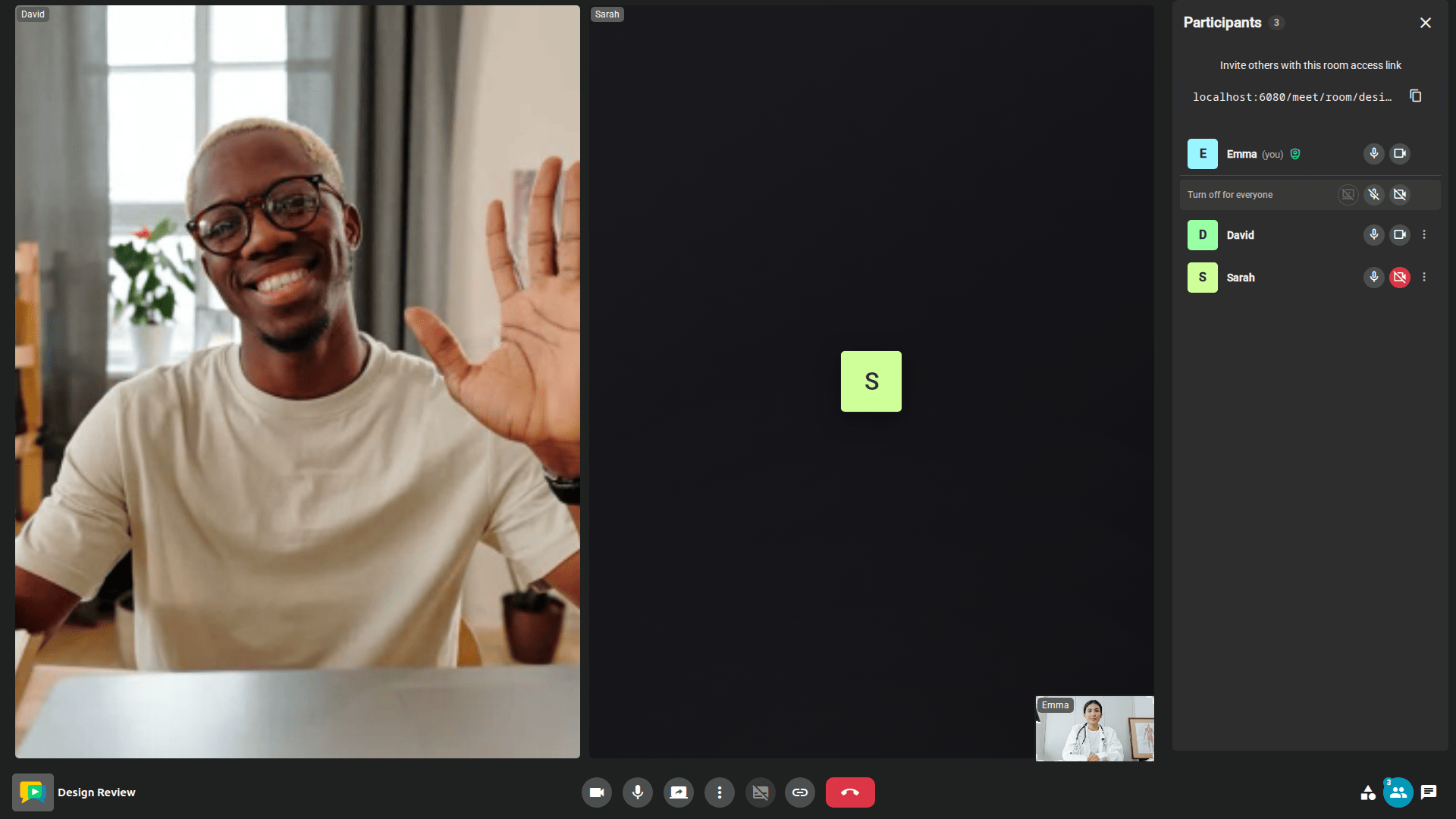
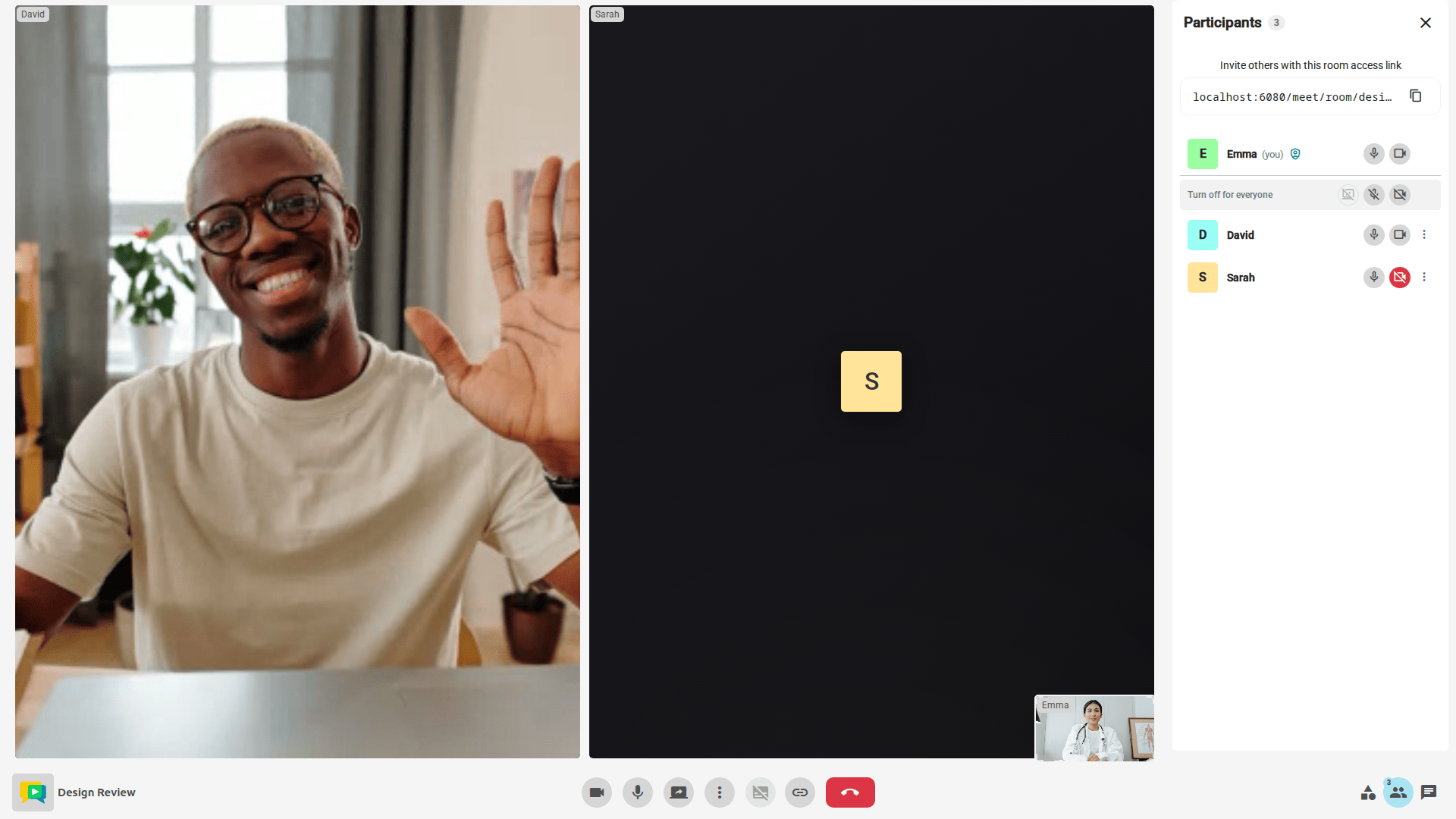
The Participants panel of the Meeting view lists everyone in the meeting, with the current state of their microphone, camera and screen share. Participants with the right permissions act on the others from there:
- Mute another participant's microphone, turn off their camera or stop their screen share, one device at a time (
participantMutepermission). - Turn off for everyone: mute every microphone, turn off every camera or stop every screen share at once (
participantMutepermission). - Remove a participant from the meeting (
participantKickpermission). - Promote a participant to moderator, or demote them back (
participantPromotepermission). See Role Management.
Muting participants#
Muting only ever turns a device off: a moderator can never turn on somebody else's microphone or camera. The affected participant is told that a moderator turned off one of their devices, and may turn it back on at any time. Moderators cannot be muted, and turning off a device for everyone leaves the moderators alone.
participantMute is granted by default to the Moderator predefined role of every room created from OpenVidu Meet 3.9.0 on. Rooms and room members that existed before start without it, so it has to be granted explicitly in the room's role permissions or in the member's custom permissions.
Removing participants#
A participant with the participantKick permission can remove any other participant from the meeting. The removed participant is taken to the End view, which tells them they were removed, and the participantLeft webhook reports participant_kicked as the reason.
From your application#
When OpenVidu Meet is embedded, the same actions are available to the host application as the participantMute, participantMuteAll, participantKick and meetingEnd commands of the Web Component and the iframe. They act on behalf of the local participant, so they require that participant to hold the corresponding permission.
REST API reference#
Live meetings can be read and moderated from your backend with the Meetings REST API. Reading a meeting or its participants requires the meetingRead permission, and each moderation action the permission named above; a request authenticated with the API key is not subject to them.
| Operation | HTTP Method | Reference |
|---|---|---|
| Get a live meeting | GET | Reference |
| End a meeting | DELETE | Reference |
| List participants | GET | Reference |
| Get a participant | GET | Reference |
| Kick a participant | DELETE | Reference |
| Mute a participant | PUT | Reference |
| Mute all participants | PUT | Reference |
| Update a participant's role | PUT | Reference |