Meeting configuration#
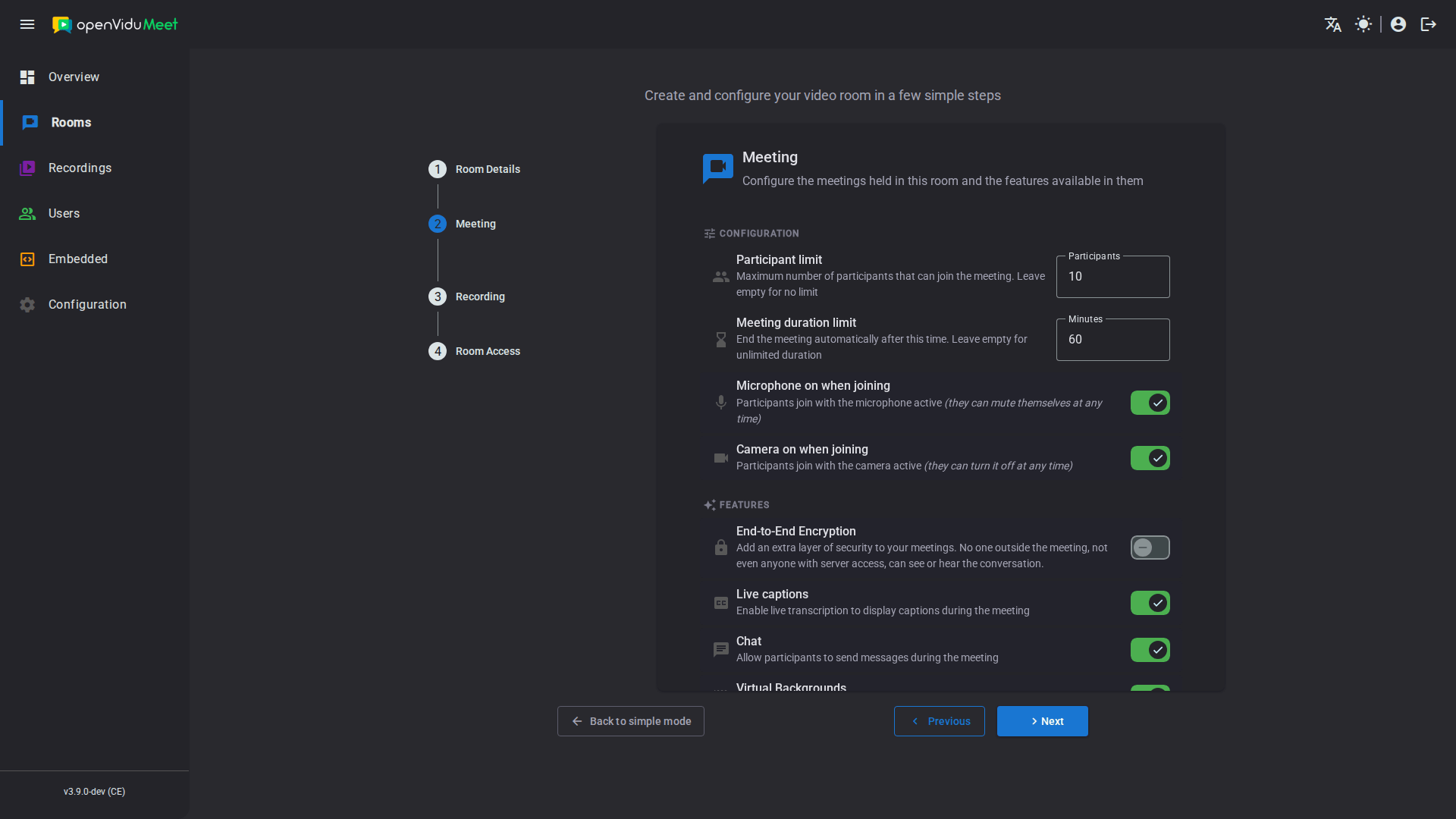
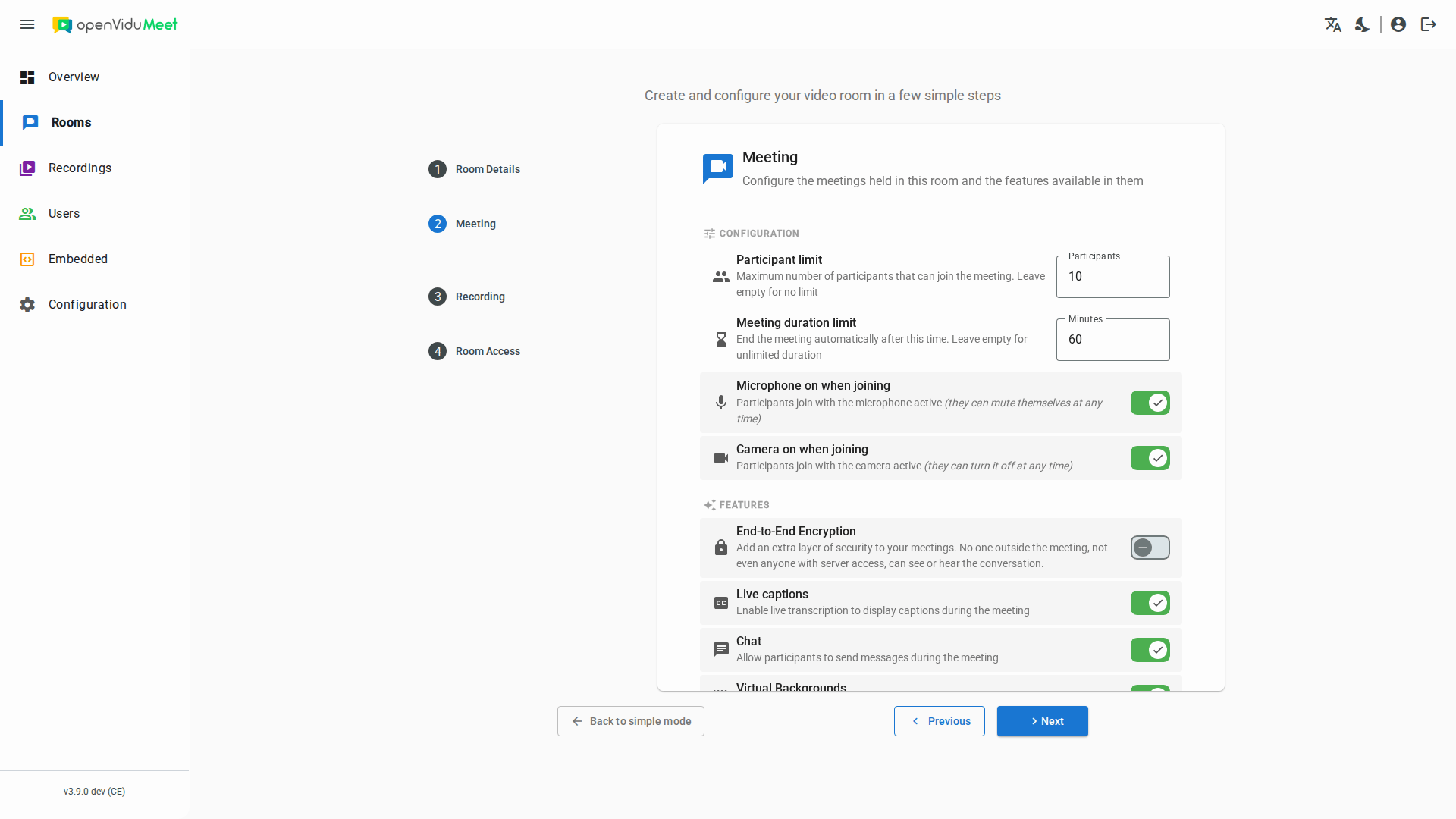
A few settings of a room shape every meeting held in it. They are configured in the Configuration section of the Meeting step of the room wizard when creating or editing the room, or through the config object of the room via the REST API:
- A participant limit.
- A duration limit.
- The initial state of the microphone and the camera of every participant.
Info
The Features section of the same step toggles the in-meeting features that have their own page: End-to-End Encryption, Live Captions, chat and Virtual Backgrounds.
Participant limit#
The participant limit caps how many participants may be in the meeting at the same time, from 1 to 30. Once it is reached, anyone else trying to join is told the meeting is full. Leave it empty for no limit.
Via the REST API it is the config.maxParticipants property of the room configuration; null lifts the limit. The limit is read when the meeting starts, so changing it does not affect a meeting already in progress.
Duration limit#
The duration limit ends the meeting automatically after the given number of minutes, from 1 to 1440 (one day), exactly as if a moderator had ended it for everyone. Leave it empty for unlimited meetings.
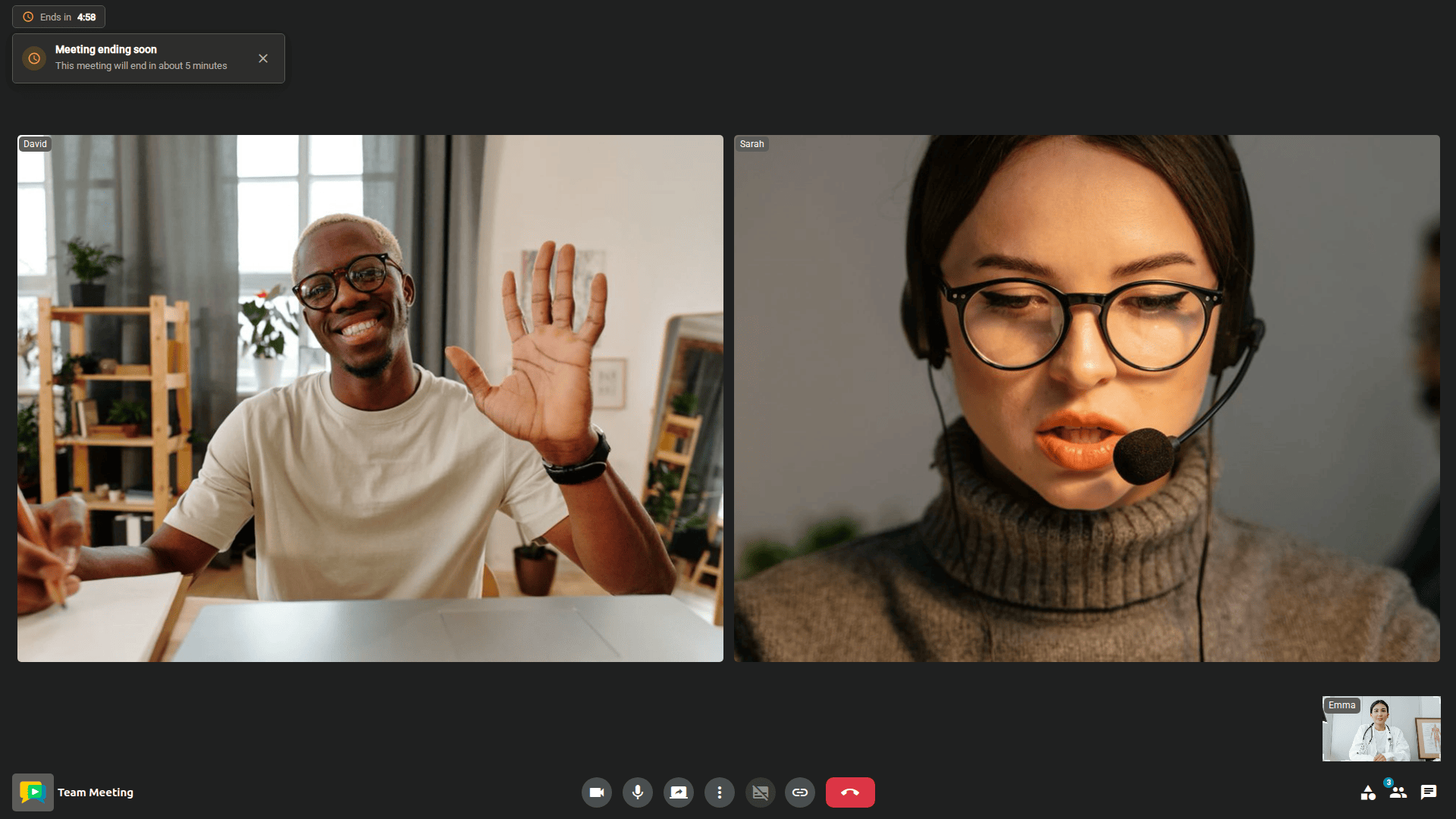
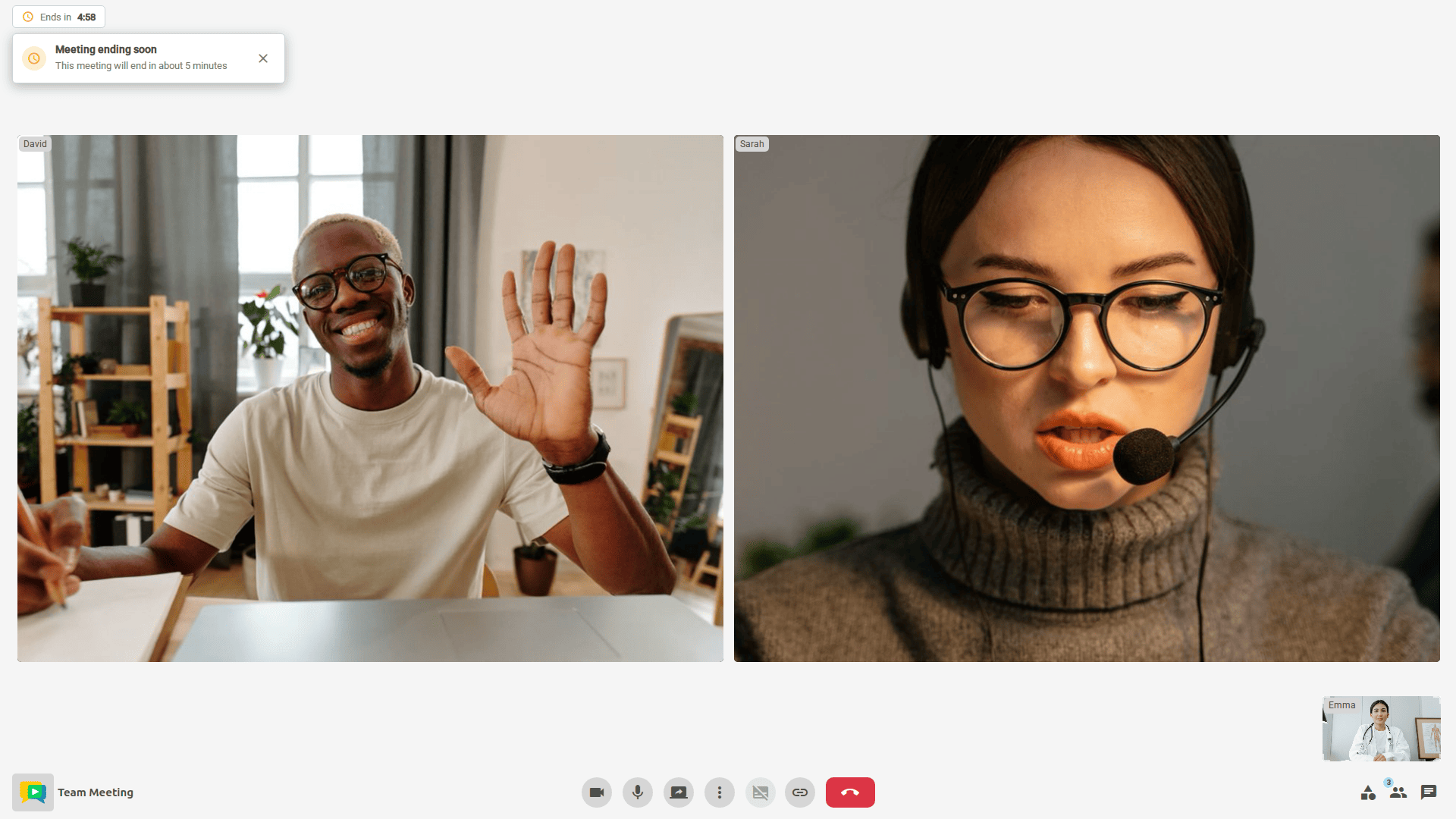
During the last five minutes, participants see the time remaining in the status rail of the Meeting view and are warned that the meeting is about to end. When the meeting ends, the End view tells them the meeting reached its maximum duration.
Via the REST API it is the config.maxDurationMinutes property of the room configuration; null lifts the limit. The end time is fixed when the meeting starts and can be read with the Meetings REST API . An integration can tell the two kinds of end apart: the meetingEnded webhook carries reason: max_duration_reached, and the meetingLeft event of an embedded meeting carries reason: meeting_ended_by_duration_limit.
Initial device state#
Microphone on when joining and Camera on when joining decide whether participants join the meeting with the device active. Both are on by default.
This is an initial state, not a restriction: a participant can turn the device on or off at any time during the meeting. To prevent a participant from publishing audio or video, deny the mediaPublishAudio or mediaPublishVideo permission instead; a denied permission always wins over the initial state.
Via the REST API these are the config.initialAudioActive and config.initialVideoActive properties of the room configuration. When OpenVidu Meet is embedded, the initial-audio-active and initial-video-active attributes of the Web Component take precedence over the room's setting whenever they are set.
REST API reference#
All of these settings live in the room configuration, managed with the OpenVidu Meet REST API. Their exact ranges and defaults are documented in the MeetRoomConfig schema.
| Operation | HTTP Method | Reference |
|---|---|---|
| Get room config | GET | Reference |
| Update room config | PUT | Reference |