

Self-hosted video conferencing, ready in minutes
OpenVidu Meet is an open-source video conferencing app that runs on your own servers. Use it as it is, with rooms, links and recordings managed from its console, or embed it in your product with one tag, a REST API and webhooks.
Standalone or embedded
Two ways to use it
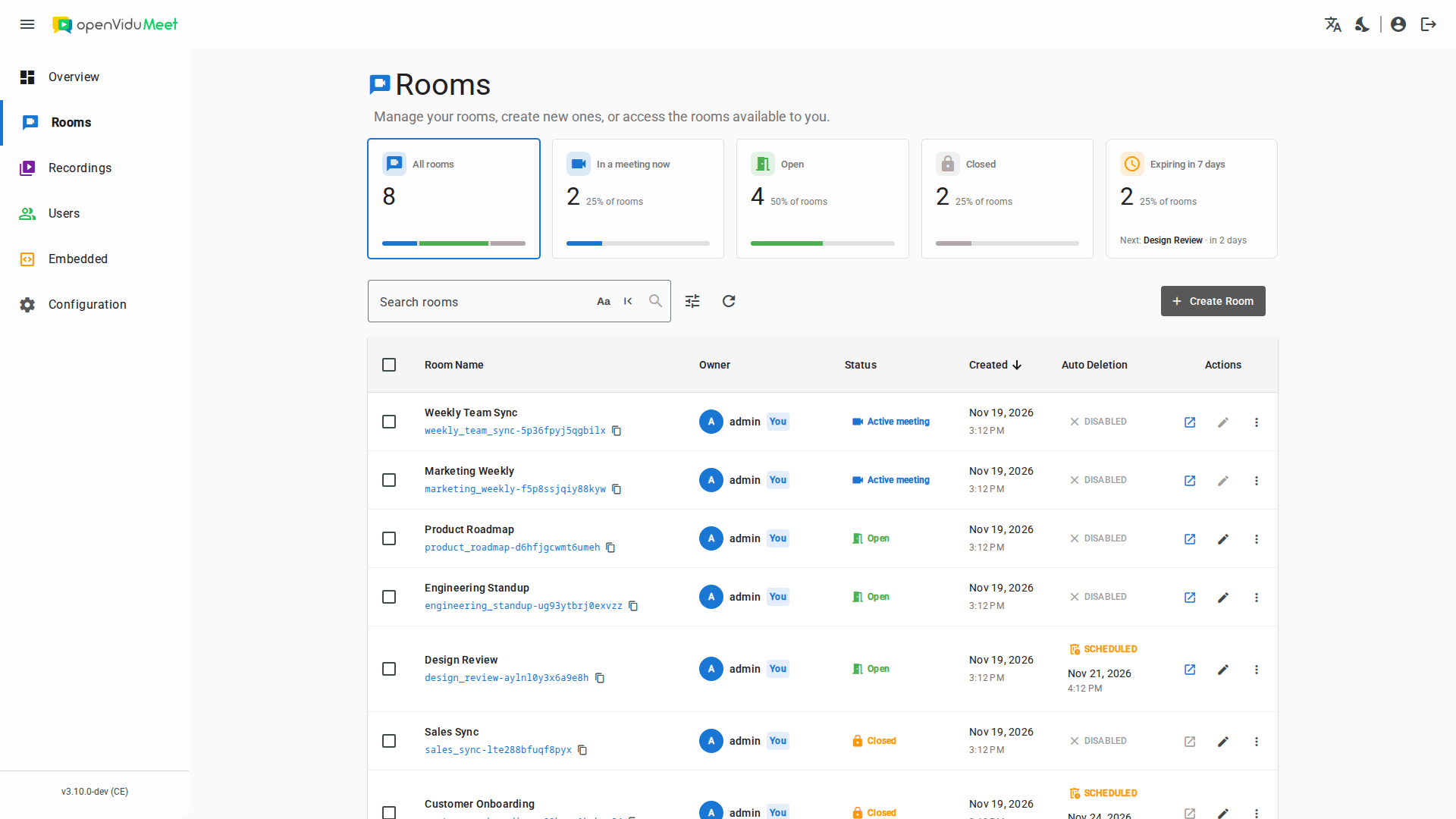
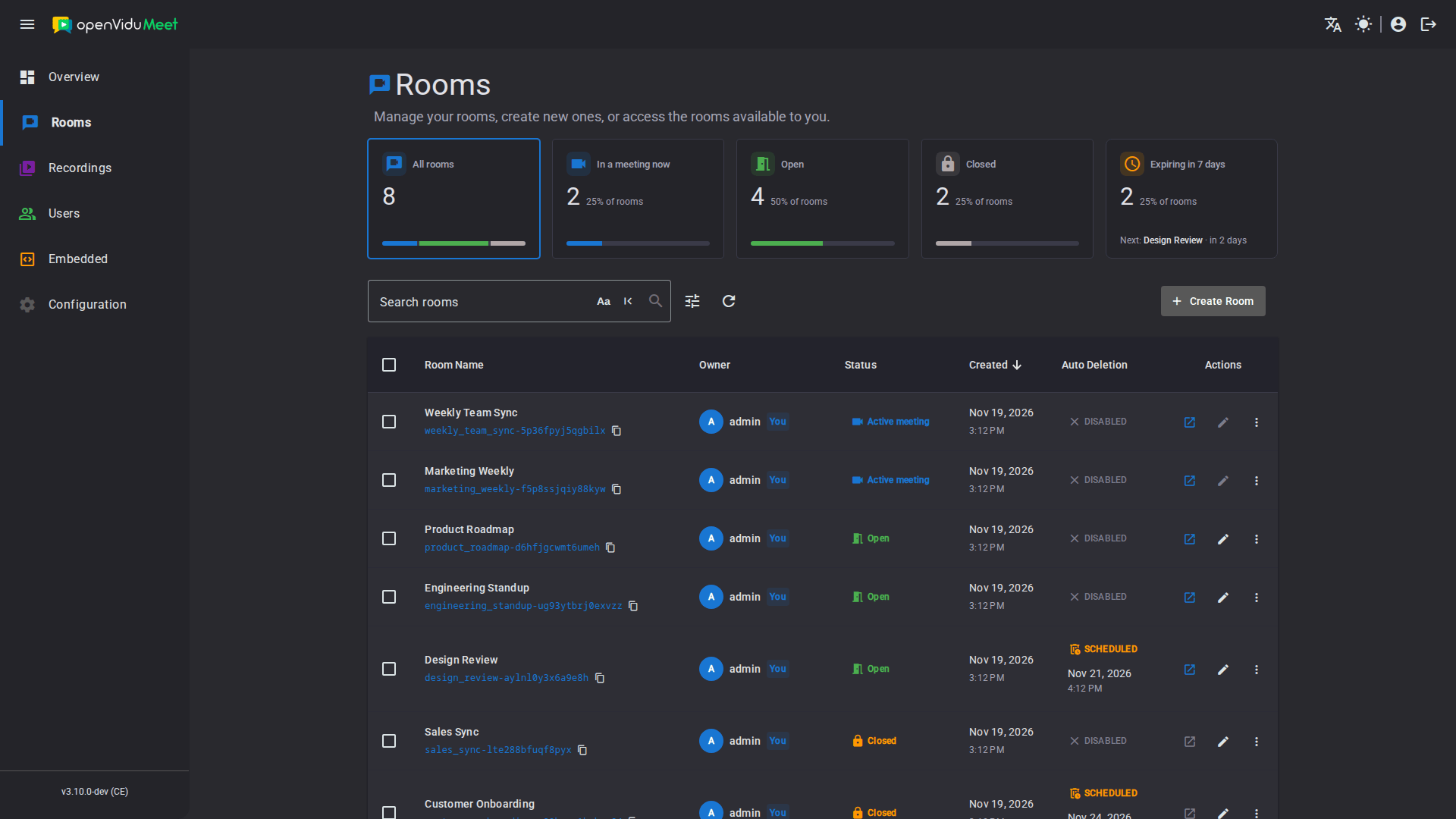
A complete meeting app on your own domain.
Deploy it and your team is meeting the same day. Nobody writes a line of code.
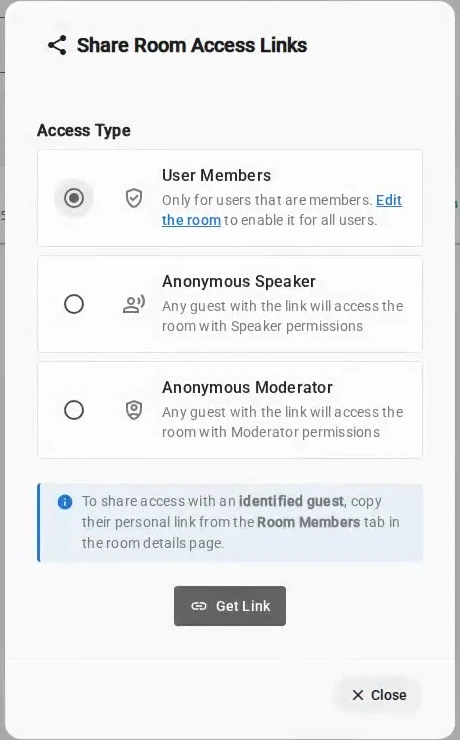
- Create rooms and share their links from the console
- Guests join from the browser, with nothing to install
- Recordings, users and permissions in one place
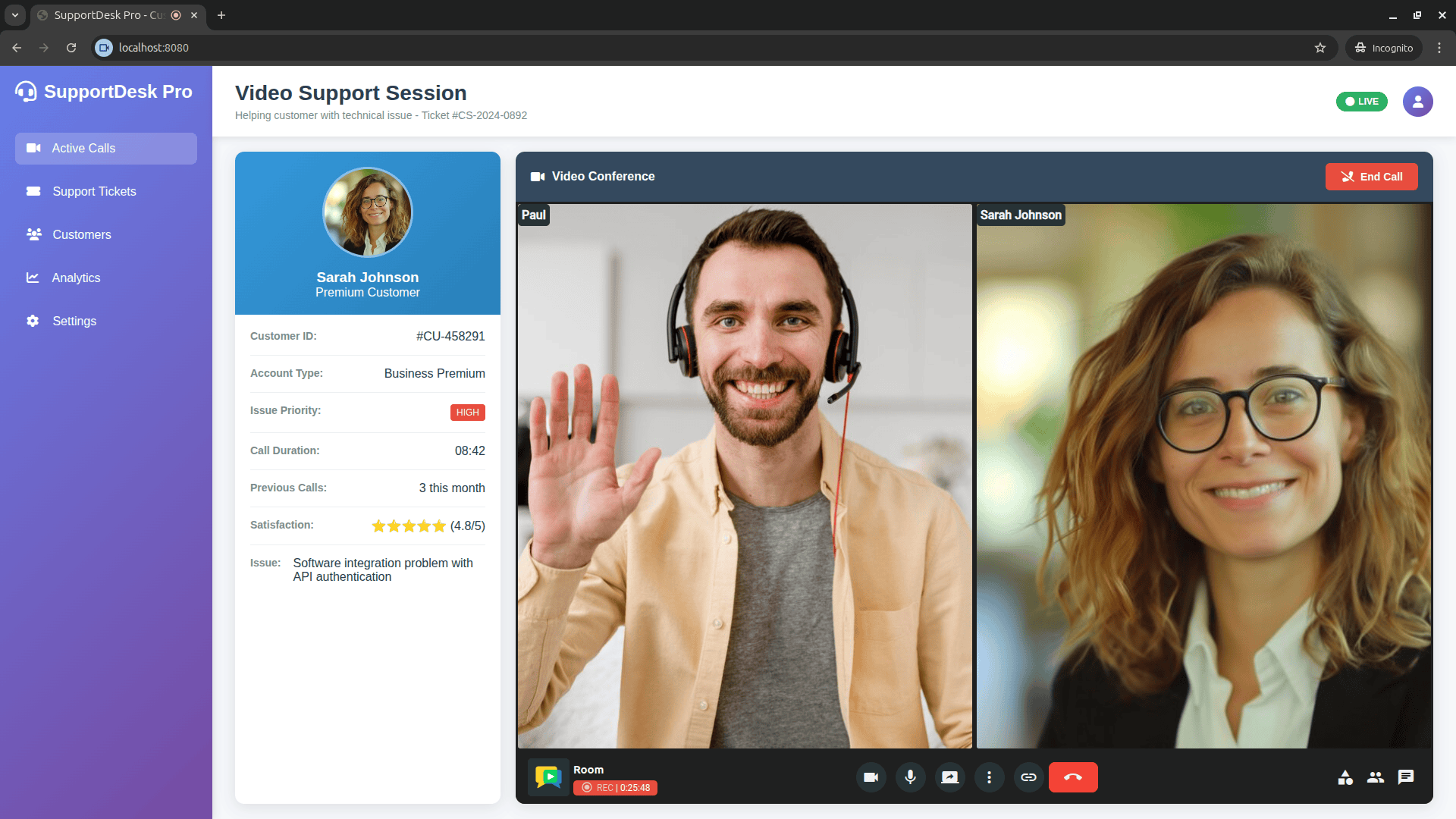
Meetings inside your own product.
Your users never leave your app, and your backend decides who meets, when and with which permissions.
- The
<openvidu-meet>web component, in any page or framework - Rooms, members and recordings from your backend with the REST API
- Webhooks when meetings start, end or get recorded
<!-- your page -->
<openvidu-meet room-url="…"></openvidu-meet>
Self-hosted
Why run it on your own servers
Your data stays with you
Calls, recordings and user data live only on servers you run, in the country you choose. No third party joins, routes or stores them, and end-to-end encryption is there when you need it.
A cost you can predict
COMMUNITY is free. PRO is priced by the cores of your deployment, never by participant or by meeting minute, so the bill follows the size of your servers. See pricing
Up in minutes, on any cloud
A single server is ready in 5 to 10 minutes on any of the clouds below, or on your own hardware. We timed it
Use cases
What are you building?
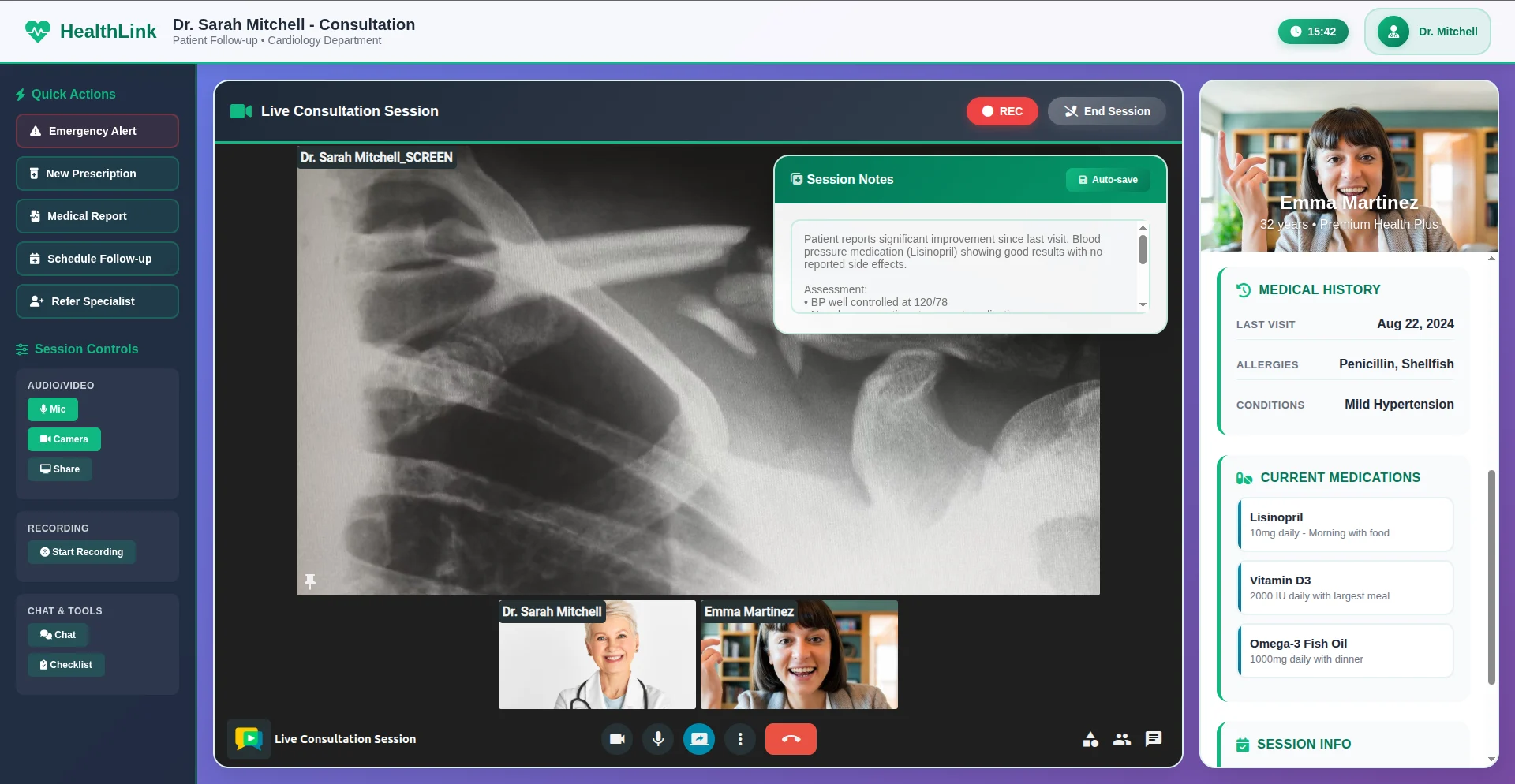 Online classes
A classroom with recording and raised hands.
Run your first class
Customer support
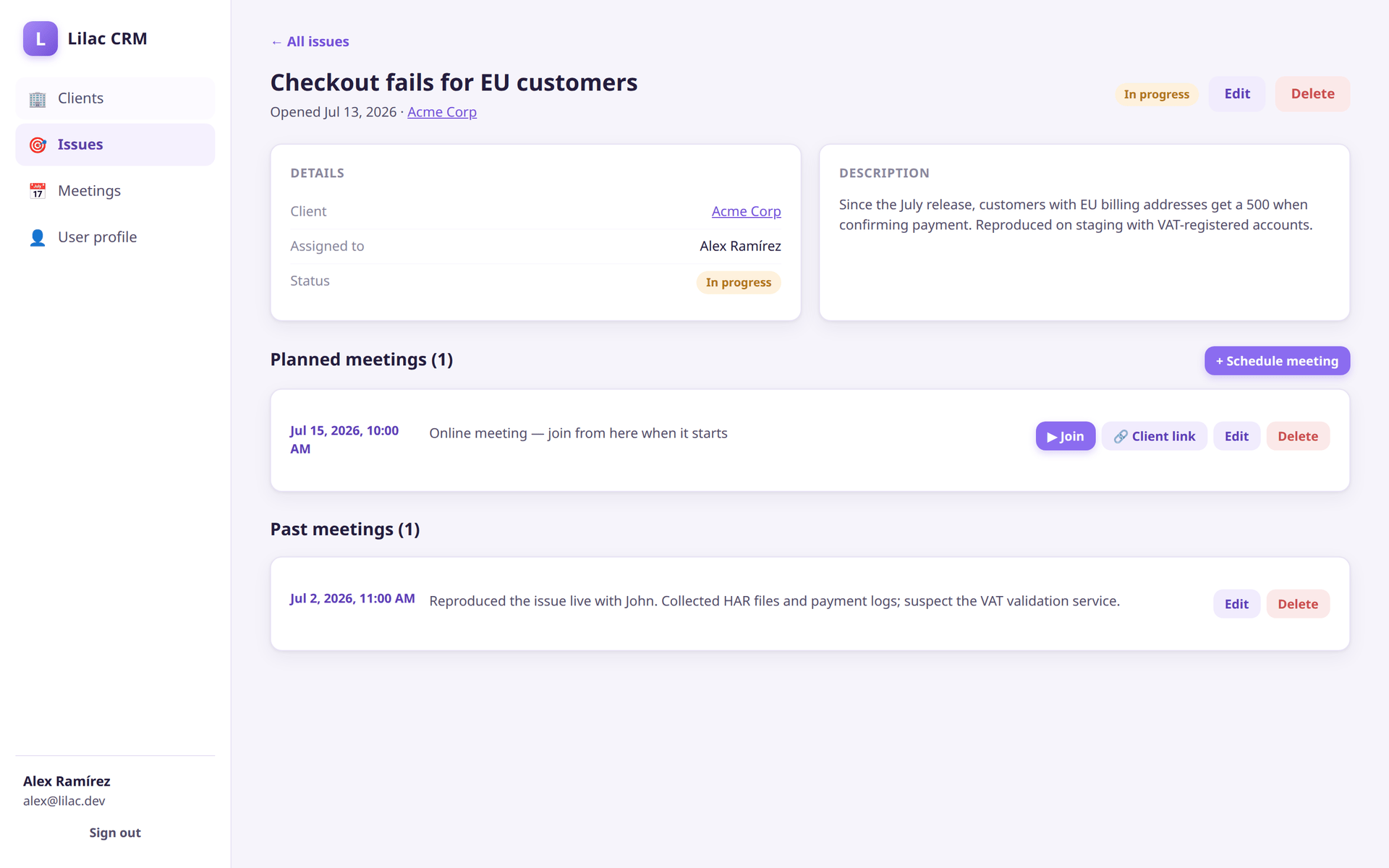
Turn a support ticket into a video call.
Create rooms from your help desk
Security and access
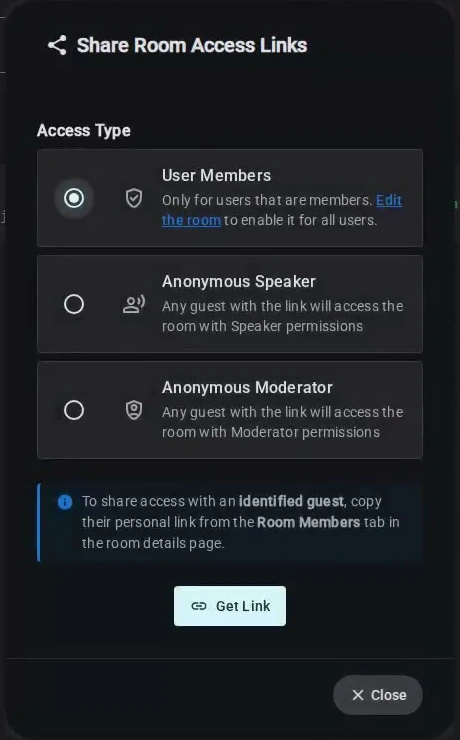
Decide who gets in, and what they can do


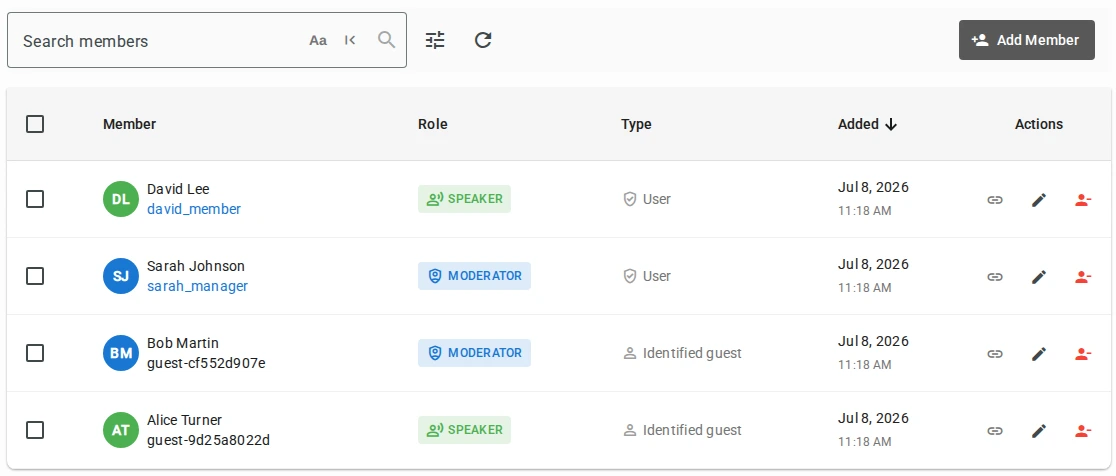
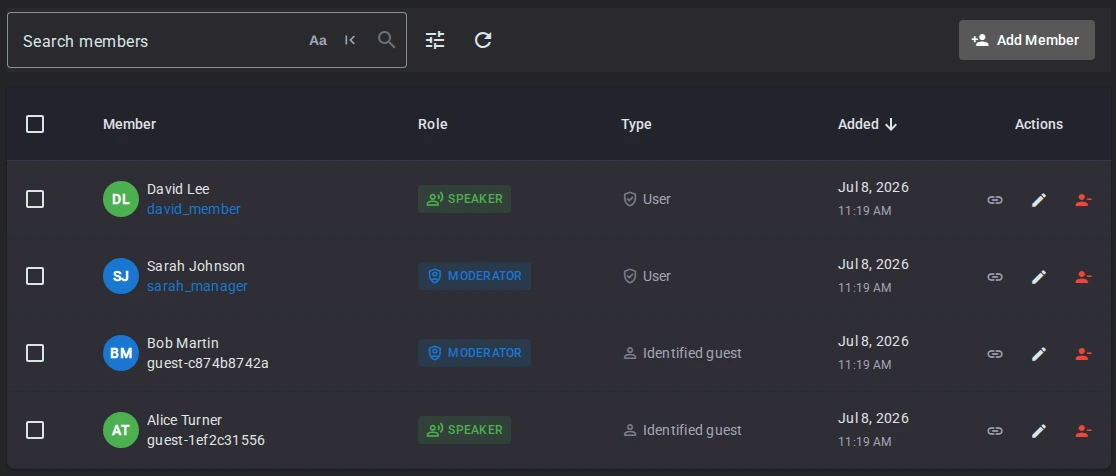
The console
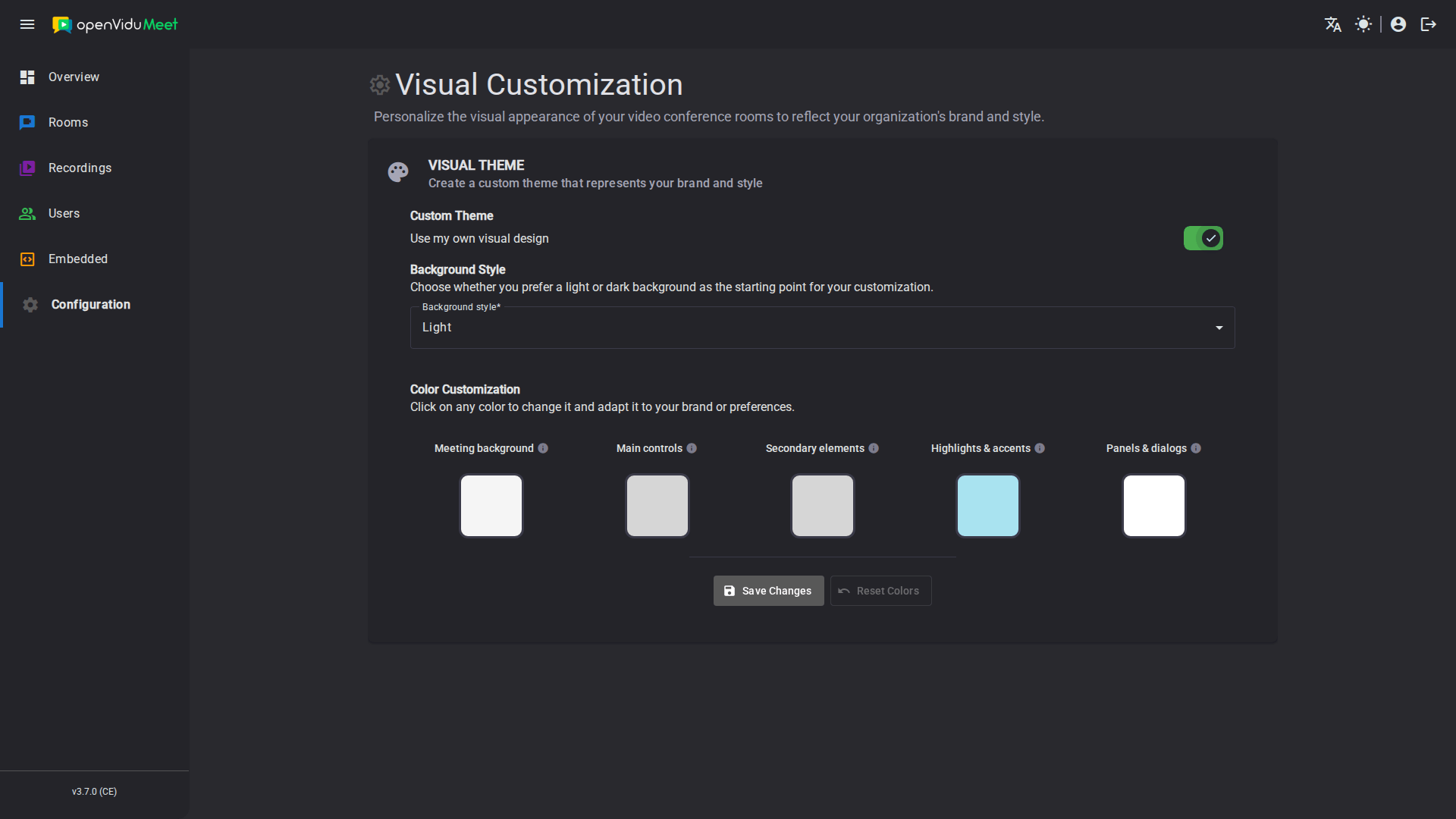
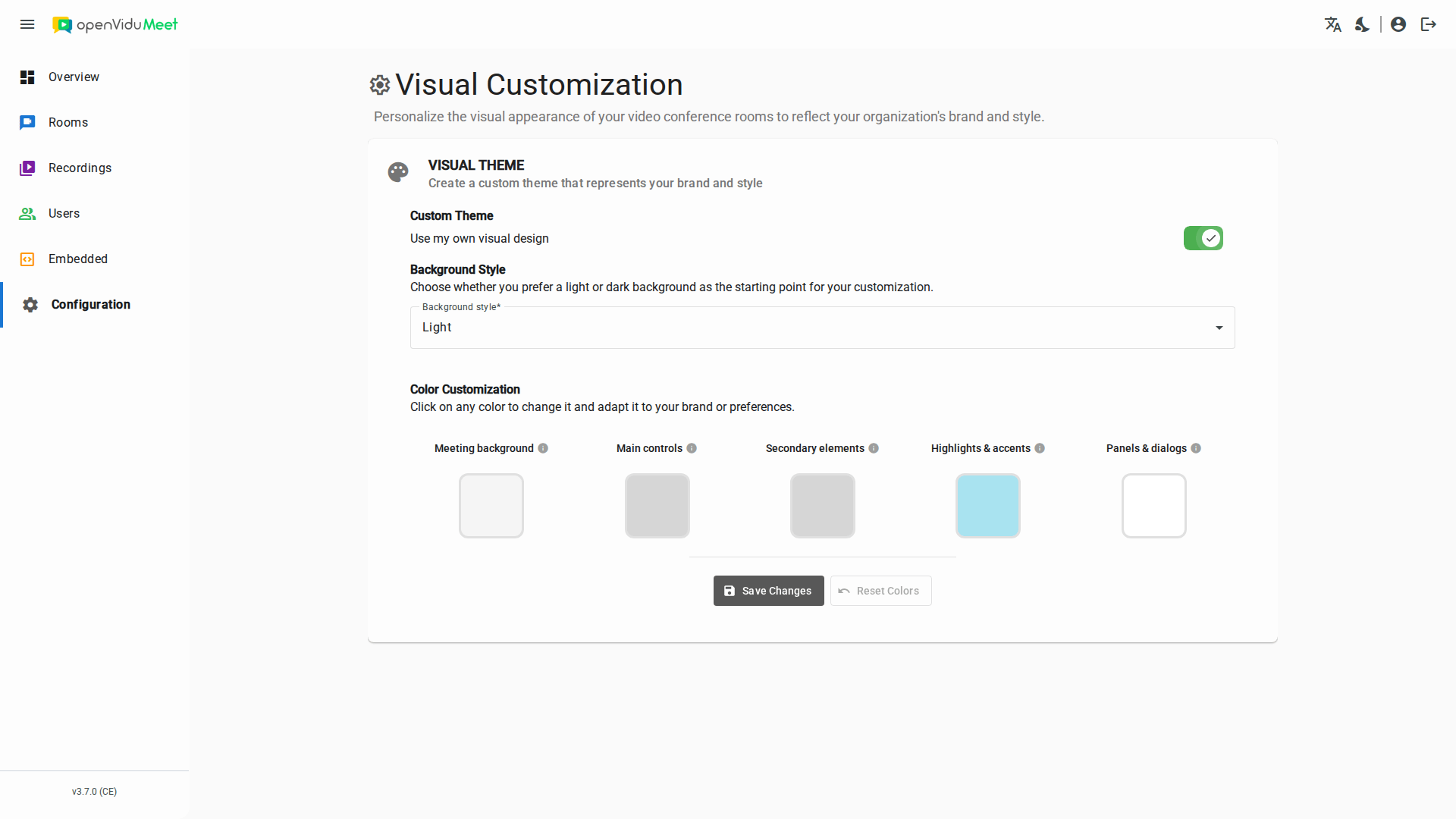
Your rooms, your recordings, your colors
Record and share
High-quality recordings stored on your own servers, with access control over who can watch, download or delete them.
In the meeting
Every meeting feature you expect







-
Locked rooms
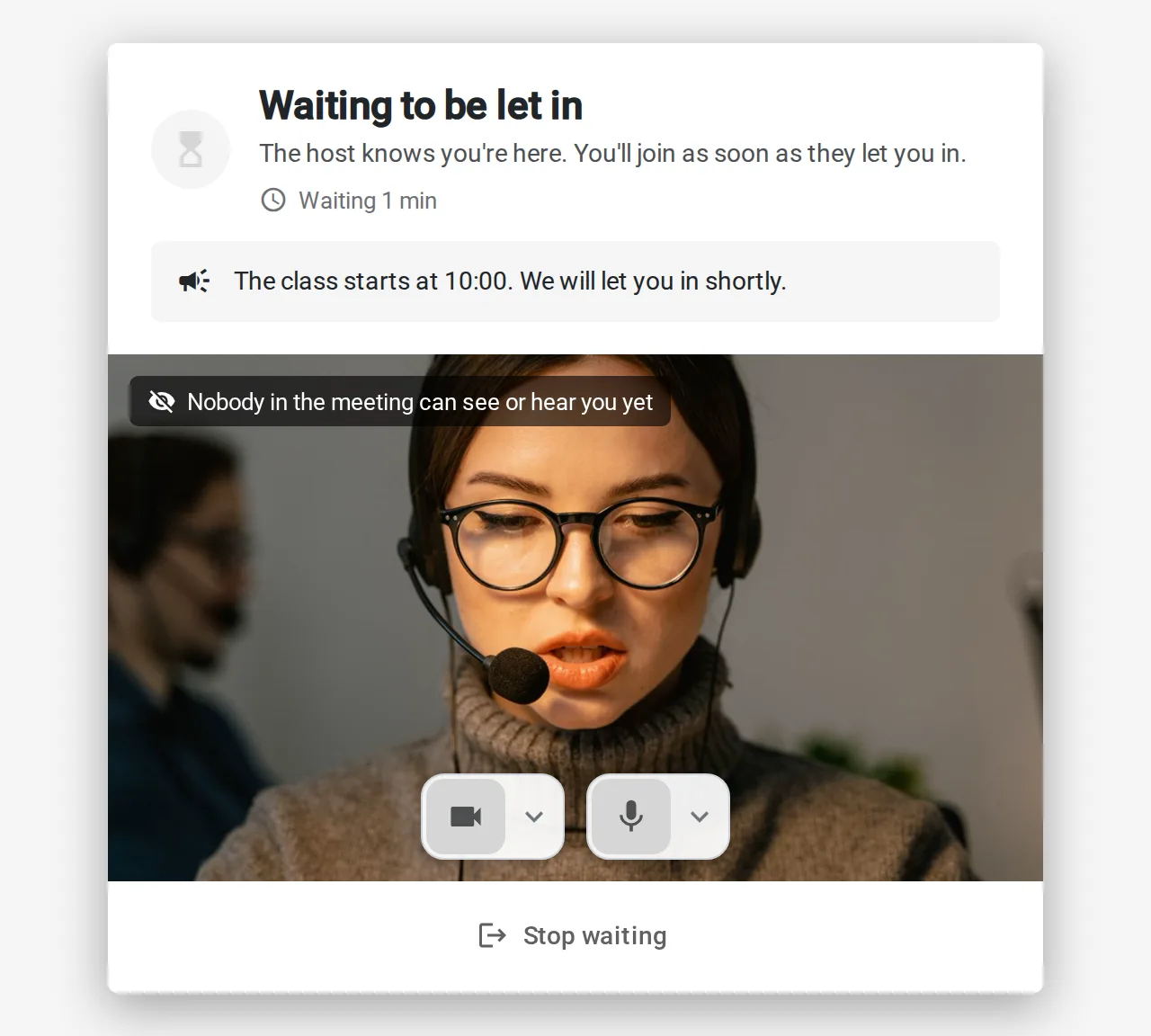
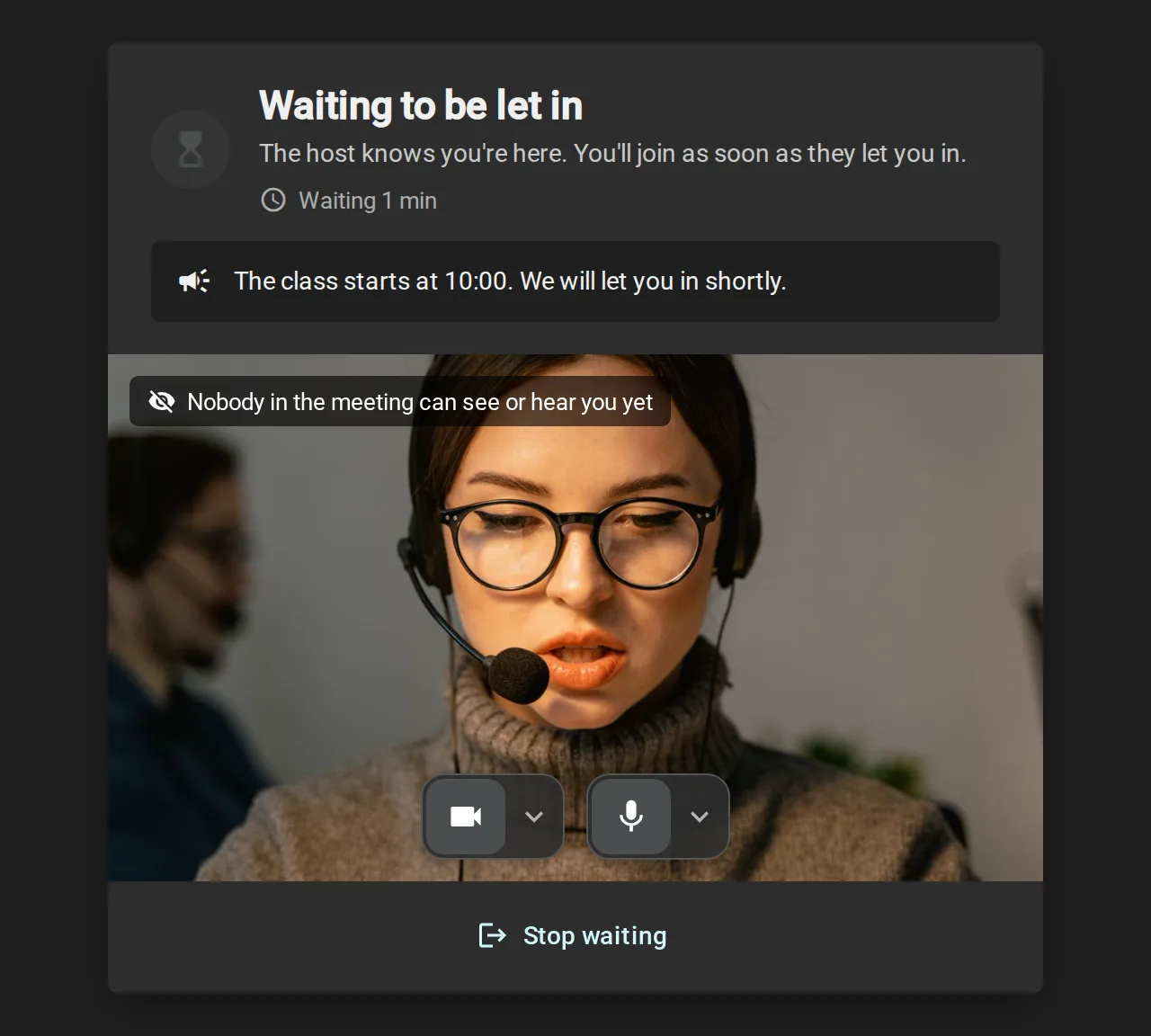
Guests wait until a moderator admits them, from the meeting, the REST API or your own app.
-
Screen Sharing
Share your screen in stunning quality for flawless presentations and smooth collaboration every time.
-
Recording
Record your meetings and keep every recording on your own servers, with control over who can watch it.
-
Raise hand
Let participants ask for the floor without interrupting, so moderators can keep large meetings orderly.
-
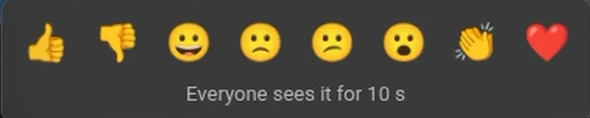
Reactions
React with emojis in real time to share quick feedback and keep everyone engaged without unmuting.
-
Virtual backgrounds
Blur the background or replace it with an image, right from the meeting or before joining it.
-
Meeting moderation
Mute participants, lower their hands, remove them from the call or promote them to moderator.
-
Chat
Send and receive text messages during your calls for clear communication.
-
Live Captions
Access a wide range of speech-to-text providers for accurate and flexible real-time transcription.
-
End-to-end encryption
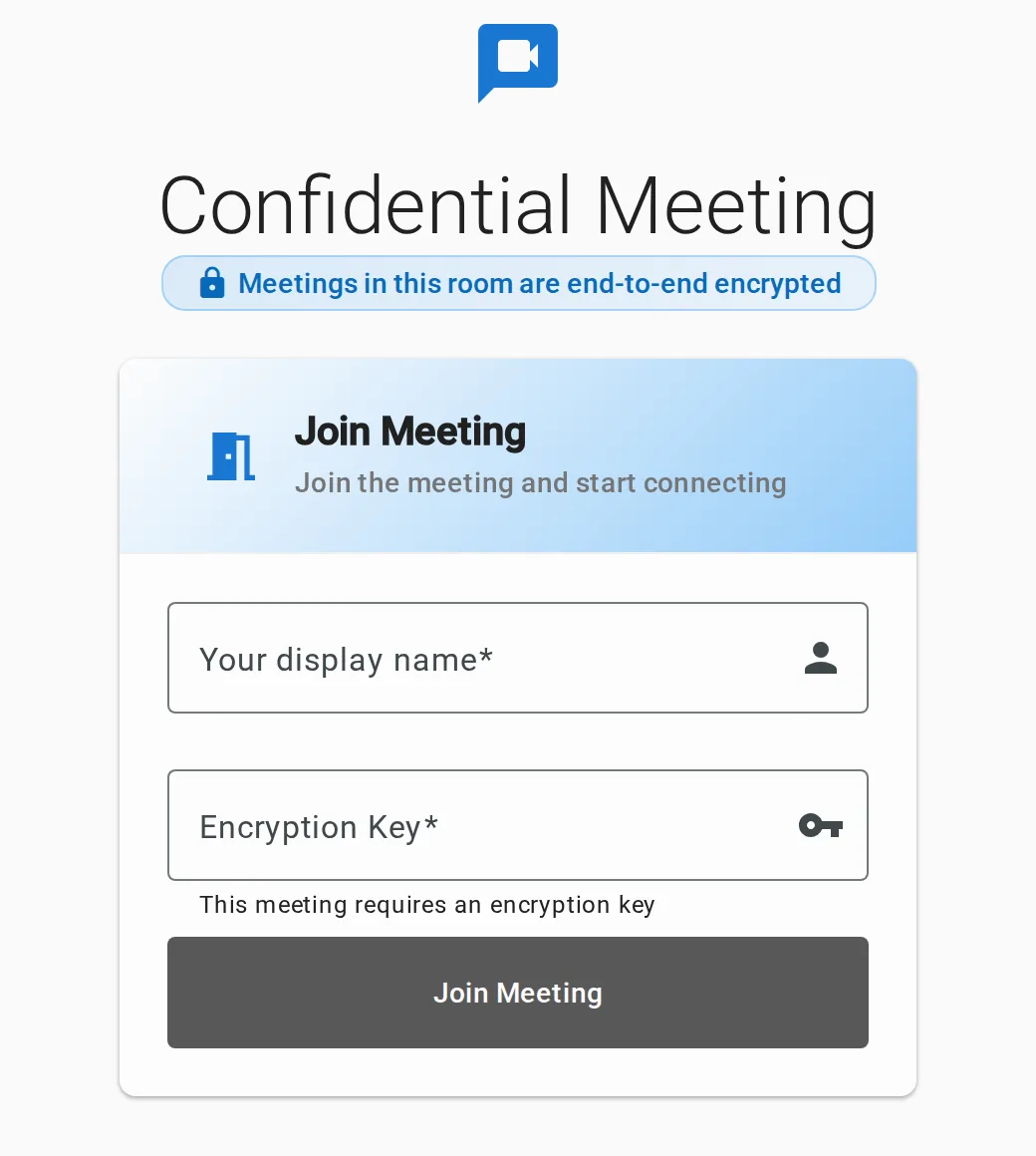
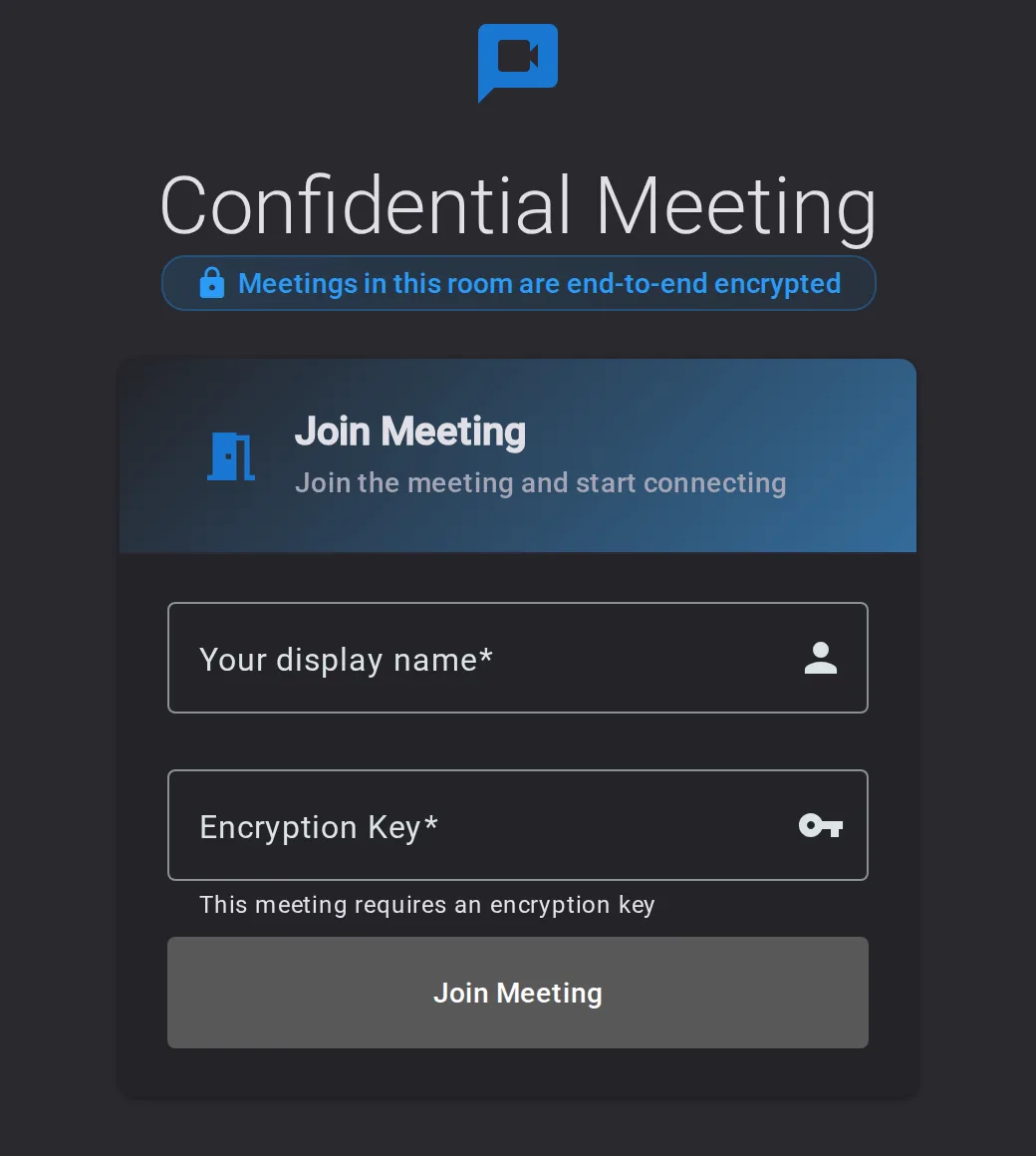
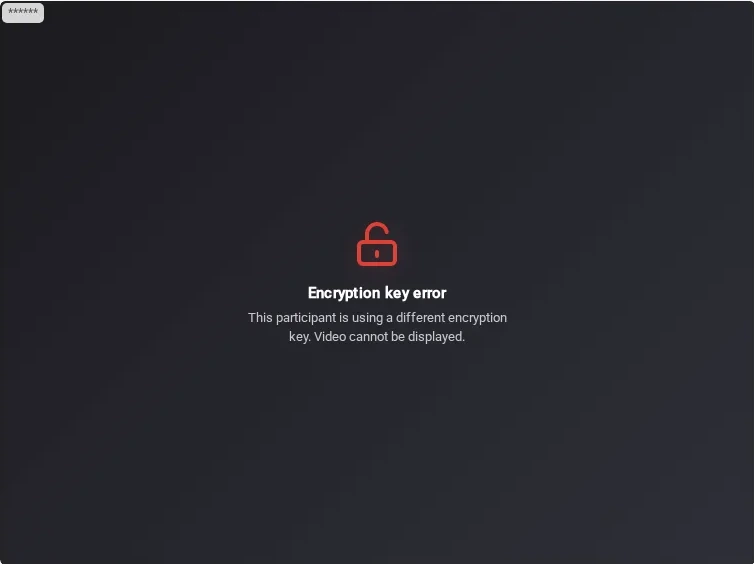
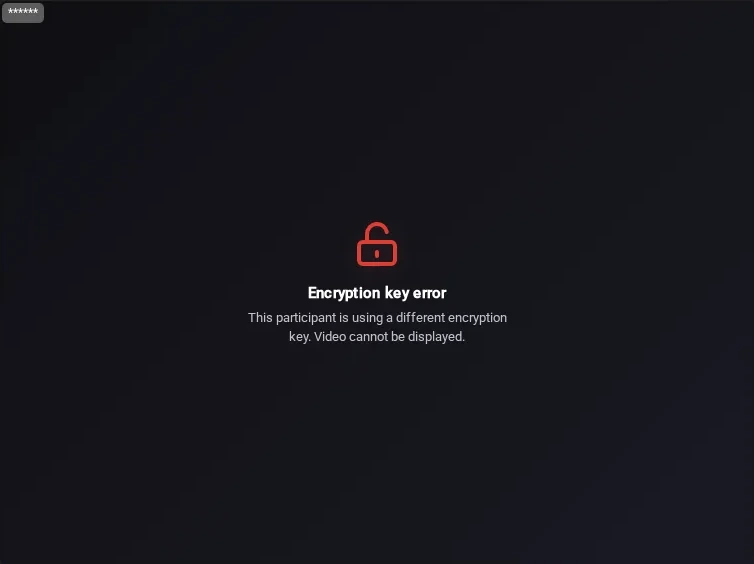
Only participants with the room key see and hear the meeting. Not even your server can.
-
Smart layout
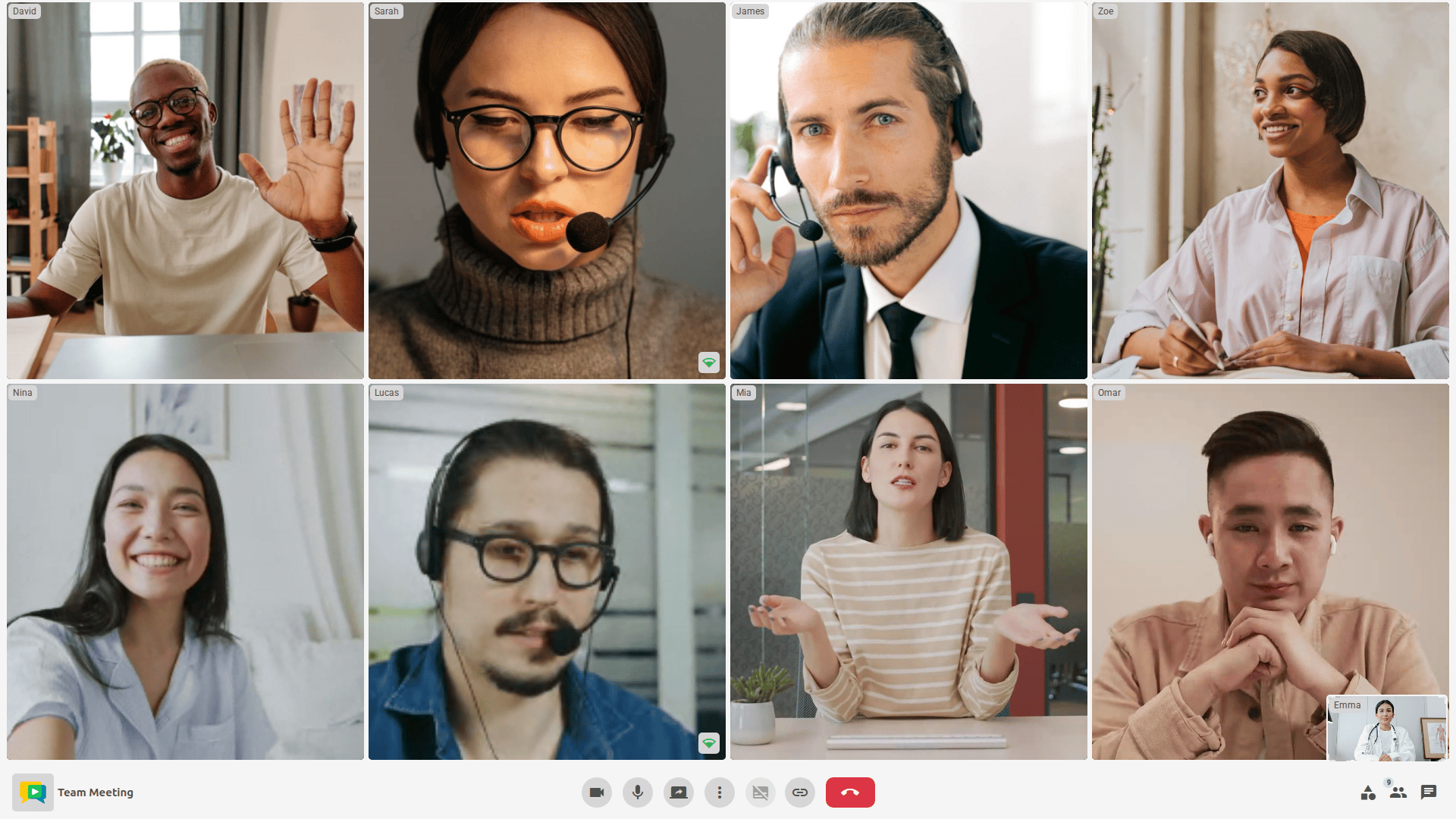
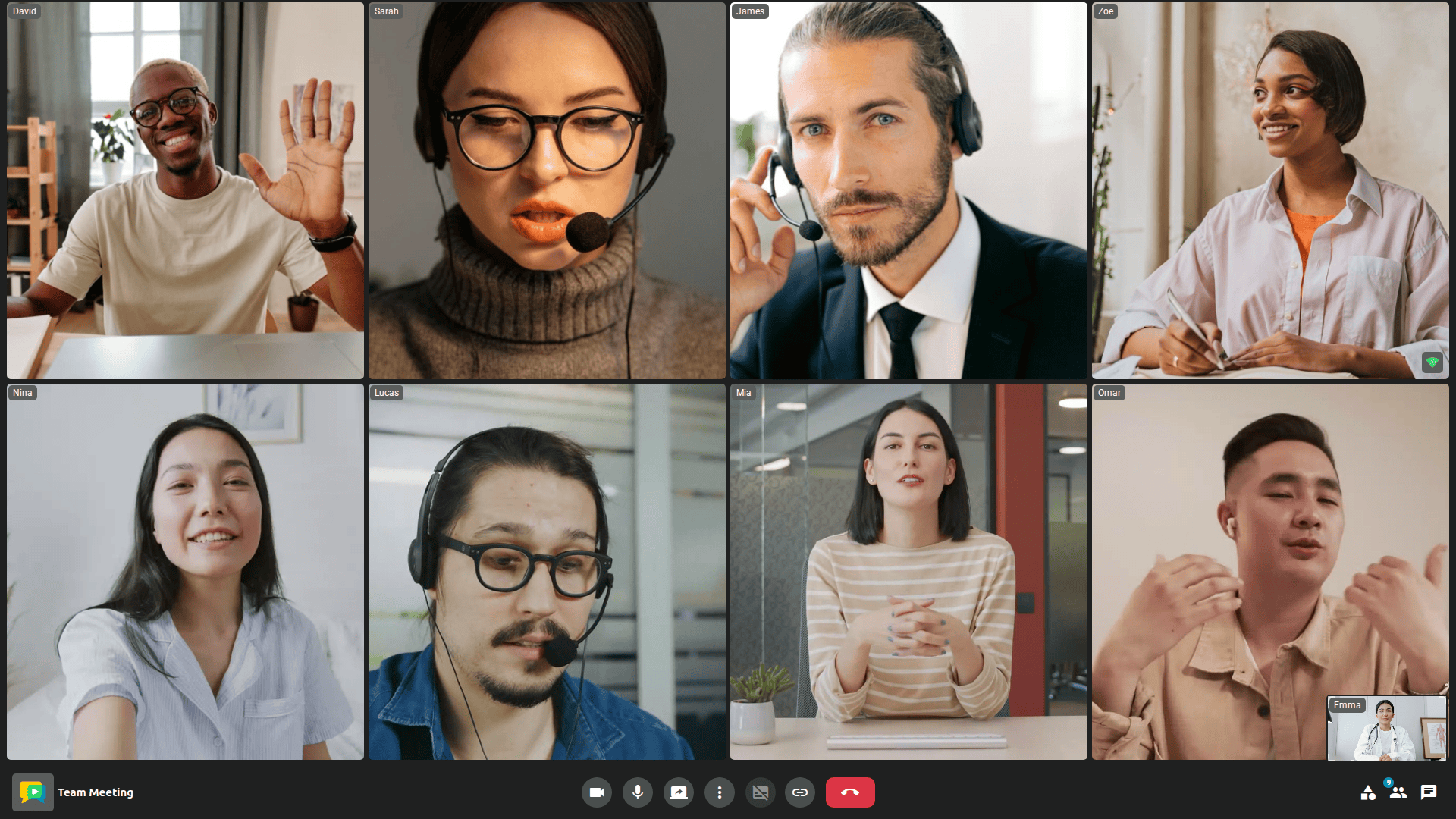
A video grid that adapts to the active speakers and the number of participants.
-
Live broadcasting
Broadcast your video calls live to platforms like YouTube or Twitch, reaching a wider audience directly from OpenVidu Meet.
-
Advanced Chat
Chat history across sessions, private messages, mentions, reactions and editing of sent messages.
-
File sharing
Enable participants to share files easily during calls with a simple drag-and-drop feature.
-
Whiteboard
Sketch ideas together on a shared whiteboard, with every stroke synced in real time for all participants.
-
Breakout rooms
Split participants into smaller groups for focused discussions and bring them back to the main room whenever you want.
Free open-source edition vs Commercial edition#
OpenVidu Meet is available in two editions. You can choose the one that best fits your needs when deploying OpenVidu Meet.
COMMUNITY
OpenVidu COMMUNITY#
It is completely open-source and free to use. It includes all the features you need for your video conferencing solution. Everything listed in the Features section is available in OpenVidu Meet COMMUNITY: HD video, HiFi audio, recording, screen sharing, chat, virtual backgrounds, and more.
OpenVidu Meet COMMUNITY is perfect for production deployments with moderate user load. It can be easily deployed on your own servers, and you can customize its branding to match your organization’s identity. If necessary, upgrading to OpenVidu PRO is seamless and non-disruptive.
PRO
OpenVidu PRO#
It is OpenVidu's commercial edition and requires a license. It is meant for high demanding environments with significant user load. On top of every functional feature available in OpenVidu COMMUNITY, OpenVidu PRO brings 2x performance, advanced observability, scalability and fault tolerance features. As well as priority support from our team of experts.
OpenVidu PRO follows a simple pricing model based on the size of your deployment (number of CPU cores). Check the OpenVidu pricing page for more details.
Need total control and advanced SDKs to build your custom real-time application? Check out OpenVidu Platform. Not sure which one fits? Compare Meet vs Platform.