Intro#


OpenVidu Meet: self-hosted video conferencing, ready in minutes
OpenVidu Meet is an open-source, self-hosted video conferencing application — a ready-to-use alternative to Zoom, Google Meet or Jitsi Meet that runs on your own servers, needs no code to deploy, and can be embedded in your product through a web component, REST API and webhooks.
-
Feature-rich for videoconferencing
OpenVidu Meet brings all the features you expect from a professional video calling solution: HD video, HiFi audio, recording, screen sharing, chat, virtual backgrounds, and more.
-
Integrate right into your app
OpenVidu Meet can be used out-of-the-box via web, but it also offers everything you need to embed it into your existing application: a web component, a REST API and webhooks.
-
Secure, self-hosted deployments
OpenVidu Meet is designed from the ground up to be self-hosted on your own servers (with ready-made templates for AWS, Azure, Google Cloud, DigitalOcean and Oracle Cloud). It provides the highest level of privacy and security for your video calls.
-
Designed for most common use cases
OpenVidu Meet perfectly fits most common videoconferencing use cases: e-learning, telehealth, remote collaboration, customer support... And you can customize its branding to match your organization’s identity.
Built for all purposes.
Customizable for your particular use case.
Features#
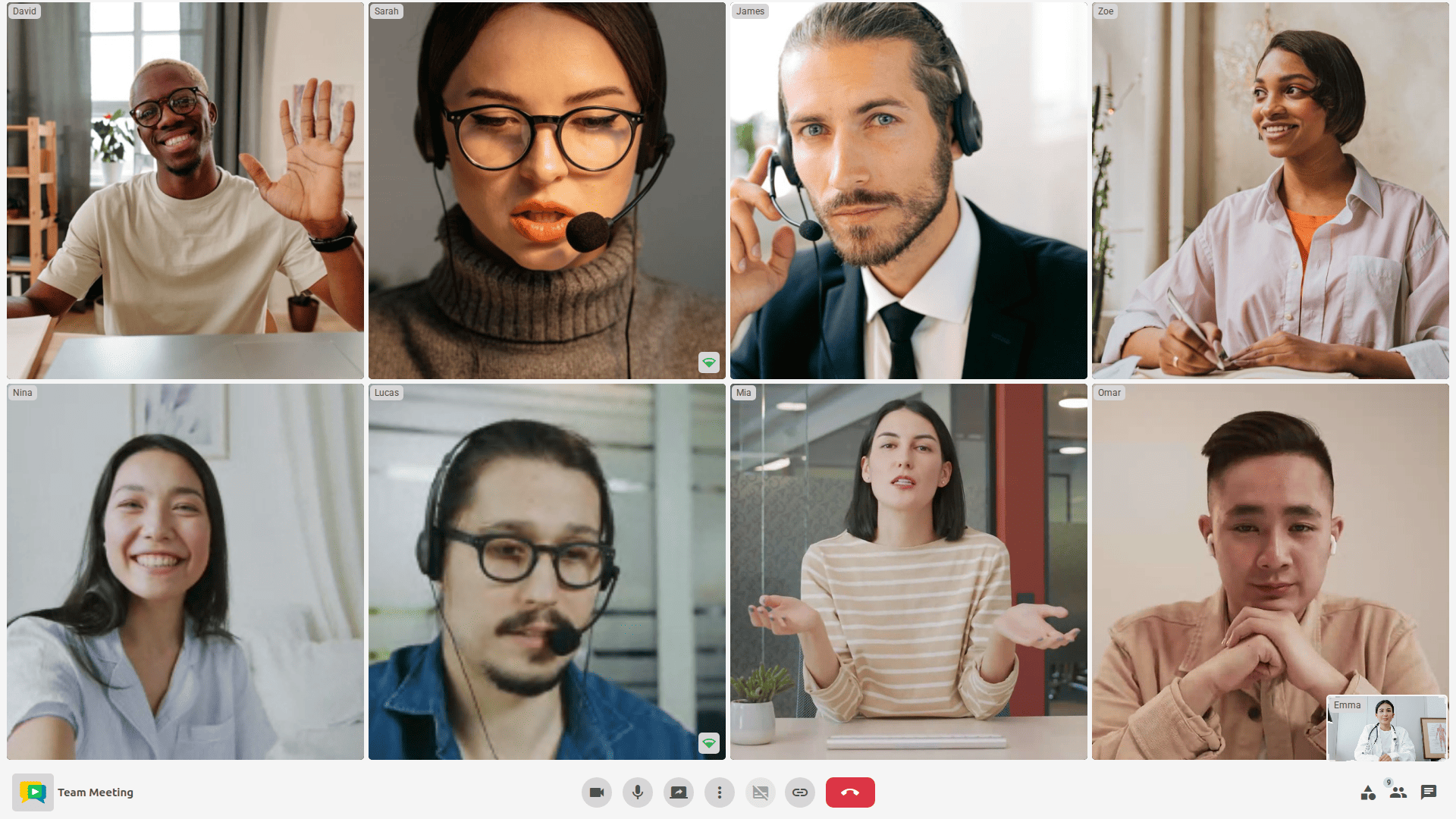
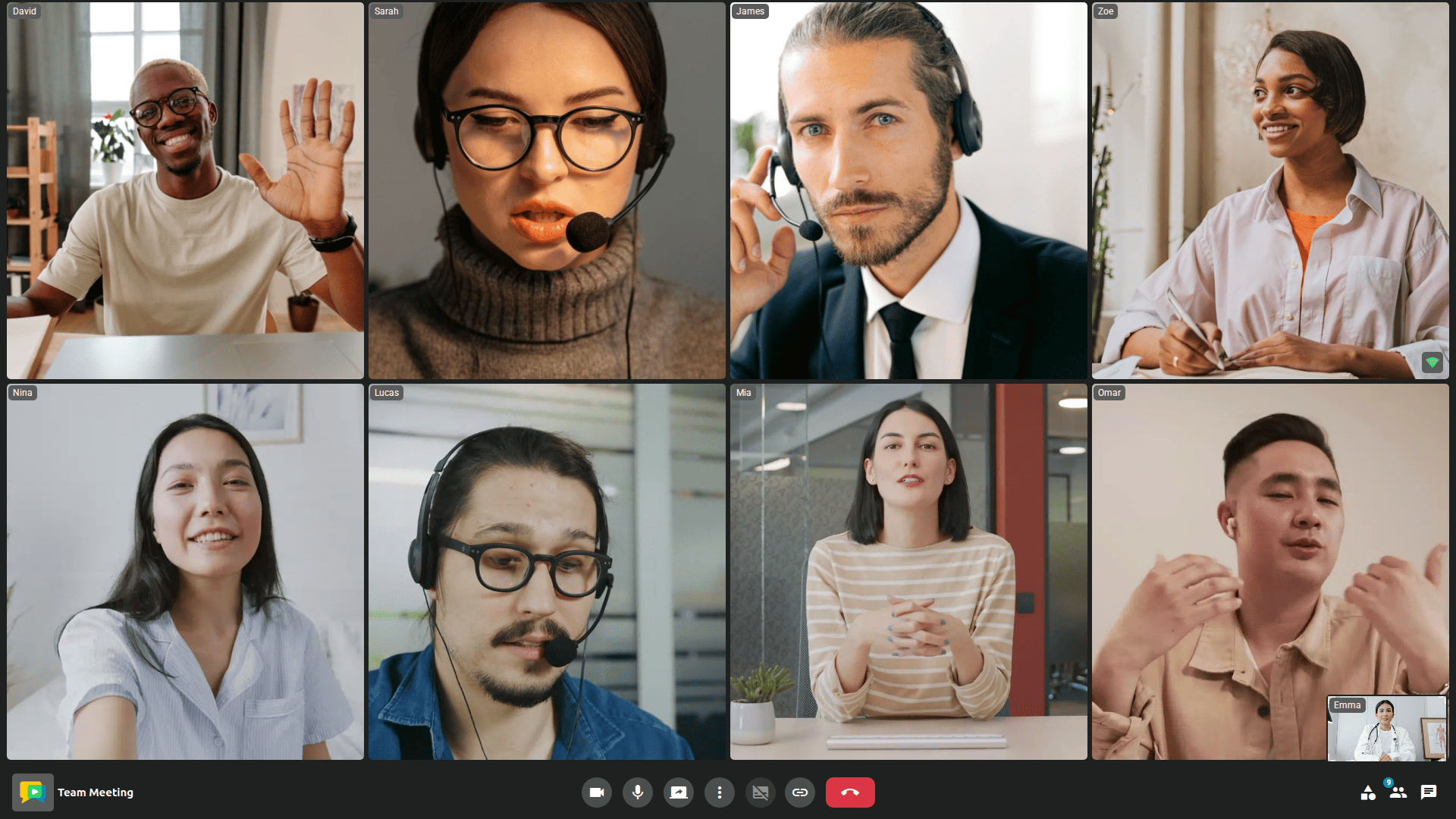
Multi-Party smart layout
Connect dozens of participants in a room. OpenVidu Meet automatically adapts to provide the best experience.

Record and share
OpenVidu Meet offers high-quality recordings and greatly simplifies their storage and access control.
With all the features you need to fine-tune your perfect video calling service.
-
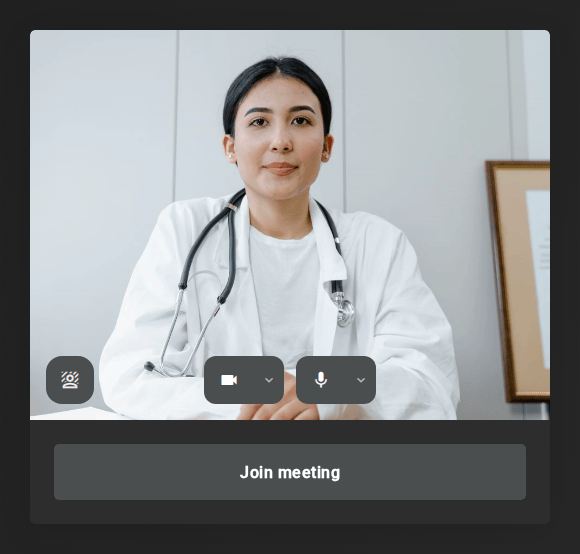
One-click video calls
Share meeting links so anyone can instantly join your video calls from any browser — no downloads or setup needed.
-
Your own branding
Create a professional look by branding OpenVidu Meet with your own domain, and custom colors.
-
Up to 4K video and HiFi audio
Enjoy up to 4K video quality and crystal-clear audio enhanced with noise cancellation and echo suppression.
-
Recording
Record your video calls in multiple layouts and easily control who can access or manage each recording.
-
Screen Sharing
Share your screen in stunning quality for flawless presentations and smooth collaboration every time.
-
Background effects
Enhance your videos by blurring backgrounds or replacing them with custom images and effects.
-
Chat
Send and receive text messages during your calls for clear communication.
-
E2E Encryption
Protect your calls from man-in-the-middle attacks, ensuring only meeting participants can decrypt audio, video, and chat.
-
Live Captions
Access a wide range of speech-to-text providers for accurate and flexible real-time transcription.
-
Broadcasting
Easily broadcast your video calls live to platforms like YouTube or Twitch, reaching a wider audience directly from OpenVidu Meet.
-
Locked rooms
Keep your meetings secure by blocking unwanted guests and requiring moderator approval to join.
-
File sharing
Enable participants to share files easily during calls with a simple drag-and-drop feature.
Integrations#
OpenVidu Meet can be easily integrated with your existing applications and workflows:
REST API and webhooks
Control your meetings from your backend.
Explore OpenVidu Meet Embedded to integrate video calls into your application.
Deployments#
Self-host OpenVidu Meet on your own infrastructure for maximum security and cost-effectiveness. It is easy to deploy, protect, maintain, and scale. No advanced DevOps skills are required to run it in production.
-
On Premises
Deploy on your own bare-metal servers
-
AWS
Deploy with AWS CloudFormation
-
Azure
Deploy with Azure Resource Manager
-
GCP
Deploy in GCP with Terraform
-
DigitalOcean
Deploy in DigitalOcean through the web console or with Terraform CLI
-
Oracle Cloud Infrastructure
Deploy in Oracle Cloud Infrastructure through the web console
Check out the deployment documentation.
Use cases#
Team meetings
Empower collaboration across your organization with customizable, secure, high-quality video meetings.
- OpenVidu Meet is the perfect tool for collaborative work. With its user-friendly interface and powerful features, teams can easily connect, share ideas, and make decisions in real-time.
-
Collaboration tools
Screen sharing with top-tier quality, virtual backgrounds, chat, recording, and more.
-
Quick access and flexibility
One-click join via secure room access links. No installation required, full support for any web browser.
-
Custom branding
Achieve a professional look and feel with customizable domain and colors.
e-Learning
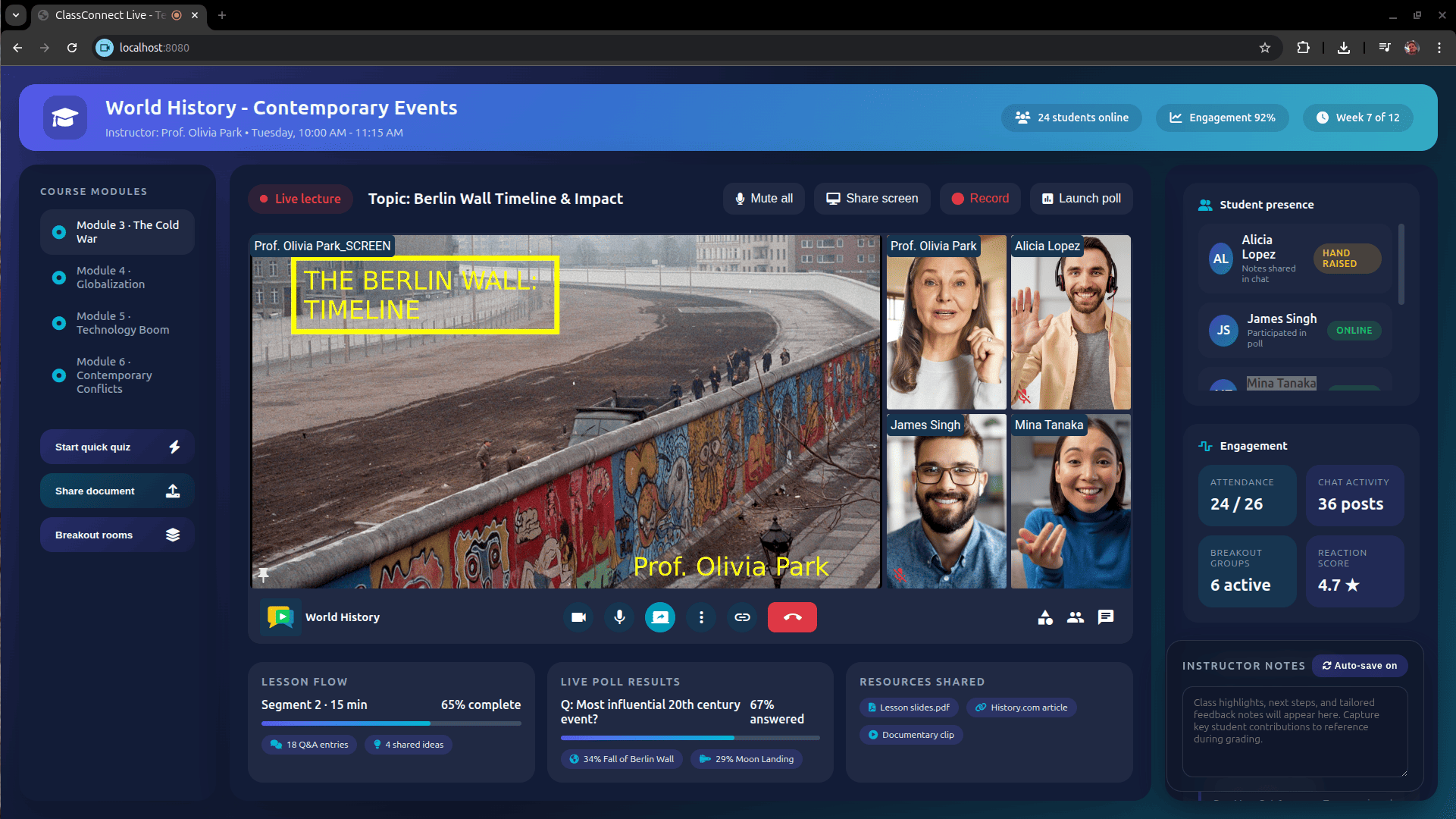
Deliver a seamless learning experience by embedding OpenVidu Meet in your LMS or e-learning portal using OpenVidu Meet Embedded.
- With OpenVidu Meet, instructors can engage with students through high quality video & audio, as well as advanced interactive tools. Locked rooms, breakout groups and many more features coming soon to enhance the learning experience.
-
High quality media
Up to 4K video and HiFi audio for crystal-clear lessons. Stable experience across all kind of network thanks to simulcast, SVC, dynacast and adaptive streaming.
-
Accessibility
OpenVidu Meet is localized in multiple languages. Live captions and real-time transcriptions improve accessibility for hearing-impaired users and non-native speakers.
-
Persistence and continuity
Record and share lessons with multiple layouts. Manage recordings and share via secure links.
Telehealth
The most secure videoconference platform is the one you host on your own servers.
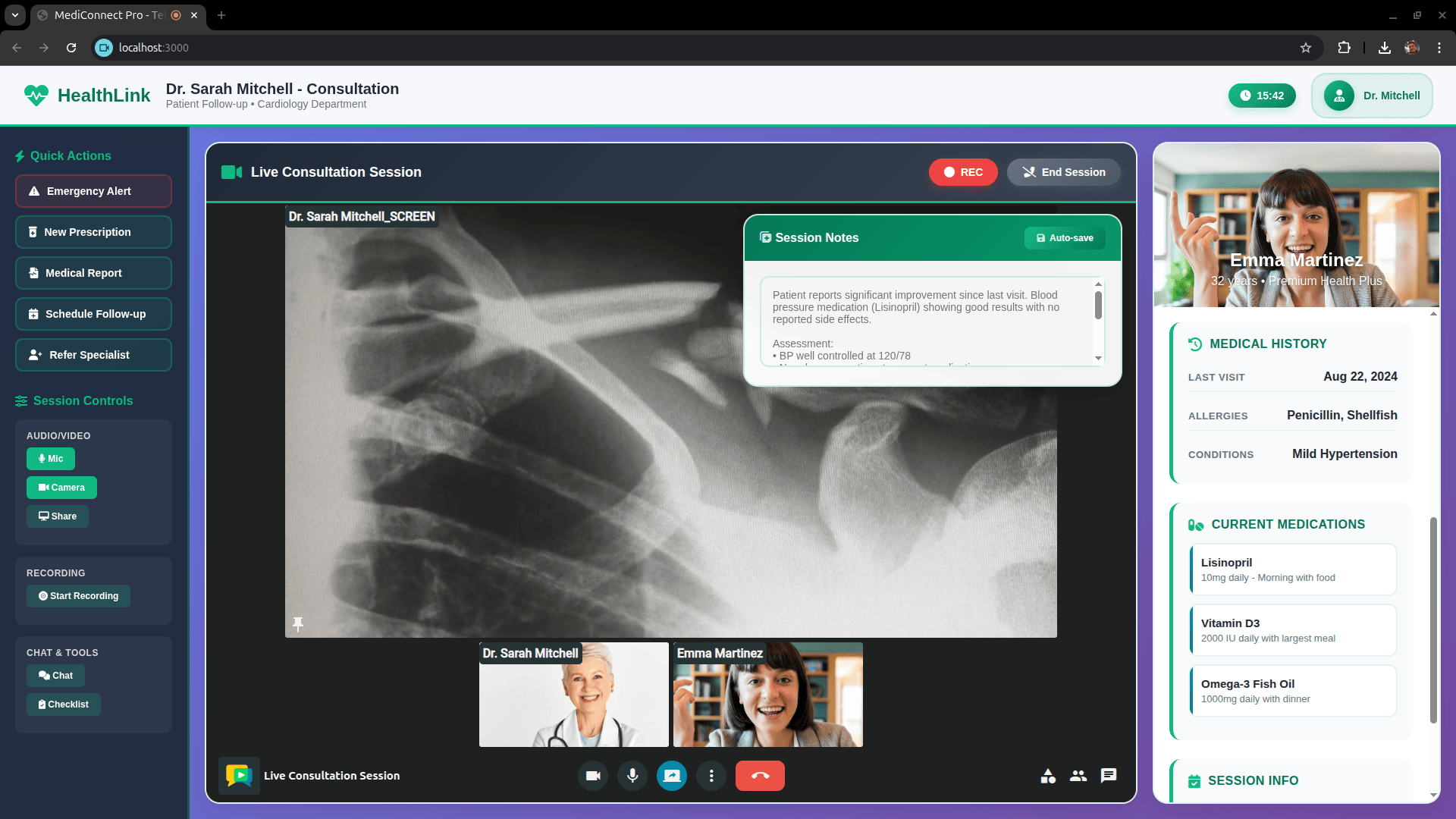
- OpenVidu Meet is the ideal solution for telehealth services. Practitioners can conduct remote consultations, share medical documents, and ensure patient privacy with end-to-end encryption.
-
Security and privacy
End-to-end encryption for audio, video, and chat. Locked rooms and administrator-controlled access. No third-party data routing.
-
Accessibility and trust
Browser-based with no installation needed. Live Captions and real-time transcriptions with specific support for medical language models coming soon.
-
Communication and clarity
Up to 4K and HiFi audio for clear communication between practitioners and patients. File sharing for medical documents and images coming soon.
Customer support
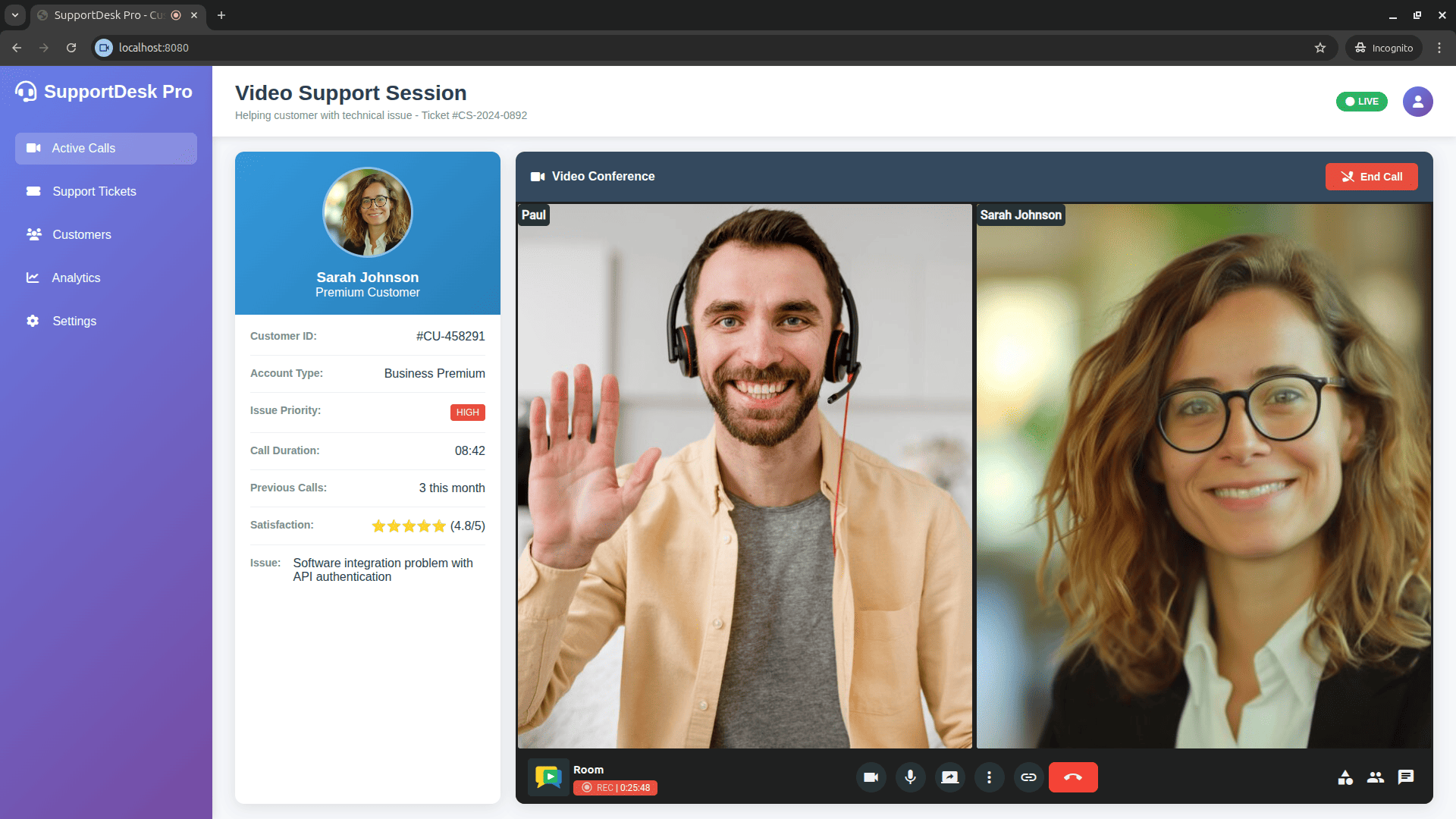
Build trust with instant, reliable support through embedded video calls that persist. Right where your clients need it.
- Connecting your remote assistance team with your customers has never been so easy. OpenVidu Meet provides all the necessary tools for effective communication and collaboration, ensuring a seamless support experience.
-
Ease of access
Simple, one-click access via web: embed support rooms directly into your platform.
-
Record assistance
Record your customer support meetings and generate transcriptions for future reference.
-
Custom branding
Customize the look and feel of your support rooms to match your brand identity.
Free open-source edition vs Commercial edition#
OpenVidu Meet is available in two editions:
OpenVidu COMMUNITY#
It is completely open-source and free to use. It includes all the features you need for your video conferencing solution. Everything listed in the Features section is available in OpenVidu Meet COMMUNITY: HD video, HiFi audio, recording, screen sharing, chat, virtual backgrounds, and more.
OpenVidu Meet COMMUNITY is perfect for production deployments with moderate user load. It can be easily deployed on your own servers, and you can customize its branding to match your organization’s identity. If necessary, upgrading to OpenVidu PRO is seamless and non-disruptive.
OpenVidu PRO#
It is OpenVidu's commercial edition and requires a license. It is meant for high demanding environments with significant user load. On top of every functional feature available in OpenVidu COMMUNITY, OpenVidu PRO brings 2x performance, advanced observability, scalability and fault tolerance features. As well as priority support from our team of experts.
OpenVidu PRO follows a simple pricing model based on the size of your deployment (number of CPU cores). Check the OpenVidu pricing page for more details.